
Automotive Diagnostic Scanner - ANCEL DS600 BT 8-Inch 4GB/64GB
158-ANCARDS600NG
Monthly payment starting from 25,19 €
Open installments calculatorMain info
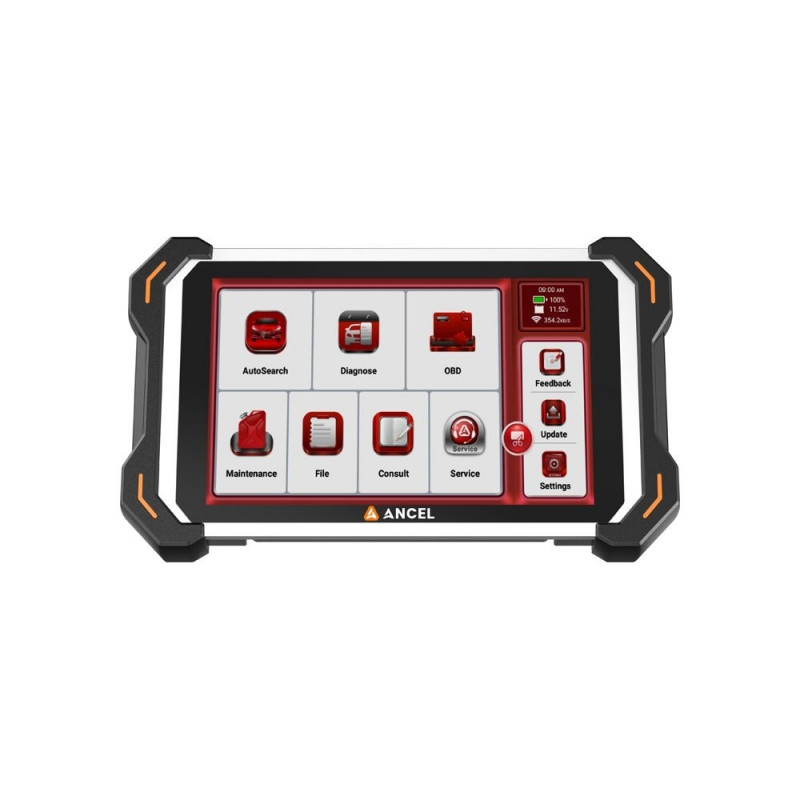
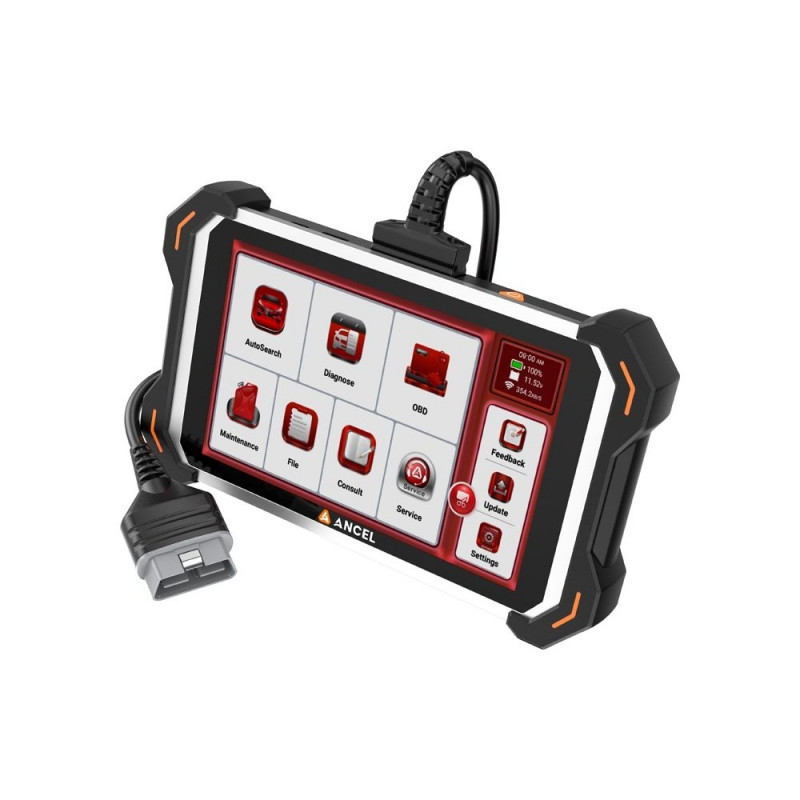
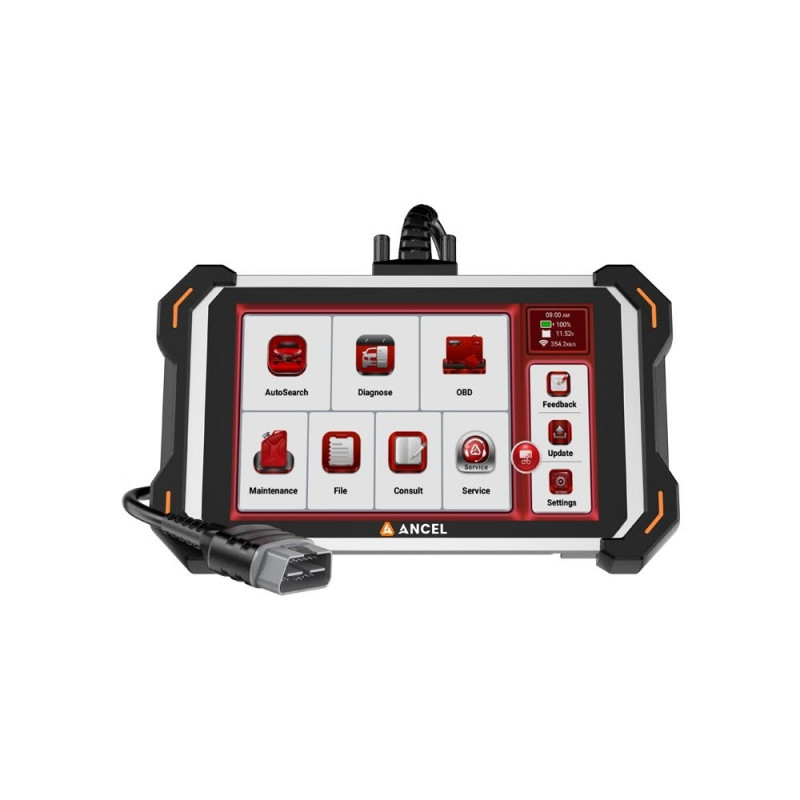
ANCEL DS600 BT is an OBD2 diagnostic scanner with an 8-inch touchscreen, Android 10.0, 4 GB RAM, and 64 GB storage. It supports full-system diagnostics, real-time data monitoring, DTC reading and clearing, actuator tests, coding, and reset functions through a wireless Bluetooth VCI.
ANCEL DS600 BT is an OBD2 diagnostic scanner with an 8-inch touchscreen, Android 10.0, 4 GB RAM, and 64 GB storage. It supports full-system diagnostics, real-time data monitoring, DTC reading and clearing, actuator tests, coding, and reset functions through a wireless Bluetooth VCI.
- Professional full-system OBD2 diagnostic scanner with an 8-inch touchscreen for clear, convenient operation.
- Wireless Bluetooth VCI enables flexible vehicle diagnostics, including trouble-code reading and clearing, live data monitoring, and actuator tests.
- Supports advanced service functions such as coding and resets, with AutoSearch for automatic VIN and vehicle identification.
- Android 10.0 with 4GB RAM and 64GB storage provides smooth performance for storing reports and accessing diagnostic information.
| Product Information | |
|---|---|
| Product Type | Automotive OBD2 diagnostic scanner |
| Brand | ANCEL |
| Model | DS600 BT |
| Diagnostic Coverage | Full-system diagnostics |
| Connection Method | Wireless Bluetooth VCI |
| Display and Hardware | |
| Display | 8-inch color touchscreen, 1280 × 800 pixels |
| Operating System | Android 10.0 |
| Battery Capacity | 4150 mAh |
| Bluetooth | Bluetooth 5.0 |
| Wi-Fi | 2.4 GHz and 5.0 GHz |
| USB-C Input | 5 V DC / 2.5 A |
| Diagnostic Functions | |
| Vehicle Identification | AutoSearch automatic VIN, make, model, and model-year recognition; manual vehicle selection also available |
| Fault-Code Functions | Reads and clears diagnostic trouble codes |
| Data Monitoring | Real-time parameter and data-stream monitoring |
| Actuator Tests | Supported |
| Coding and Resets | Supported, depending on vehicle compatibility |
| Report Storage | Saves diagnostic data, reports, data streams, and images |
| Repair Information | DTC libraries, compatible-vehicle lists, and repair instructions |
| Compatibility and Operating Conditions | |
| Supported Protocols | SAE J1850 PWM, SAE J1850 VPW, ISO 9141-2, ISO 14230-4 KWP, ISO 15765-4 CAN, CAN-FD, and DoIP |
| OBD Input | 9–18 V DC / 1.2 A |
| Supported Languages | 28 |
| Operating Temperature | 0°C to 50°C |
| Storage Temperature | −20°C to 60°C |
| Safety Information | |
| Safety Warning | Use the scanner only for vehicle diagnostics and according to the vehicle and scanner instructions. Connect the VCI only to a compatible OBD port and verify the vehicle voltage range before use. Do not operate the scanner while driving, and do not use it in wet conditions or near heat sources. Diagnostic results should be verified by a qualified technician before carrying out repairs or coding procedures. |
| Width | 250 mm |
| Height | 50 mm |
| Length | 350 mm |
| Product Weight | 800 g |
| Country | CN |
Dimensions and weights
Product codes
Photopoint offers free shipping for orders over 99 € delivered to Estonia. Take a look in the tab "Delivery" for a more precise delivery estimate.
For this product you can select the desired delivery method at the shopping cart:
Photopoint store Pick-up
Place your order from Photopoint web store and pick your goods up from one of Photopoint`s brick and mortar stores. The delivery to Photopoint store is free even for orders less than 99 €. You will be noticed by e-mail when your order is ready for pick-up.
The Photopoint stores are located in Tallinn and Tartu. See the exact locations from here.
Omniva parcel terminal
You can order the goods to one of the Omniva Parcel terminals. Choose the desired terminal at the shopping cart. As the shipment arrives to the selected terminal, you will be sent an SMS-notification with an unique code. Go to the terminal within a week, enter the code and take your package. It is as simple as that.
See Omniva Parcel terminal locations here.
SmartPOST parcel terminal
Did not find an Omniva terminal at suitable location? Try SmartPost. Choose the desired terminal at the shopping cart. As the shipment arrives to the selected terminal, you will be sent an SMS-notification with an unique code. Go to the terminal within a week, enter the code and take your package. This method actually works for all parcel terminals.
See SmartPOST parcel terminal locations here.
DPD parcel locker
Make sure you check out also the locations of DPD parcel lockers. These are located all over Estonia. The delivery is the same. As the shipment arrives to the selected locker, you will be sent an SMS with a unique code. Go to the locker, enter the code and take your package.
See DPD parcel locker locations here.
Smartpost Finland parcel terminal
SmartPOST Finland is the best way to order goods to Finland. These terminals work the same way as in Estonia. As the shipment arrives to the selected terminal in Finland, you will be sent an SMS-notification with an unique code. Go to the terminal, enter the code and take your package.
See SmartPOST Finland parcel terminal locations here.
Matkahuolto parcel service
Matkahuolto is easy way to order goods to Finland. These are located also in smaller Finnish towns. As the shipment arrives to the selected Matkahuolto outlet, you will be sent an SMS-notification or an e-mail. Go to the outlet, show your ID and take your package.
See Matkahuolto outlet locations here.
Omniva courier delivery
The courier will transport your goods from Photopoint straight to the provided address. The delivery will take place at workdays from 08:00 to 17:00. Hold your phone near you as the courier will call you prior to its arrival. Please make sure there is someone at the destination, eligible to receive the shipment.
The product can only be ordered from our online store and it takes from 7-10 working days for delivery within Estonia.