Datacolor Spyder | Display Calibration

165,99 €

Monthly payment starting from 5,66 €

Open installments calculator

Photopoint hire purchase calculator

Please add some items to your shopping cart and choose "hire purchase" for the payment type

Main info

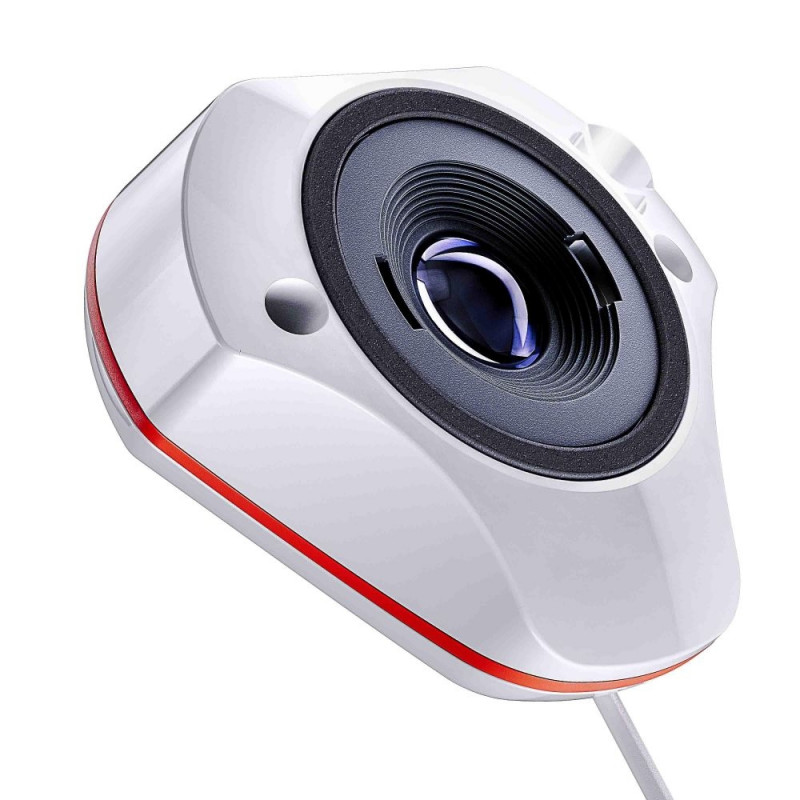
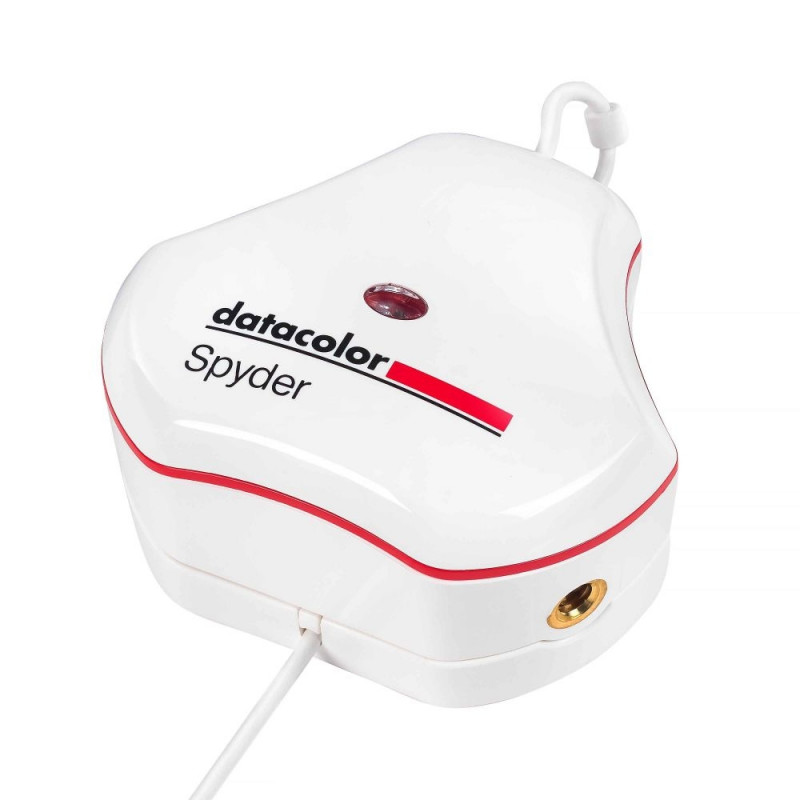
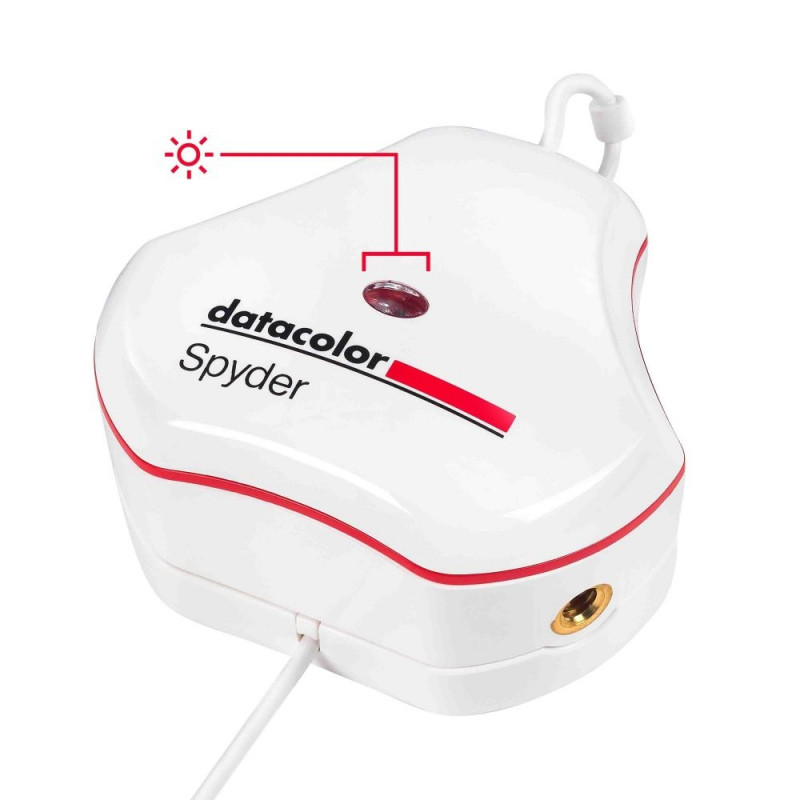
Datacolor Spyder, essential monitor color calibration. Digital creatives want to feel confident that the images they capture, create, edit and view on their monitors will be portrayed as accurately as possible. Manually calibrating a monitor (laptop/desktop) is the first essential step in making this happen. It ensures a color-accurate starting point for editing, allowing users to express their creative vision and share their work, digitally and in print, as accurately as possible for an authentic connection to their audience.
Color Confidence That’s Fast & Easy
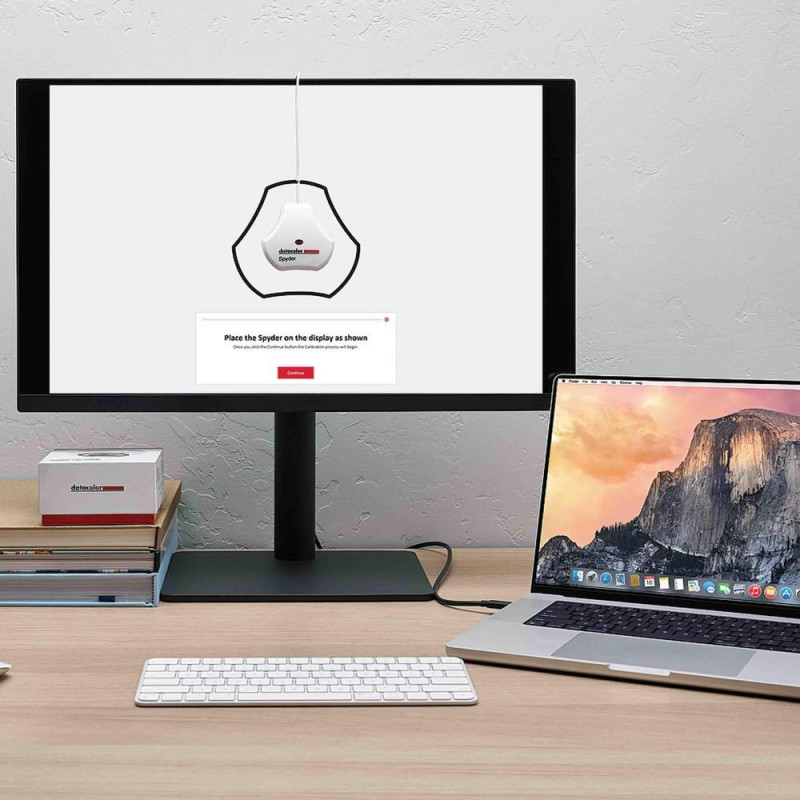
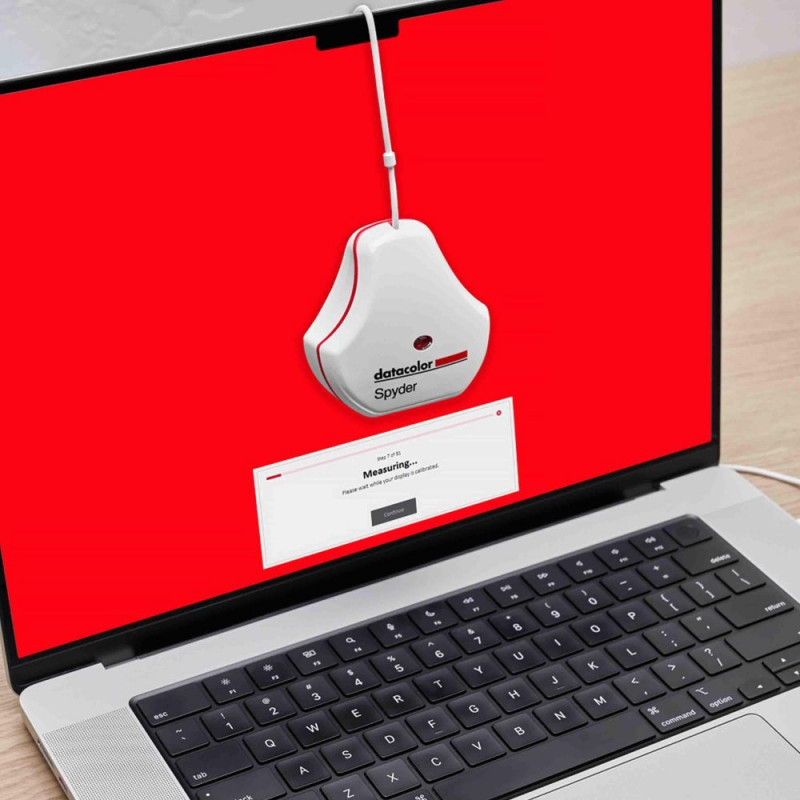
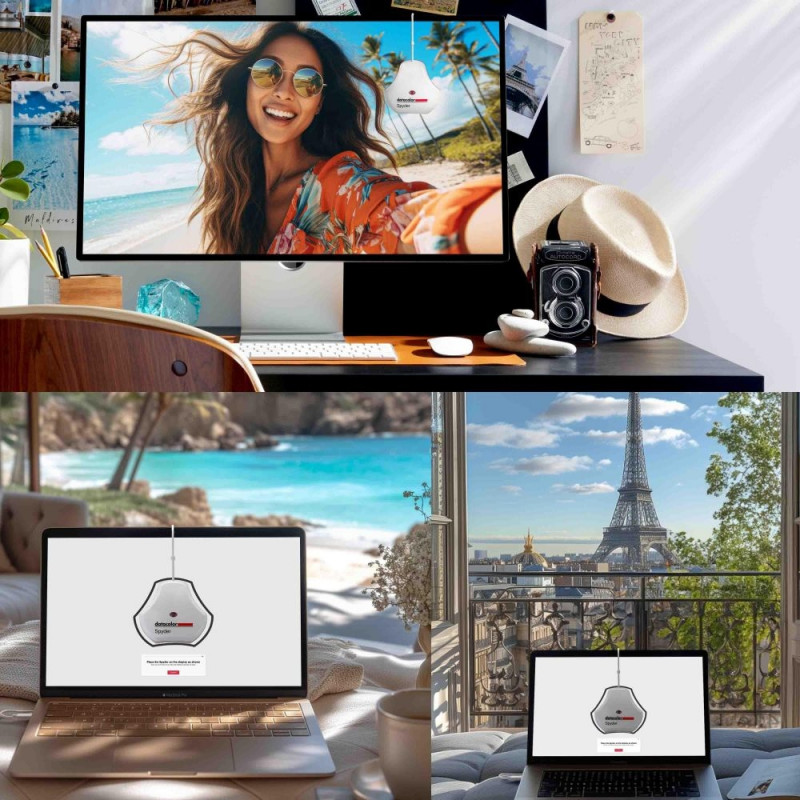
Spyder lets you easily calibrate your monitor in only about 90 seconds, so you can be confident that you’re beginning your editing from an accurate color starting point, saving you valuable time and effort in your editing workflow. The result? True-to-life color and fine detail capture.
Professional Results for Every Experience Level
Intuitive software and one-click calibration ensures ease of use and professional results for even the most novice user while customizable calibration settings allow experienced professionals creative flexibility.
Calibration for Today’s Digital Workflows
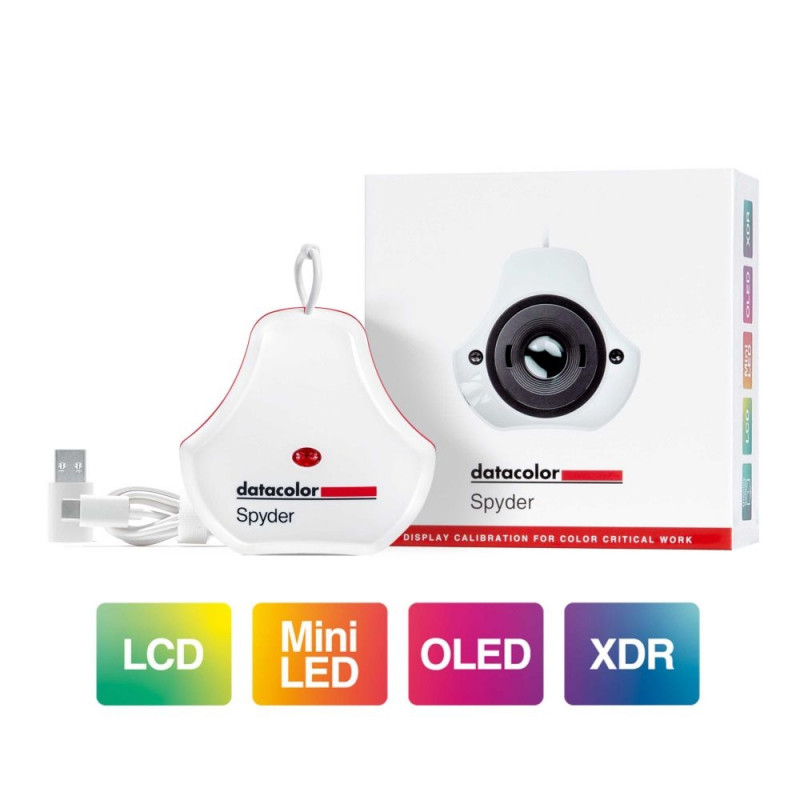
Spyder now calibrates an even wider range of laptop/desktop displays, including the latest technologies like OLED, mini-LED, and Apple Liquid Retina XDR, so users can optimize the color richness, deep shadows, nuanced highlights and enhanced details these monitors make available. Spyder calibrates Wide and Standard LED gamuts as well.
Color "Surprises" Are a Thing of the Past!
With Datacolor’s exclusive Device PreviewTM Beta feature, you’ll be able to simulate what your photos can look like on other devices on your own calibrated screen without uploading them to other devices for preview. Device PreviewTM Beta also allows you to soft proof your image in print so you can view how your image will appear on paper.
Adapt to Shifts in Light
Automatic Room Light Switching measures and tracks the lighting around you to make sure your current display profile is the one best suited for your environment. Not every task requires controlled lighting so allowing Spyder to adapt the calibration to your room lighting will ensure your monitor profile is optimal. During a Room Light Calibration, multiple profiles are created for different room lighting levels.
Use CheckCal for Confidence
CheckCal is Datacolor’s answer to the question, "Is my calibration still valid?" CheckCal performs a short test on your monitor to verify your calibration is up to date.
Keep Connected
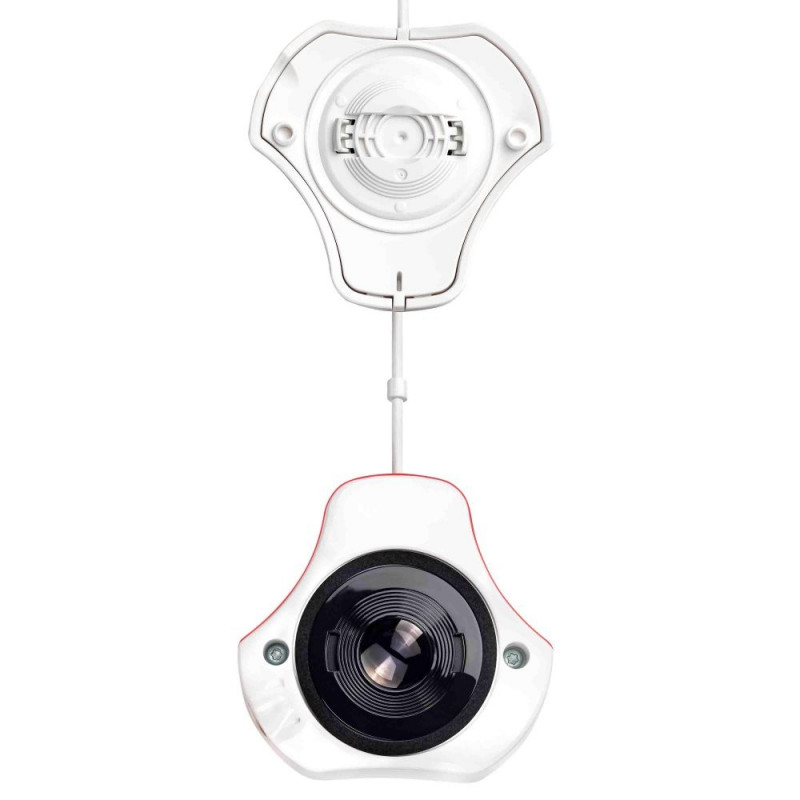
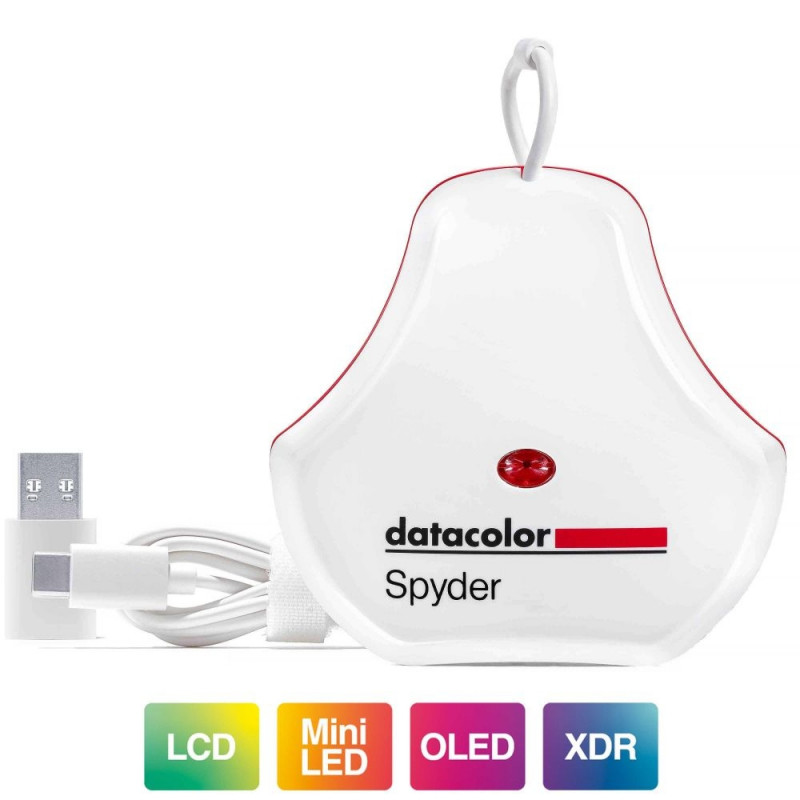
Native USB-C connection comes standard with the Spyder,

Although monitors and displays may come factory-calibrated, it’s important for users to calibrate their monitor to support their own particular workflow as well as to ensure it maintains accurate color over time. Users should calibrate their monitors every two weeks, before color-critical work, or whenever there’s a change in lighting conditions or locations. Calibration only takes about 90 seconds with the Datacolor Spyder, for users to have an accurate view into their digital world, maximizing the color performance and accuracy of their monitor for their specific workflow.
Even a trained eye can’t be relied upon for accurate color adjustment of a monitor. Our eyes and brains are designed to compensate for light and color, while the Spyder offers an unbiased assessment of monitor color accuracy. An accurate monitor allows the user to truly see their image file and edit with intention.
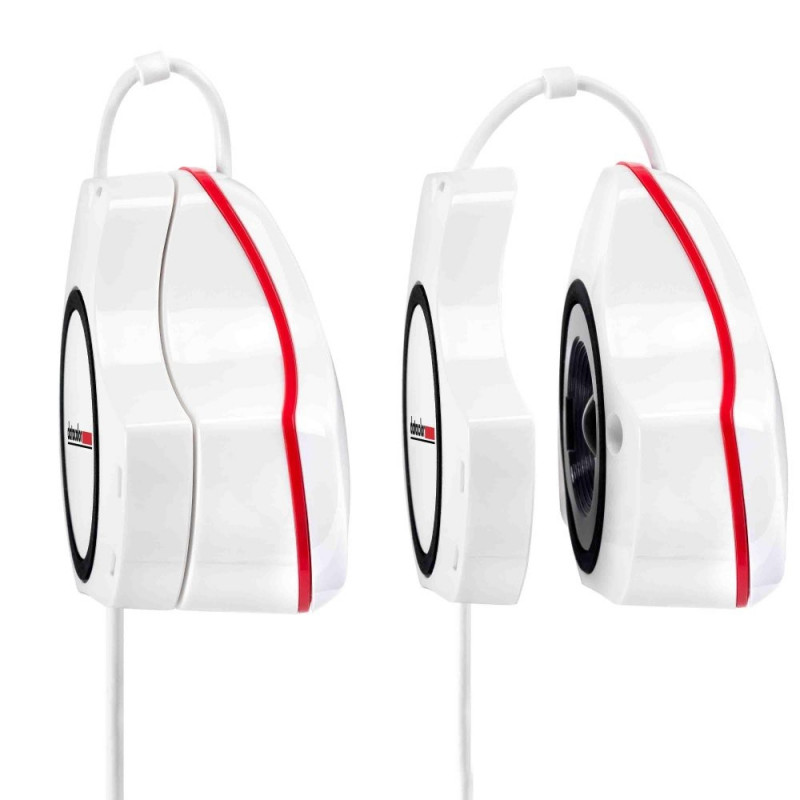
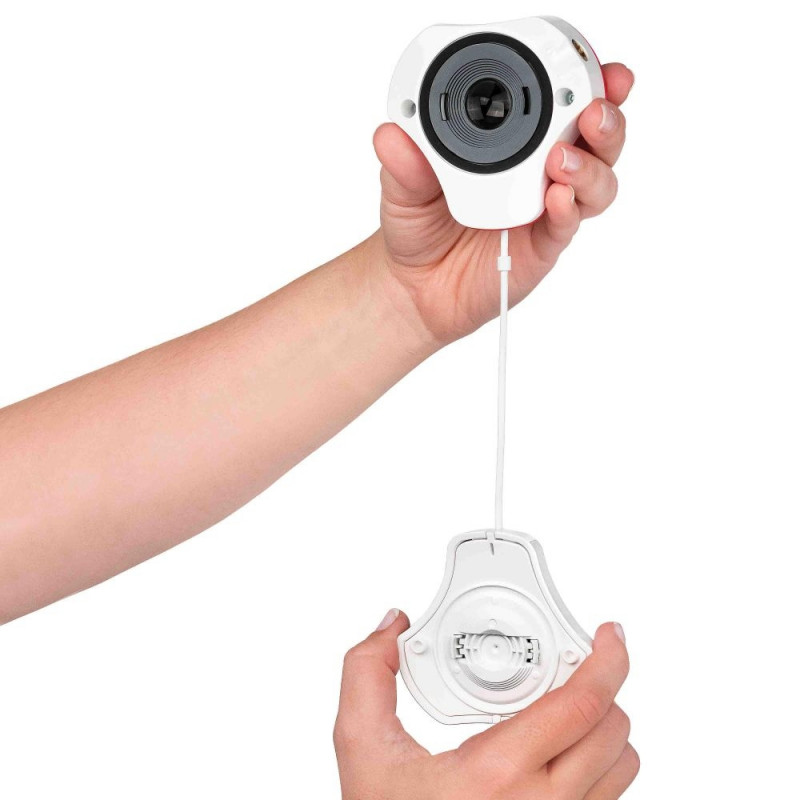
Portable, rugged, Spyder lets users streamline their workflow for photo, content creation, and digital design, in-studio or on-the go. And now, Spyder can calibrate a wide range of monitors, including Wide and Standard gamut LED, plus the latest technologies like OLED, mini-LED, and Apple Liquid Retina XDR, optimizing the color richness, deep shadows, nuanced highlights and enhanced details these monitors make available.
Datacolor’s exclusive Device PreviewTM Beta feature gives users an impression of how their photographic images can look on other devices without needing to use the actual devices. Displays, printers and devices have different capabilities when it comes to the range of color they can represent (color gamut). This can result in color distortion or poor reproduction when the same image is viewed across multiple devices. Device PreviewTM Beta lets users see an approximation of their photo for mobile devices by simply selecting one of the profile options listed for the latest phones and tablets. Users can also use this feature to softproof/preview how their prints will look for a specific printer model, paper and ink, and print service provider by using an ICC printer profile.
Intuitive software and one-click-calibration presets quickly and easily guide novices so they can achieve professional results. Experienced professionals can take advantage of customizable calibration settings to master color like never before.
What’s Included
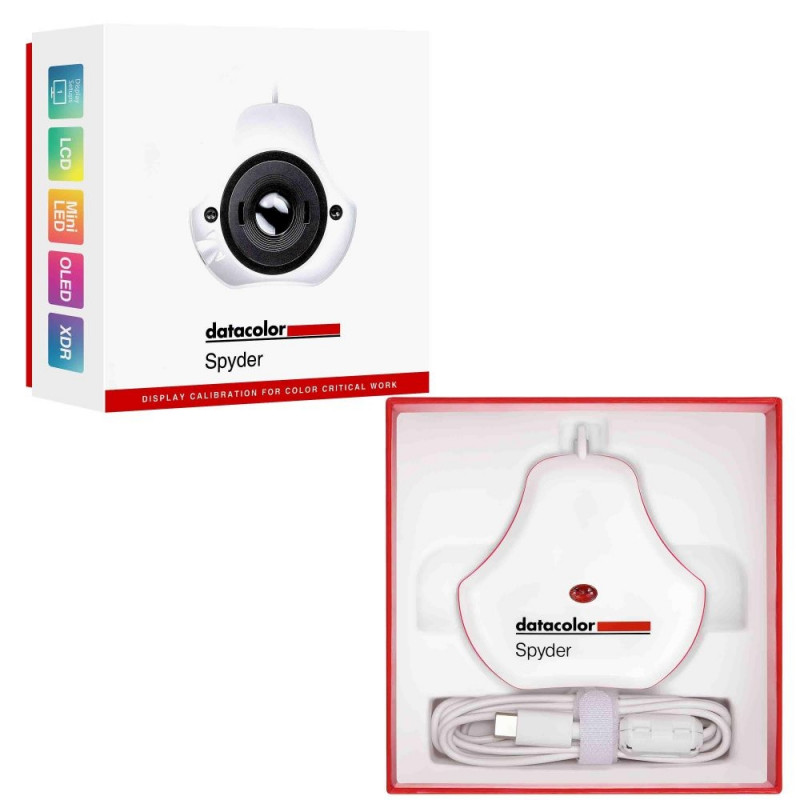
Spyder Sensor
Serial Number
Welcome Card with link to software and support resources
USB-A Adapter

System Requirements
Win 10 32/64, Win 11
Mac OS X 10.14 – macOS 14
Monitor resolution 1280x768 or greater, 16-bit video card (24-bit recommended), 1GB of available RAM, 500MB of available hard disk
Internet connection for software download and activation

Size
Dimensions: 7.62 (L) x 7.62 (W) x 4.45 (H) - centimeters
Weight: 142 g

Comparison Chart
Spyder Spyder Pro
USB Connection USB-C (Includes USB-A Adapter) USB-C (Includes USB-A Adapter)
Max Luminance ~750 cd/m2 2000 cd/m2
Backlight Types 6 7
Backlight Listed Wide-LED Wide-LED
Standard LED Standard LED
General (Wide and standard CCFL) General (Wide and standard CCFL)
GB LED GB LED
High Brightness
OLED (New 2024) OLED (New 2024)
Mini-LED (New 2024) Mini-LED (New 2024)
High Brightness Calibration No Yes
Projector Calibration No Yes
Gamma Curve Settings 5 (New 2024) Unlimited
Whitepoint Settings 5 Unlimited
Brightness Settings QTY 11 (New 2024) Unlimited
Brightness Settings 60 Unlimited
80
90
100
120
140
160
180
250
Do not adjust
Room-Light Adjustment
Custom Presets / Calibration Targets -
Ambient Light Measurement
Room Light Adjustment
Display Analysis / MQA
Number of Displays Supported Intended for 1, can calibrate multiple connected displays Unlimited
Full Screen Calibration comparison (SpyderProof)
Device Preview Beta/Softproofing (Device and Printer Simulation) (New 2024) (New 2024)
Multiple Profile Comparison -
Detailed Calibration Information N/A


Datacolor has an American heart, a Swiss soul and an international vision. Datacolor color management solutions are created and supported by passionate employees and certified to multiple industry standards. The mission is to empower customers to make objective, cost-effective and smart color decisions that perfectly suit individual workflows. Over a million customers working in Textile & Apparel, Paint & Coatings, Plastics, Photography, Design and many other industries trust Dat

Extended warranties and insurance:

  • Additional warranty (2 years) - 29,99 €
  • Additional warranty + insurance (2 + 1 year) - 39,99 €
  • Insurance (1 year) - 29,99 €
  • Insurance (2 years) - 49,99 €

Choose a suitable extended warranty and insurance in checkout..


Product codes

EAN
875720002579
Manufacturer code
SP2024

Photopoint offers free shipping for orders over 99 € delivered to Estonia. Take a look in the tab "Delivery" for a more precise delivery estimate.

For this product you can select the desired delivery method at the shopping cart:

Photopoint store Pick-up


Place your order from Photopoint web store and pick your goods up from one of Photopoint`s brick and mortar stores. The delivery to Photopoint store is free even for orders less than 99 €. You will be noticed by e-mail when your order is ready for pick-up.

The Photopoint stores are located in Tallinn and Tartu. See the exact locations from here.

Omniva parcel terminal 

You can order the goods to one of the Omniva Parcel terminals. Choose the desired terminal at the shopping cart. As the shipment arrives to the selected terminal, you will be sent an SMS-notification with an unique code. Go to the terminal within a week, enter the code and take your package. It is as simple as that.

See Omniva Parcel terminal locations here.

SmartPOST parcel terminal

Did not find an Omniva terminal at suitable location? Try SmartPost. Choose the desired terminal at the shopping cart. As the shipment arrives to the selected terminal, you will be sent an SMS-notification with an unique code. Go to the terminal within a week, enter the code and take your package. This method actually works for all parcel terminals.

See SmartPOST parcel terminal locations here.

DPD parcel locker

Make sure you check out also the locations of DPD parcel lockers. These are located all over Estonia. The delivery is the same. As the shipment arrives to the selected locker, you will be sent an SMS with a unique code. Go to the locker, enter the code and take your package.

See DPD parcel locker locations here.

Smartpost Finland parcel terminal

SmartPOST Finland is the best way to order goods to Finland. These terminals work the same way as in Estonia. As the shipment arrives to the selected terminal in Finland, you will be sent an SMS-notification with an unique code. Go to the terminal, enter the code and take your package.

See SmartPOST Finland parcel terminal locations here.

Matkahuolto parcel service

Matkahuolto is easy way to order goods to Finland. These are located also in smaller Finnish towns. As the shipment arrives to the selected Matkahuolto outlet, you will be sent an SMS-notification or an e-mail. Go to the outlet, show your ID and take your package.

See Matkahuolto outlet locations here.

Omniva courier delivery

The courier will transport your goods from Photopoint straight to the provided address. The delivery will take place at workdays from 08:00 to 17:00. Hold your phone near you as the courier will call you prior to its arrival. Please make sure there is someone at the destination, eligible to receive the shipment. 

The product can only be ordered from our online store and it takes from 7-10 working days for delivery within Estonia.

Product comparison

Close