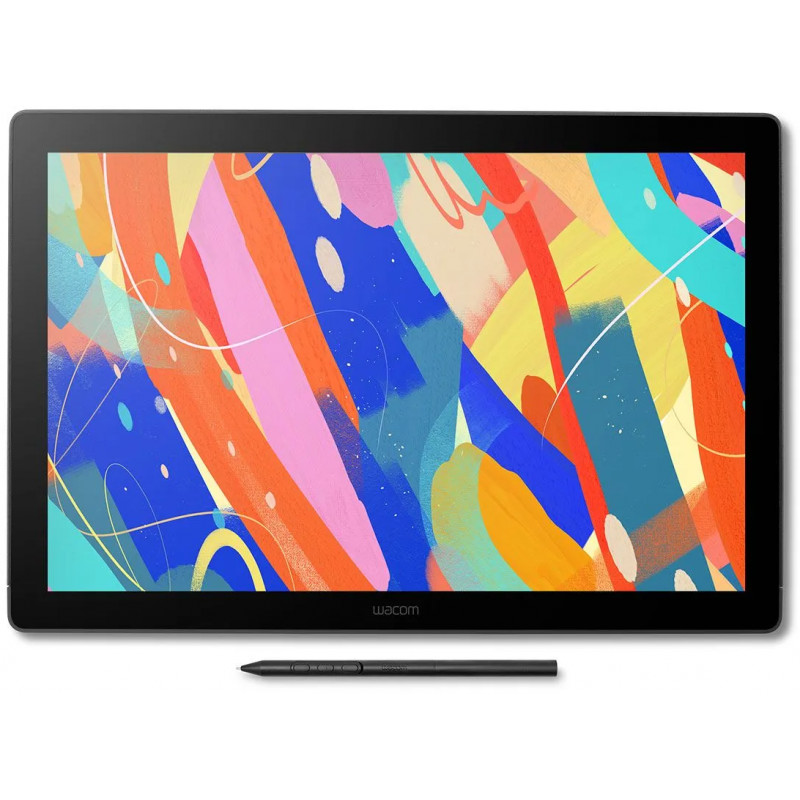
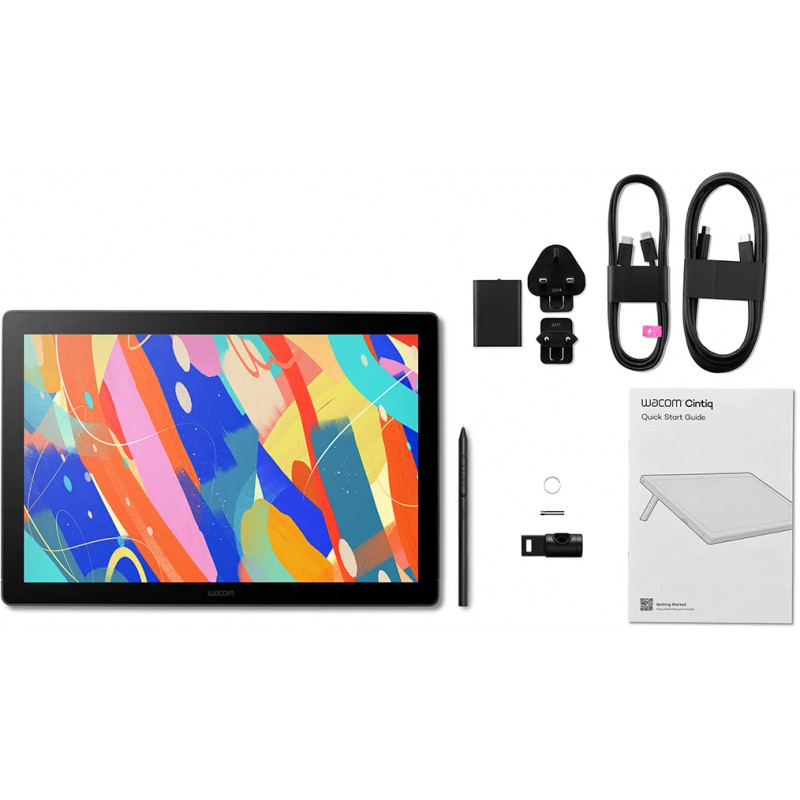
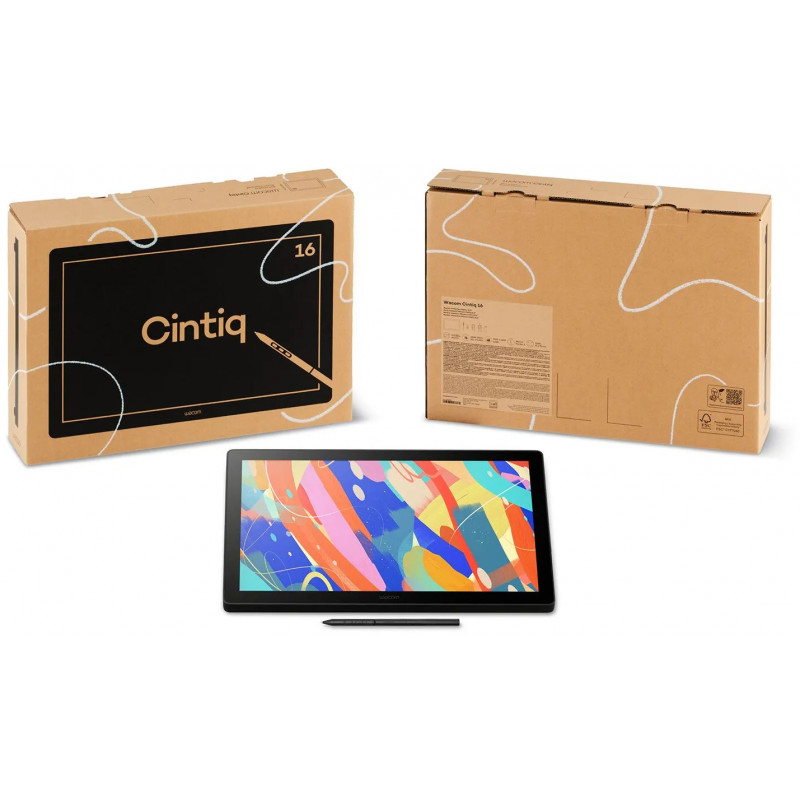
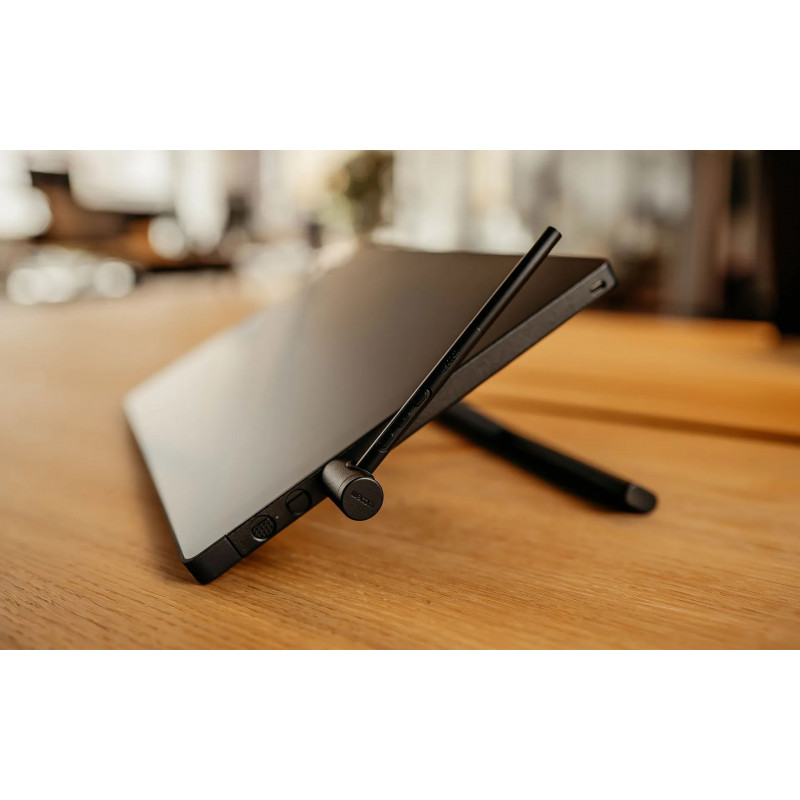
Designed for creators who need professional-grade tools in a compact form, the Wacom Cintiq 16 delivers everything you need to bring your ideas to life. With a 16-inch display and an active area of 345 × 215 mm, the Wacom Cintiq 16 offers a streamlined workspace ideal for desks with limited space.
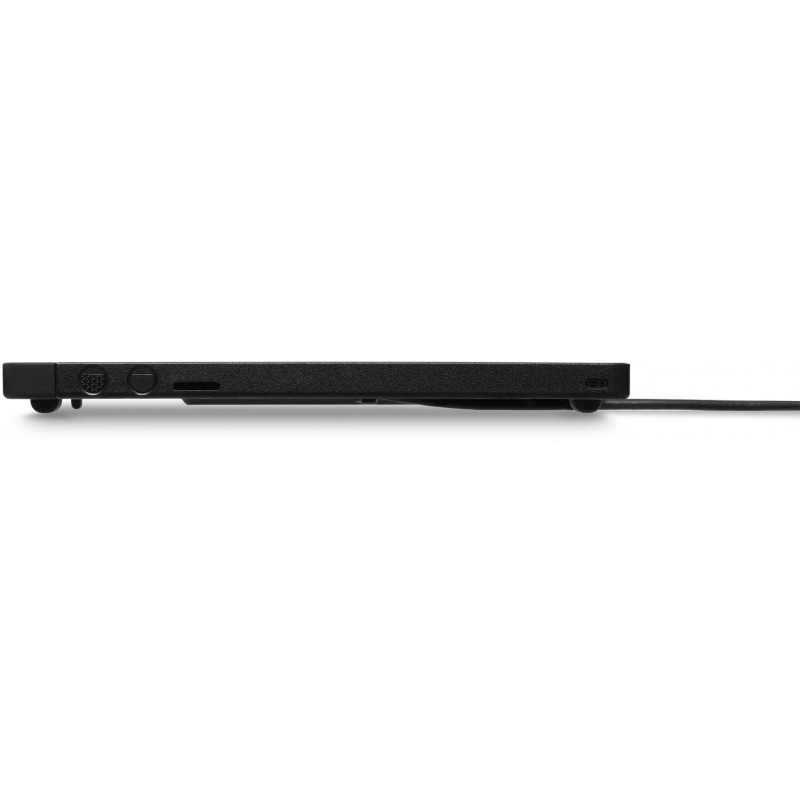
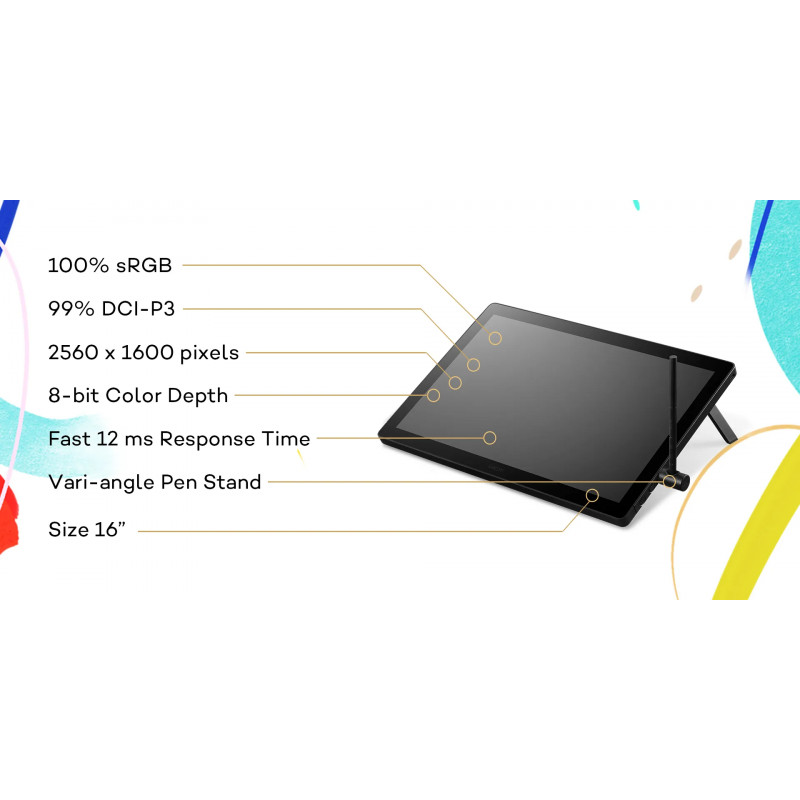
At only 15 mm thin and 2.0 kg, it’s the most space-efficient model in the lineup - perfect for clean, minimal setups without compromising performance. The 2.5K resolution screen with anti-glare coating delivers a natural drawing feel, just like pen on paper. Equipped with the Wacom Pro Pen 3, customizable for comfort and precision, and an integrated stand for flexible positioning, the Wacom Cintiq 16 offers an ergonomic, efficient setup wherever you create. Wacom Cintiq is the cornerstone to build your career on - trusted by pros, ready for you.
- Trusted by creatives worldwide for reliable pen display performance
- Sharp 2.5K resolution, anti-glare glass, and rich color accuracy
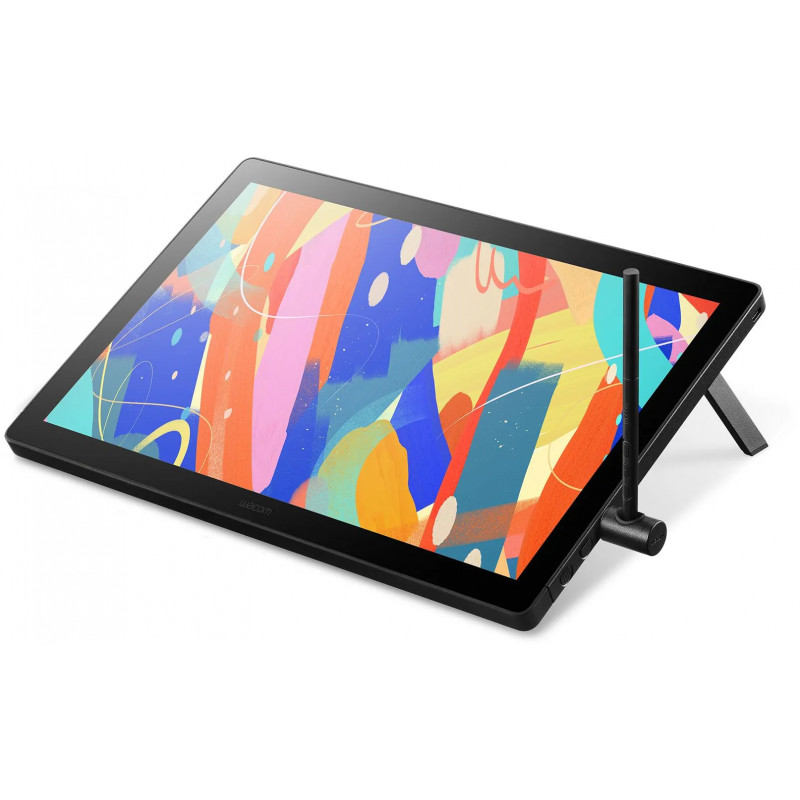
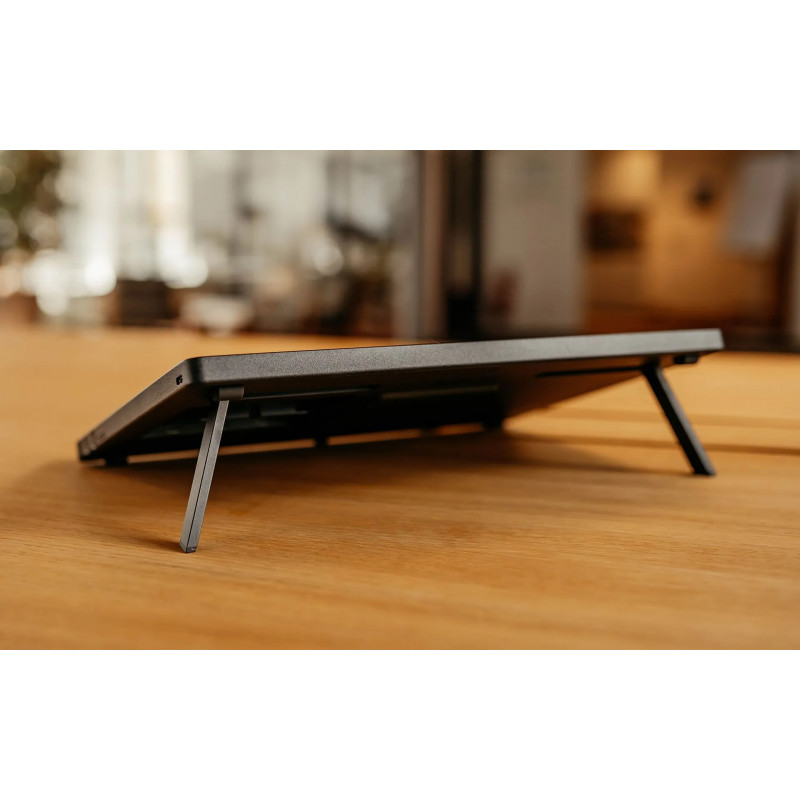
- Sleek, space-saving design with built-in 20° foldable feet
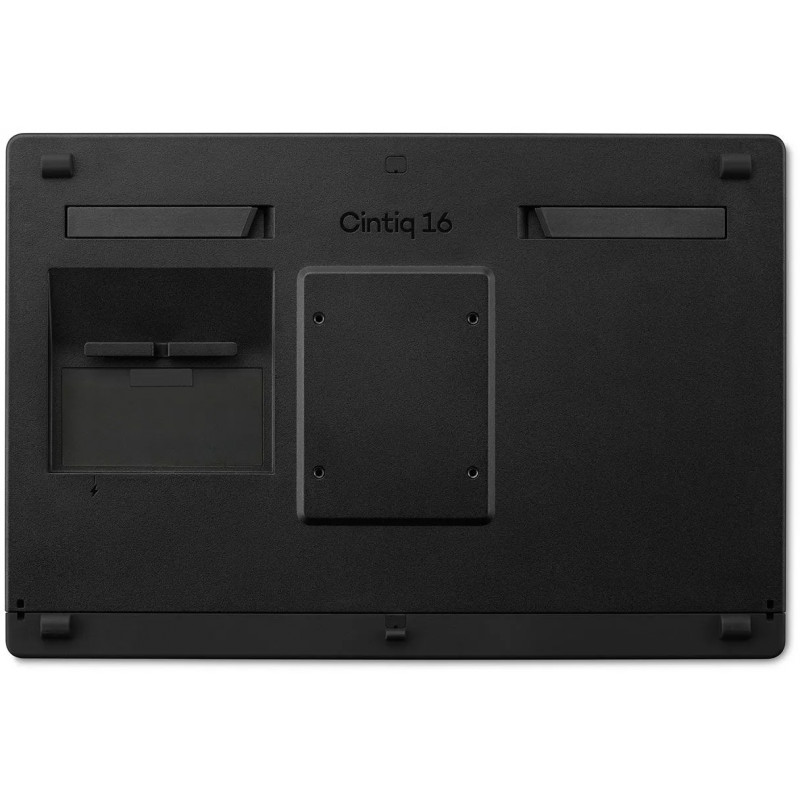
- Compatible with VESA mounts and optional stand
- Wacom Pro Pen 3: our latest pen technology
- Clean cable management with USB-C Power Delivery
- Fanless, quiet, and cool for long creative sessions
Designed to Fit, Built to ImpressThe Wacom Cintiq 16 packs a high-resolution 2.5K display—1.8× sharper than Full HD—into a slim, space-saving form. Perfect for smaller desks or mobile setups without compromising visual quality.
Built-In Comfort, Designed for YouBuilt-in foldable feet provide a steady 20° working angle right out of the box. For added ergonomic flexibility, the optional Wacom Adjustable Stand lets you fine-tune the angle silently and smoothly—so you can work in comfort, your way.
Plug In. Power Up. Create More.Designed for modern and flexible workspaces, the Wacom Cintiq 16 supports a streamlined USB-C single-cable connection*—ideal for clean setups with minimal clutter. For added compatibility, it also supports an HDMI** + USB-A connection using optional cables. Just plug in the way that works for you and start creating with ease.
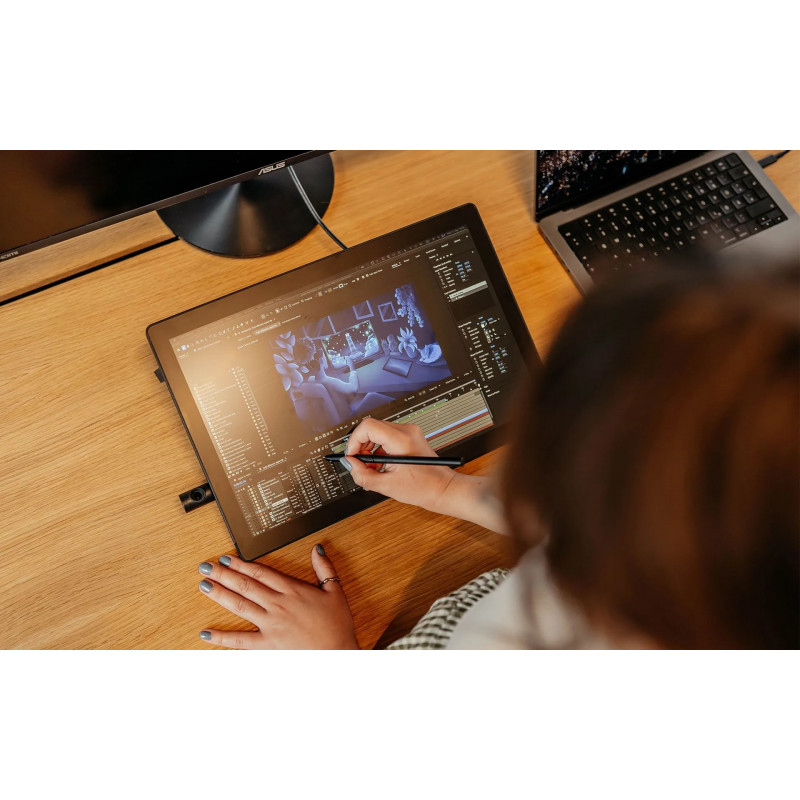
*Requires computer with DisplayPort Alt Mode and USB Power Delivery.**Requires HDMI to mini HDMI cable and USB-C to USB-A cable (sold separately).Seamless Integration with Industry ToolsThe new Wacom Cintiq fits effortlessly into professional creative pipelines across pre-production, where compact tools need to deliver big results. Ideal for concept art, character design, visual development, and storyboarding, it supports industry-standard software like Adobe Photoshop, Clip Studio Paint, and Storyboard Pro. With full compatibility across Windows, macOS and Android, it's made to support professional pipelines—even in smaller spaces.
Stability Meets Flexibility – Now Built InDesigned for compact spaces and streamlined setups, the Wacom Cintiq 16 features integrated foldable feet that provide a comfortable 20° working angle—perfect for sketching, editing, or illustrating. Its slim, stable design supports long creative sessions, while keeping your desk clutter-free and focused on your work.
Need more customization? The display is also compatible with the optional Wacom Adjustable Stand, sold separately and is VESA-compatible (75 × 75 mm), making it easy to pair with a wide range of monitor arms or stands as your setup grows.
Precision Evolved: The Wacom Pro Pen 3The Wacom Pro Pen 3 comes standard with your Wacom Cintiq, offering a refined, responsive drawing experience. Powered by Wacom’s evolved pen technology, it delivers precise pressure sensitivity and a natural feel for effortless control and accuracy. The included pen features a slim barrel, interchangeable nibs, and a 3-button side switch.
- 8,192 levels of pressure sensitivity, 3 side switches
- State of the Art Pen Technology: 3rd generation Wacom Pen technology
- The Pro Pen 3 can be further customized with accessories such as varied-texture nibs, adjustable weights, swappable grips, and different button configurations (sold separately).
- Tilt recognition: Improved tilt+/-60 degrees
- Super Responsive: The Pro Pen 3 senses every nuance and every change, so even the lightest of touches will appear on the screen
Optimized for Corporate EnvironmentsEmpower your teams with advanced creative tools—without exceeding your budget. The new Wacom Cintiq offers upgraded features like 2.5K resolution, customizable Pro Pen 3, and enhanced ergonomics at the same price level as previous models. Ideal for corporate design teams, educational institutions, healthcare communication, and public sector organizations seeking professional-grade tools with cost efficiency.
Built for Long-Term ValueEngineered for reliability in high-usage environments, the new Cintiq features a fanless, durable design that minimizes maintenance and extends device lifespan. This ensures reduced downtime, consistent performance, and a lower total cost of ownership—perfect for organizations managing multiple devices across departments.
Bonus Software Included
- MASV: A faster way for creatives to send massive, time-critical files 3 month license (or 250GB)
- ClipStudio Paint Ex 3-month license + additional 3-months can be activated on Windows and Mac by registering with Clip Studio (Celsys)