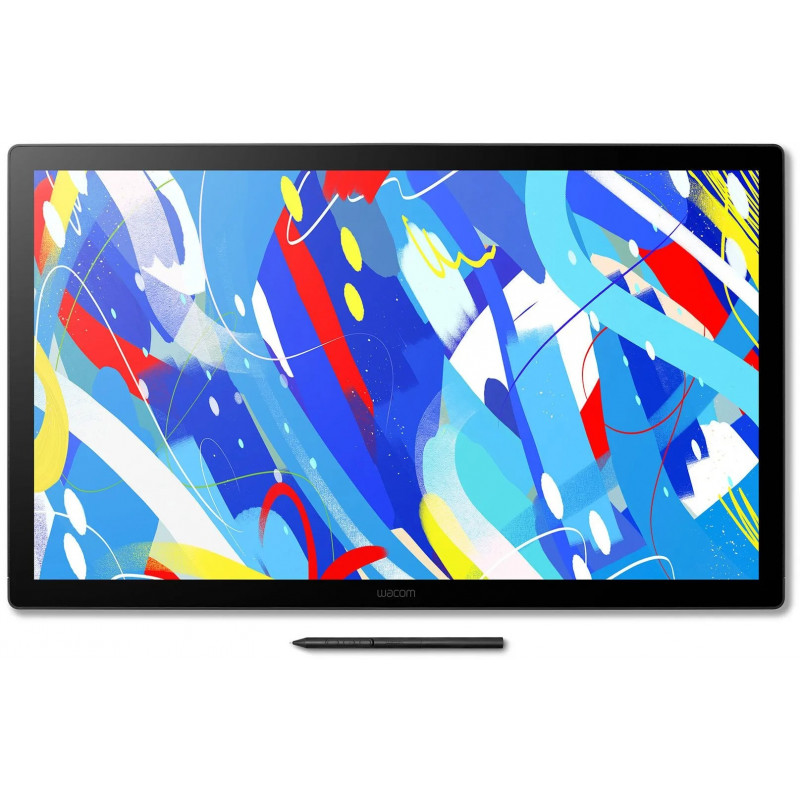
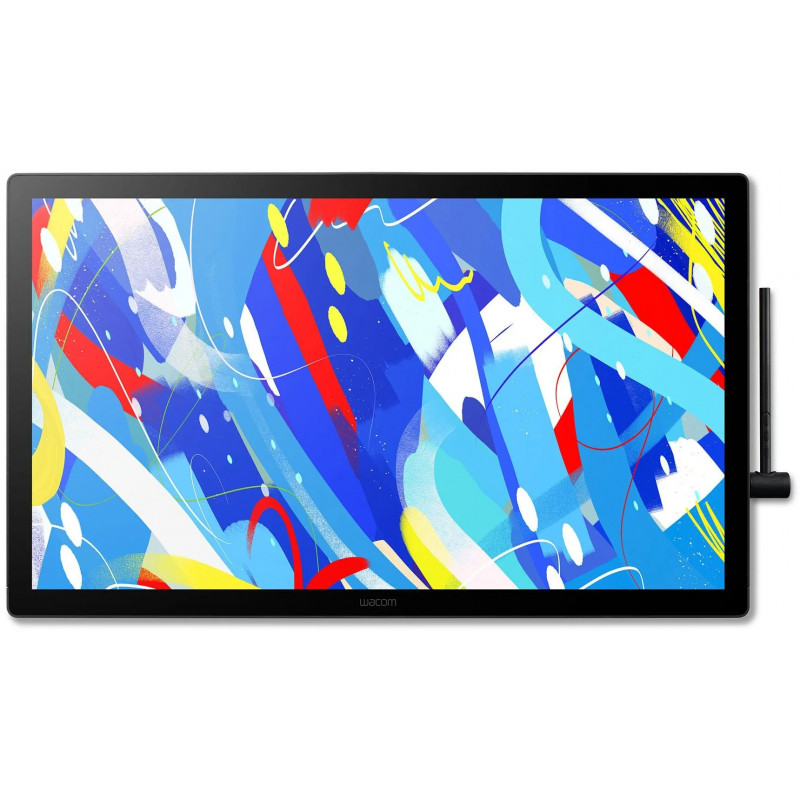
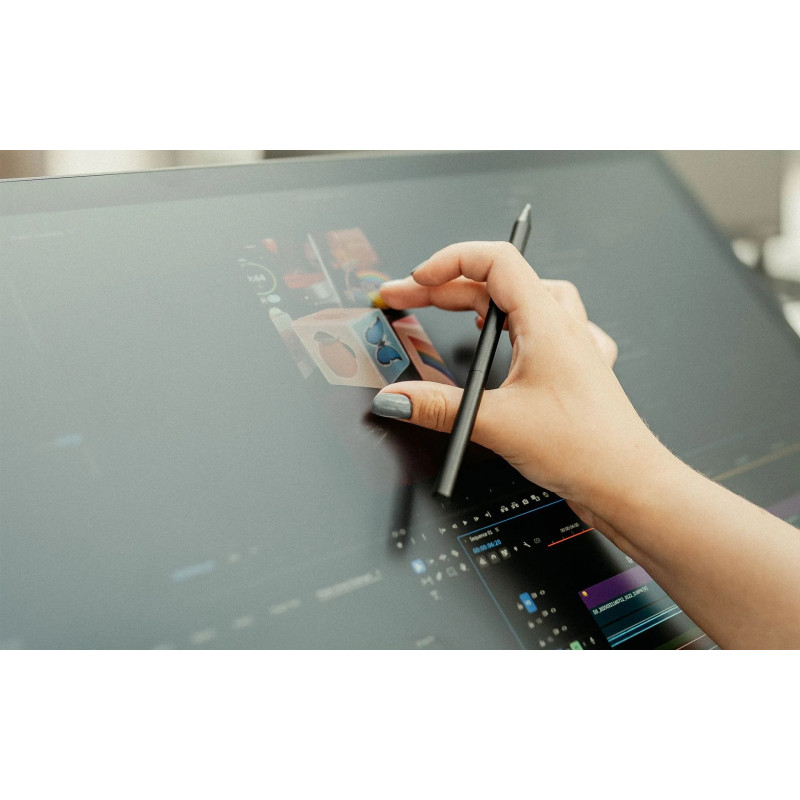
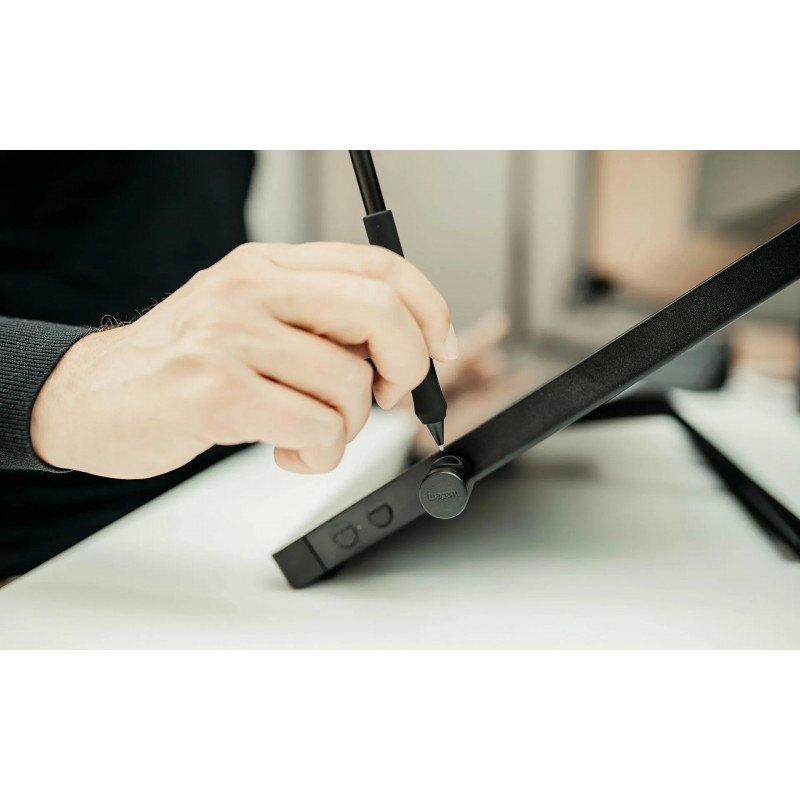
Built for creators who thrive on direct, tactile interaction, the Wacom Cintiq 24 Touch adds intuitive multi-touch control to an already powerful creative tool. Like the standard version, the Wacom Cintiq 24 Touch features a 23.8-inch display with a spacious 527 x 296 mm active area and a slim 21 mm profile. Weighing 5.9 kg with the stand, it’s optimized for studio setups requiring both stability and interactivity. The addition of multi-touch support lets you zoom, rotate, and navigate with your fingers—seamlessly blending pen precision with intuitive gestures. Paired with the Wacom Pro Pen 3, a 2.5K anti-glare display, and adjustable ergonomics, the Wacom Cintiq 24 Touch delivers a fully immersive, hands-on creative experience. Wacom Cintiq is the cornerstone to build your career on - trusted by pros, ready for you.
- Trusted by creatives worldwide for reliable pen display performance
- Combines precision and gesture control in one device
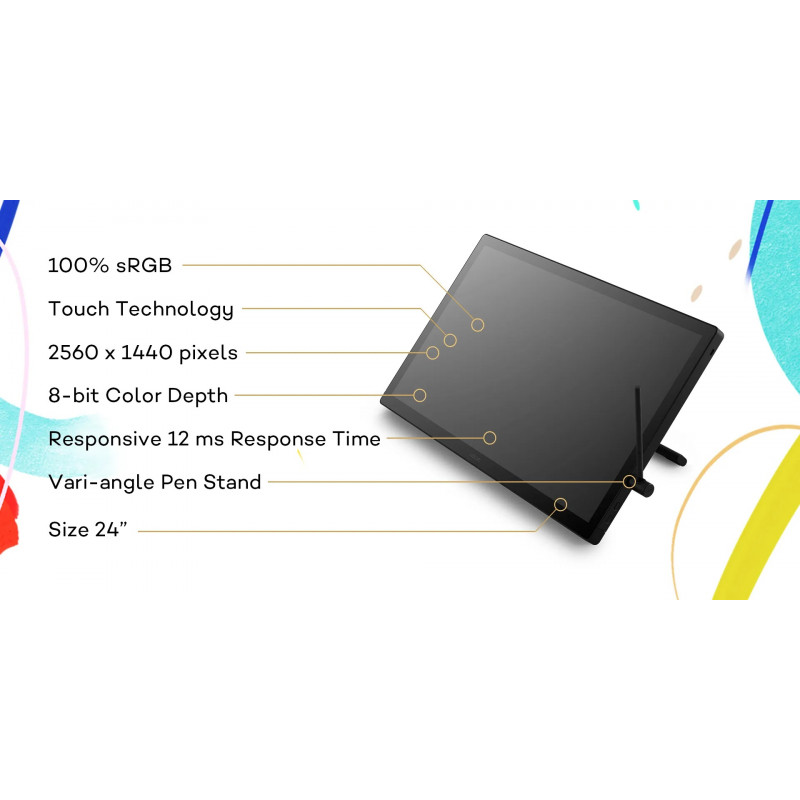
- Spacious 23.8" 2.5K display with 10-finger multi-touch capability
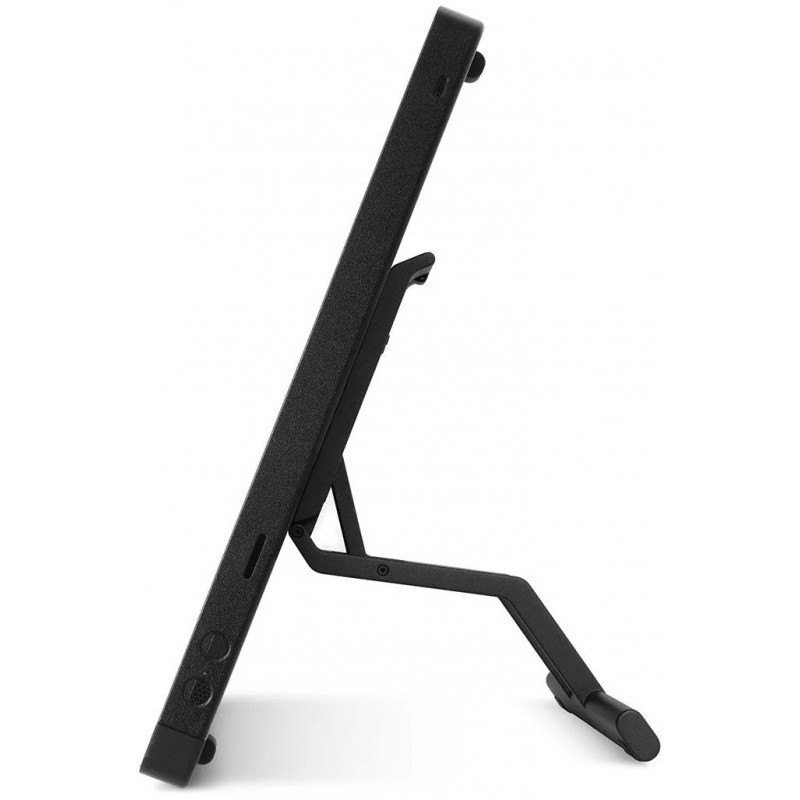
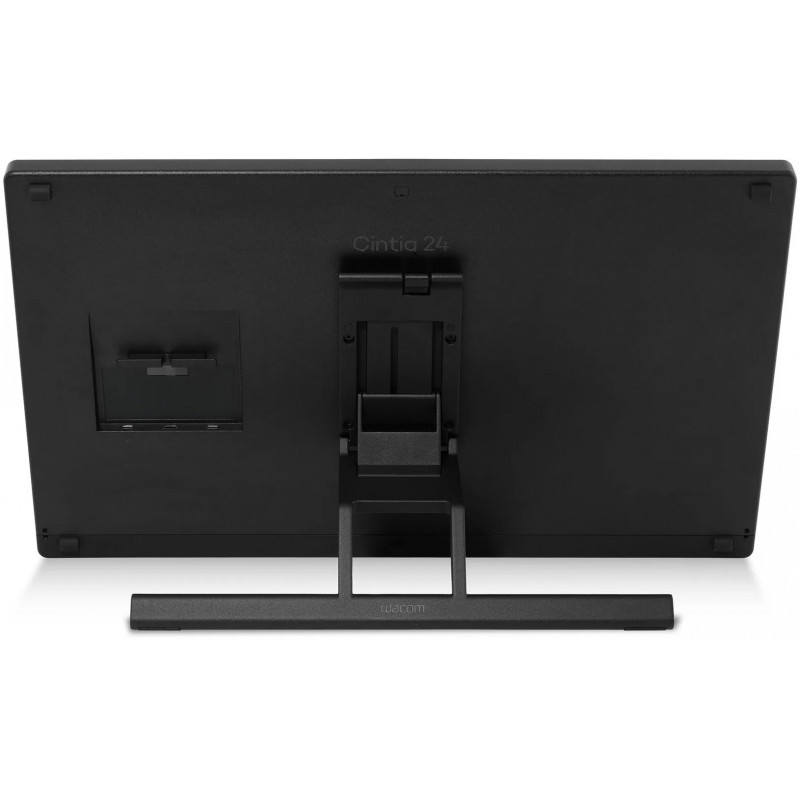
- Includes adjustable stand (16°–69°) for ergonomic comfort
- VESA-compatible for flexible studio setups
- Wacom Pro Pen 3: our latest pen technology
- Clean workspace with smart cable routing
- Cool, fanless design for uninterrupted creativity
Designed to Fit, Built to ImpressWith a generous 24" 2.5K display and responsive multi-touch support, the Cintiq 24 Touch blends sharp visuals with seamless navigation—wrapped in a clean, space-conscious design that keeps you focused.
Built-In Comfort, Designed for YouIncluded with the 24" models, the Wacom Adjustable Stand offers smooth, silent angle control to support your ideal posture. Whether sitting or standing, you can quickly reposition the screen to match your workflow and line of sight.
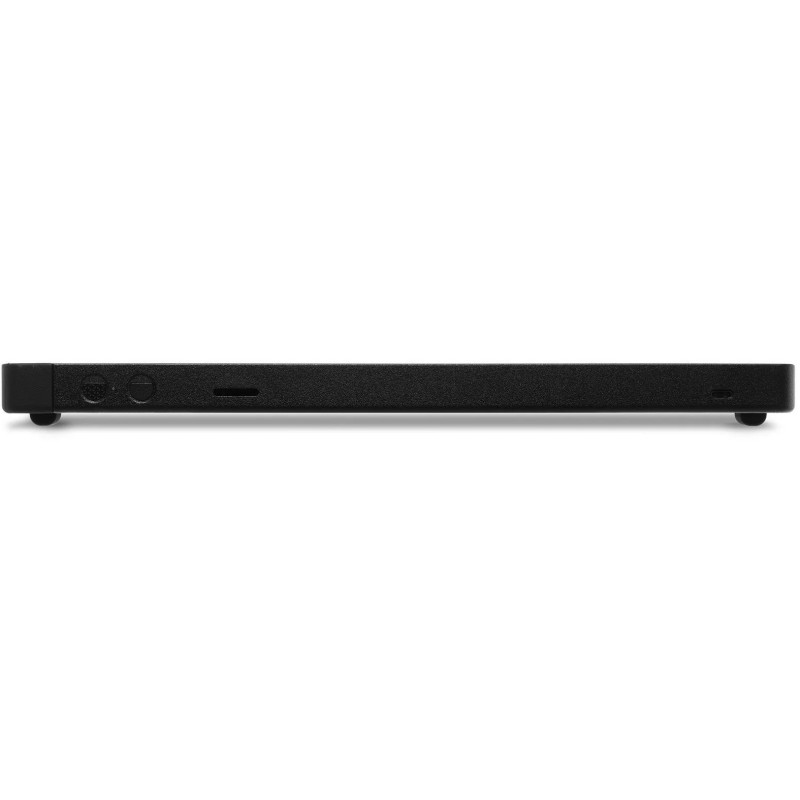
Plug In. Power Up. Create More.Whether in a home studio or production environment, the Cintiq 24 offers multiple port options—USB-C with DisplayPort™, HDMI*, and USB-A—for easy integration into complex creative setups.
* Requires HDMI to mini HDMI and USB-C to USB-A cables (sold separately).Seamless Integration with Industry ToolsWith multi-touch support and pen precision, the Wacom Cintiq 24 Touch integrates effortlessly into hybrid 2D/3D workflows—from animation and matte painting to sculpting and compositing. It works flawlessly with tools like Adobe Photoshop, Toon Boom Harmony, Blender, and Maya. Fully compatible with Windows, macOS and Android™, it’s tailored for studios that demand flexibility and performance.
Stability Meets Flexibility – Now Built InThe Wacom Cintiq 24 is equipped with a fully integrated stand that supports a wide range of angles—from 16° to 69°—giving you complete control over your working posture. Whether seated, standing, or switching positions, you can create in comfort with smooth, stable adjustments that keep your workflow uninterrupted.
And thanks to VESA mount compatibility (75 x 75 mm), the Cintiq 24 also integrates easily into studio arms or ergonomic mounts—ensuring your display moves with your process.
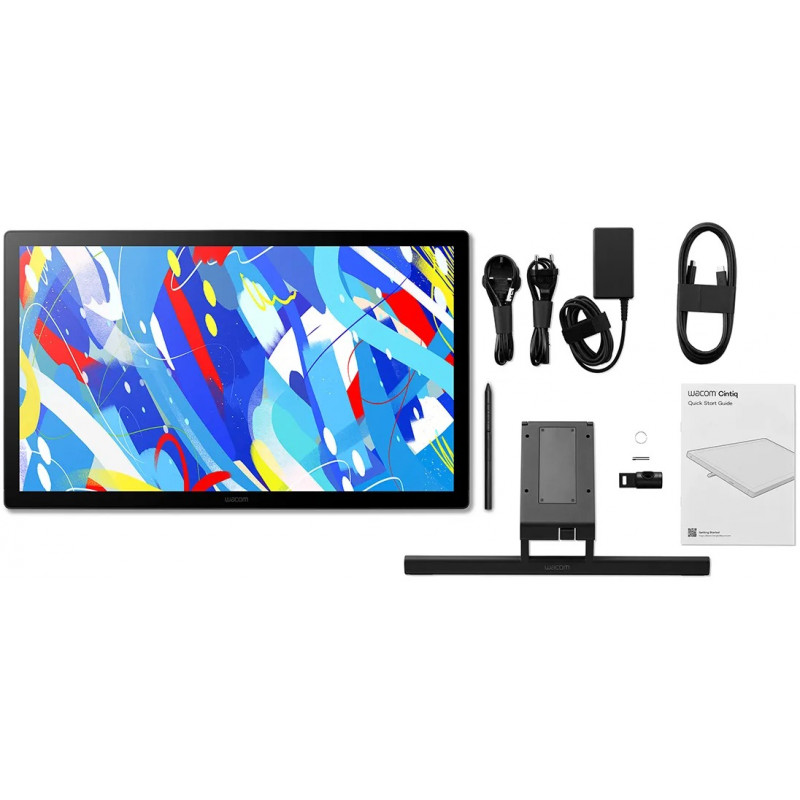
Precision Evolved: The Wacom Pro Pen 3The Wacom Pro Pen 3 comes standard with your Wacom Cintiq, offering a refined, responsive drawing experience. Powered by Wacom’s evolved pen technology, it delivers precise pressure sensitivity and a natural feel for effortless control and accuracy. The included pen features a slim barrel, interchangeable nibs, and a 3-button side switch.
- 8,192 levels of pressure sensitivity, 3 side switches
- State of the Art Pen Technology: 3rd generation Wacom Pen technology
- The Pro Pen 3 can be further customized with accessories such as varied-texture nibs, adjustable weights, swappable grips, and different button configurations (sold separately).
- Tilt recognition: Improved tilt+/-60 degrees
- Super Responsive: The Pro Pen 3 senses every nuance and every change, so even the lightest of touches will appear on the screen
Optimized for Corporate EnvironmentsEmpower your teams with advanced creative tools—without exceeding your budget. The new Wacom Cintiq offers upgraded features like 2.5K resolution, customizable Pro Pen 3, and enhanced ergonomics at the same price level as previous models. Ideal for corporate design teams, educational institutions, healthcare communication, and public sector organizations seeking professional-grade tools with cost efficiency.
Built for Long-Term ValueEngineered for reliability in high-usage environments, the new Cintiq features a fanless, durable design that minimizes maintenance and extends device lifespan. This ensures reduced downtime, consistent performance, and a lower total cost of ownership—perfect for organizations managing multiple devices across departments.
Bonus Software Included
- MASV: A faster way for creatives to send massive, time-critical files 3 month license (or 250GB)
- ClipStudio Paint Ex 3-month license + additional 3-months can be activated on Windows and Mac by registering with Clip Studio (Celsys)