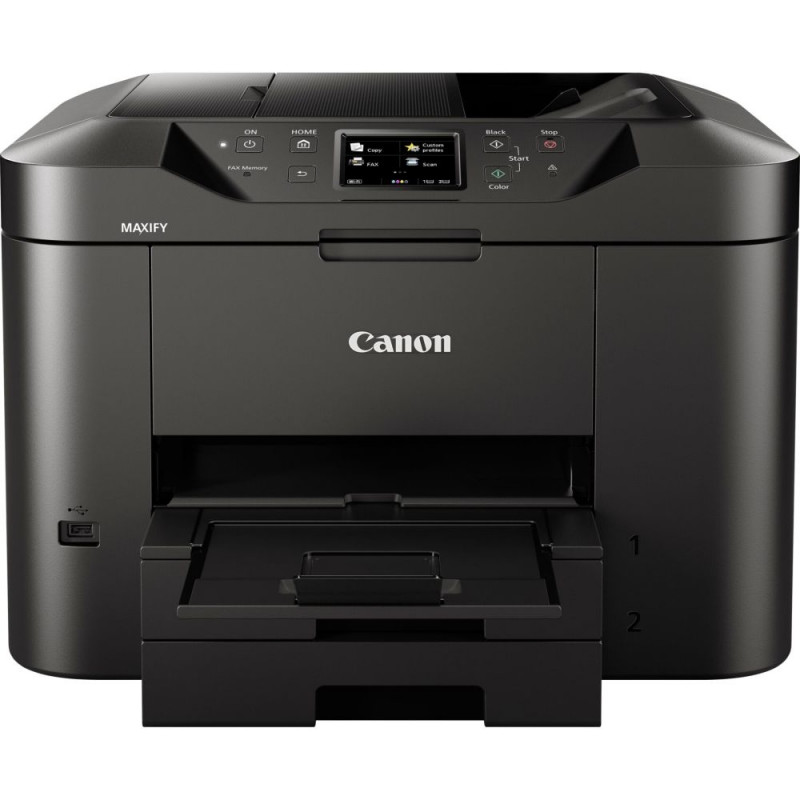
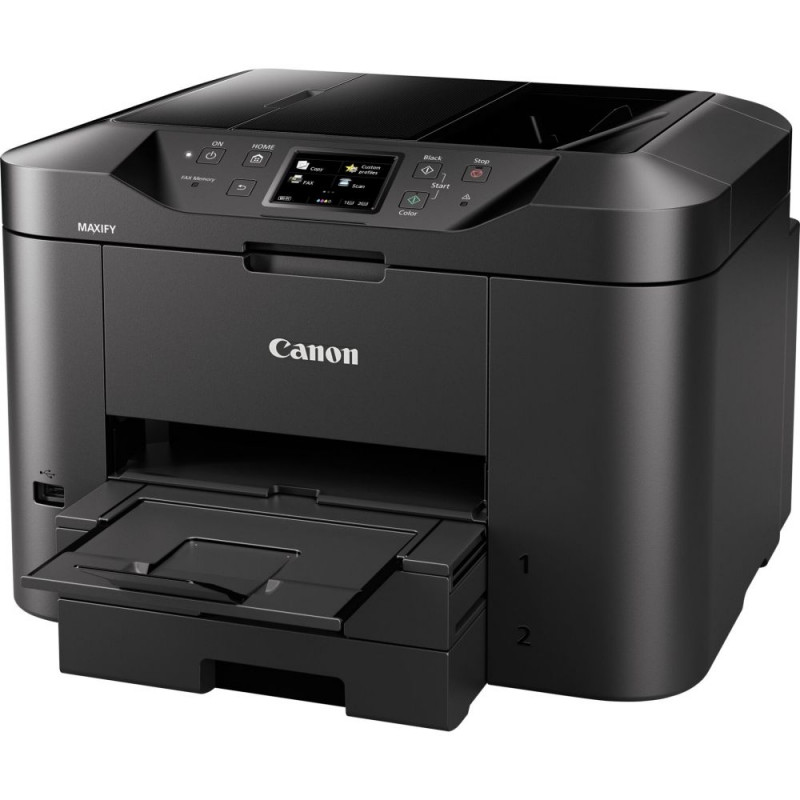
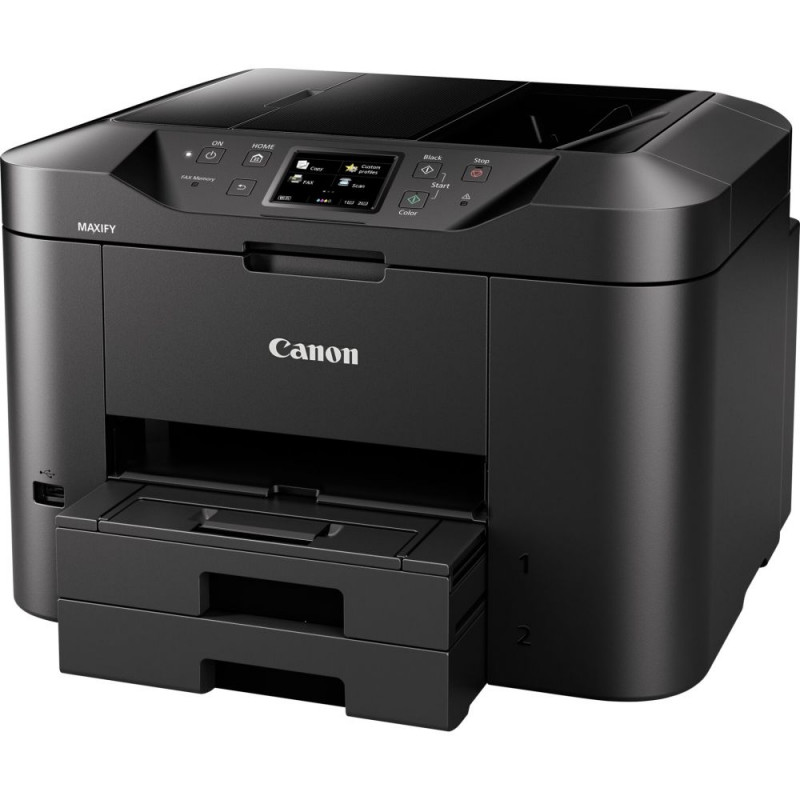
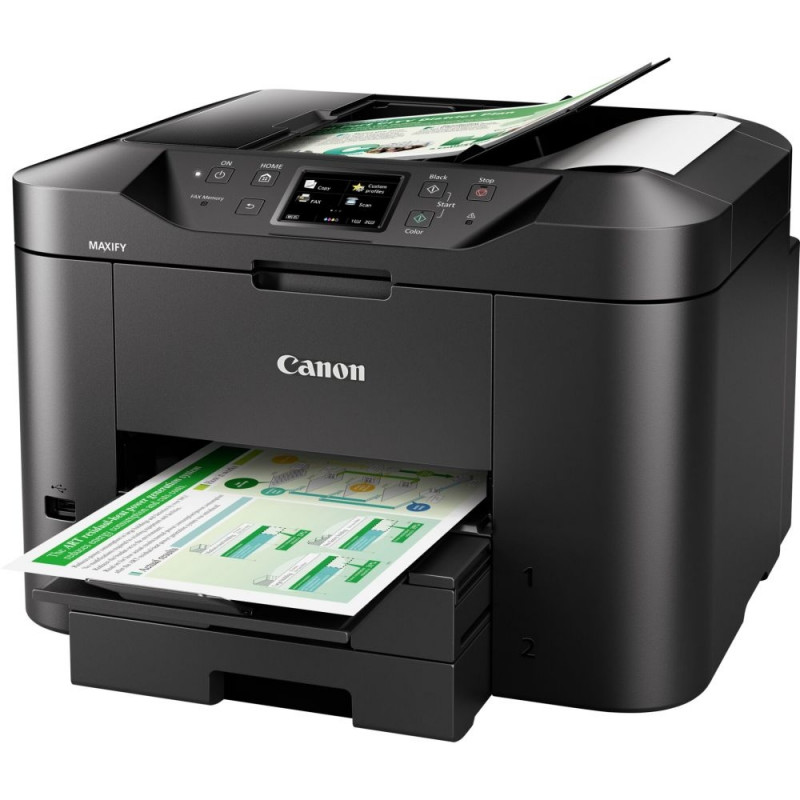
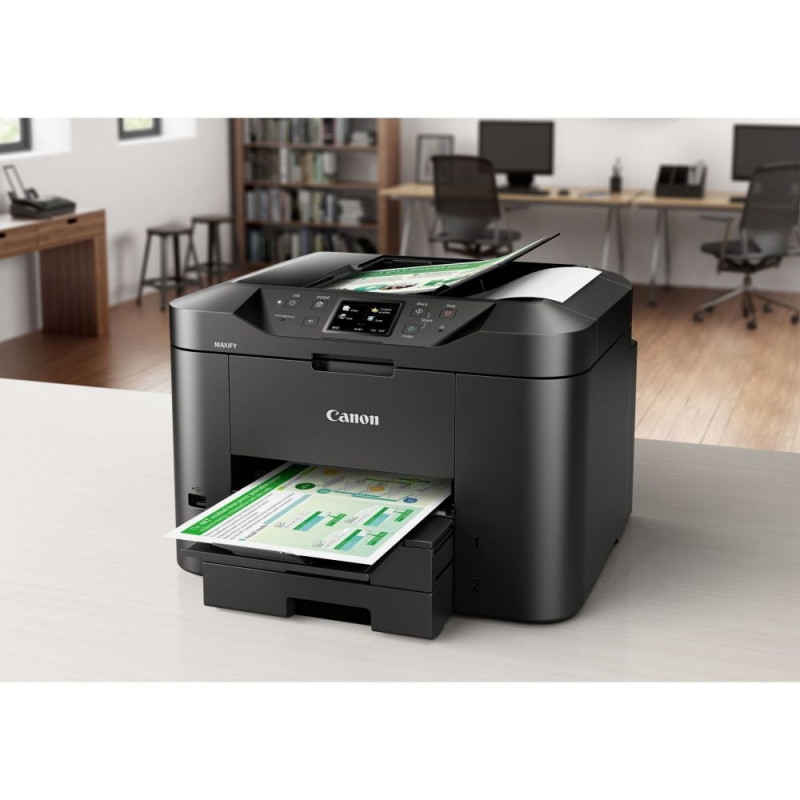
Canon MAXIFY MB 2750

177,99 €

Monthly payment starting from 6,07 €

Open installments calculator

Photopoint hire purchase calculator

Please add some items to your shopping cart and choose "hire purchase" for the payment type

Main info

Canon MAXIFY MB 2750

All-In-One colour inkjet for home offices. The Canon MAXIFY MB2750 Series provides mobile printing and cloud integration, while its 500-sheet paper capacity and fast 24 ipm mono print speed maximise productivity.

  • Real productivity: 24 ipm mono, 15.5 ipm colour
  • Wi-Fi and LAN connectivity for printing and scanning
  • Print from and scan to cloud services
  • 1,200-page mono and 900-page colour ink yields
  • Large 500-sheet capacity and 50-sheet ADF

For home offices that demand productivity
A fully featured printer, scanner, copier and fax designed for home offices. With a large 500-sheet paper cassette and 50-sheet automatic document feeder, the Canon MAXIFY MB2750 Series produces outstanding prints with deep, dense blacks, vivid colours and crisp text using its marker- and friction-resistant DRHD inks. This quality doesn't come at the expense of speed: print A4 at an ultra-fast 24 ipm in mono and 15.5 ipm in colour, while first page out time (FPOT) is just 6 seconds.

Keep running costs to a minimum
From low energy consumption of just 0.2 kWh (TEC) to the individually replaceable colour cartridges, economy is a priority. Black cartridges provide an ISO yield of 1,200 pages and colour cartridges 900 pages. The optional 4-colour multipack contains a full set of replacement inks for even better value.

Designed for productivity
Double-sided printing and support for a variety of paper sizes and types, from A4 plain paper to labels, envelopes, photo paper and even two-sided ID card copying makes light work of common office print jobs. Printing, copying, scanning or faxing is just a few taps away, with a highly responsive 7.5 cm (3") TFT colour touchscreen and improved interface.

Mobile-ready, cloud-ready, work-ready
Support for Google Cloud Print, Apple AirPrint (iOS), Mopria and the Canon PRINT app provide quick and simple printing and scanning from mobile devices. You can print from the cloud and scan and save documents to cloud services. Supported services include Google Drive, Dropbox, Evernote, OneNote, OneDrive and Concur. Built in Access Point mode means that smart device users can connect to the printer without a Wi-Fi network.

Comprehensive monitoring and maintenance capability
IP address filtering enables restricted access options, giving permission to only a select number of users, while SMTP email support allows secure scan-to-email. A range of further options allow system administrators to quickly and easily configure the printer and restrict certain operations, such as scan-to-USB.

Network integration
IT managers and system administrators will appreciate the Canon MAXIFY MB2750 Series' Simple Network Management Protocol (SNMP) compatibility, making device management and integration into existing office networks easy. SNMP enables a range of maintenance monitoring functions, including ink levels, error status, and page counts.

Supported Operating System:

  • Windows 11 / 10 / 8.1 / 8 / 7 / 7 SP1 / Vista SP2
  • Windows Server 2008 / 2008 R2 / 2012 / 2012 R2
  • Mac OS X v10.8.5 or later

Feature2 airprint
Feature3 fax
Feature6 lan
Type 4 in 1 Multi-Function Unit
Printing Technology Ink-Jet Printer
Print Resolution Colour (dpi) 600 x 1200
Colour Print Speed in Accordance with ISO/IEC 24734 (PPM) 15,5
Monochrome Print Speed in Accordance with ISO/IEC 24734 (PPM) 24
Number of Colours 4
Max. Print Size DIN A4
Paper Feed (Sheet) 500
Colour Depth (Bit) 48 / 24
Max. Scanning Speed (mm) 216 x 297
Optical Resolution 1200 x 1200
Scanner Type CIS
Max. Copying Speed Colour (ppm) 11,5
Max. Copying Speed Monochrom (ppm) 22,0
Reducing / Increasing (%) 25 - 400
Phone Book Entries 100
Reception Memory (Pages) 250
Screen Diagonal (cm) 7,5
Colour Black
WiFi Yes

Extended warranties and insurance:

  • Additional warranty (2 years) - 29,99 €
  • Additional warranty + insurance (2 + 1 year) - 39,99 €
  • Insurance (1 year) - 29,99 €
  • Insurance (2 years) - 49,99 €

Choose a suitable extended warranty and insurance in checkout..


General

Type
All in one printer
Display
3"

Connectivity

LAN
Yes

Paper support

Maximum paper input
500

Printer specifications

Print speed
Monochrome: 24 ppm
Color: 15.5 ppm
Print technology
Ink
Color
Print resolution
1200 × 600 dpi

Scanner specifications

Scanner resolution (optical)
1200 × 1200 dpi

Copier specifications

Copy speed
Color: 11.5 ppm
Monochrome: 22 ppm
Copy zoom
25 – 400 %

Fax specifications

Fax memory
250 pp

Design

Color
Black

Dimensions and weights

Gross weight
12.1 kg
Package width
46.3 cm
Package height
32 cm
Package length
38.9 cm

Product codes

EAN
4549292051094
Manufacturer code
0958C009

Manufacturer

Manufacturer
Canon Inc., Shimomaruko 3-chome 30-2, Tokyo, 146-8501, JP
Responsible person in the EU
Canon Europa N.V, Bovenkerkerweg 59, Amstelveen, 1185 XB, NL

Photopoint offers free shipping for orders over 99 € delivered to Estonia. Take a look in the tab "Delivery" for a more precise delivery estimate.

For this product you can select the desired delivery method at the shopping cart:

Photopoint store Pick-up


Place your order from Photopoint web store and pick your goods up from one of Photopoint`s brick and mortar stores. The delivery to Photopoint store is free even for orders less than 99 €. You will be noticed by e-mail when your order is ready for pick-up.

The Photopoint stores are located in Tallinn and Tartu. See the exact locations from here.

Omniva parcel terminal 

You can order the goods to one of the Omniva Parcel terminals. Choose the desired terminal at the shopping cart. As the shipment arrives to the selected terminal, you will be sent an SMS-notification with an unique code. Go to the terminal within a week, enter the code and take your package. It is as simple as that.

See Omniva Parcel terminal locations here.

SmartPOST parcel terminal

Did not find an Omniva terminal at suitable location? Try SmartPost. Choose the desired terminal at the shopping cart. As the shipment arrives to the selected terminal, you will be sent an SMS-notification with an unique code. Go to the terminal within a week, enter the code and take your package. This method actually works for all parcel terminals.

See SmartPOST parcel terminal locations here.

DPD parcel locker

Make sure you check out also the locations of DPD parcel lockers. These are located all over Estonia. The delivery is the same. As the shipment arrives to the selected locker, you will be sent an SMS with a unique code. Go to the locker, enter the code and take your package.

See DPD parcel locker locations here.

Smartpost Finland parcel terminal

SmartPOST Finland is the best way to order goods to Finland. These terminals work the same way as in Estonia. As the shipment arrives to the selected terminal in Finland, you will be sent an SMS-notification with an unique code. Go to the terminal, enter the code and take your package.

See SmartPOST Finland parcel terminal locations here.

Matkahuolto parcel service

Matkahuolto is easy way to order goods to Finland. These are located also in smaller Finnish towns. As the shipment arrives to the selected Matkahuolto outlet, you will be sent an SMS-notification or an e-mail. Go to the outlet, show your ID and take your package.

See Matkahuolto outlet locations here.

Omniva courier delivery

The courier will transport your goods from Photopoint straight to the provided address. The delivery will take place at workdays from 08:00 to 17:00. Hold your phone near you as the courier will call you prior to its arrival. Please make sure there is someone at the destination, eligible to receive the shipment. 

The product can only be ordered from our online store and it takes from 7-10 working days for delivery within Estonia.

Product comparison

Close