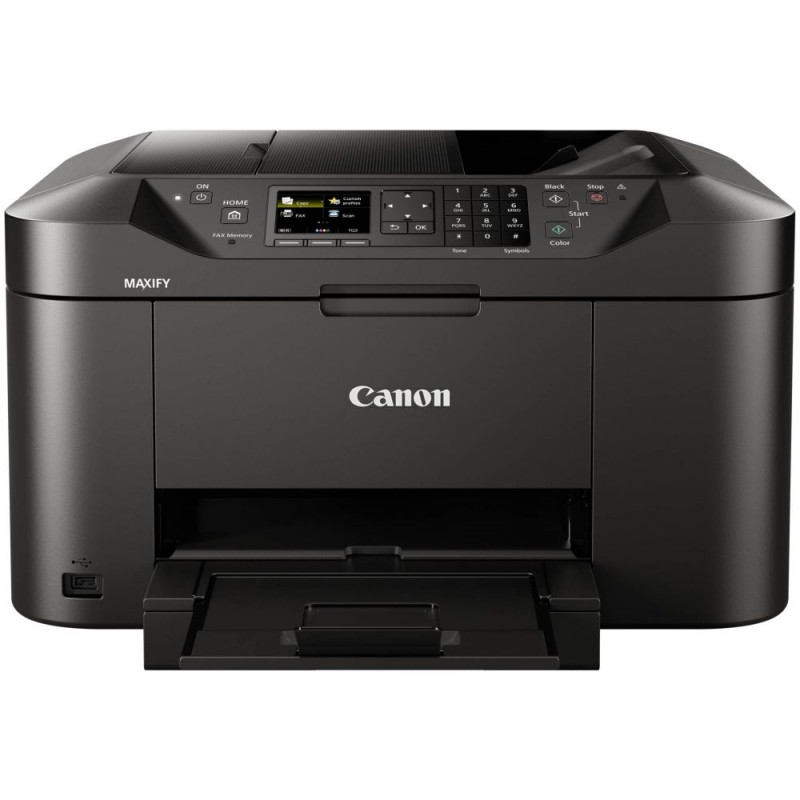
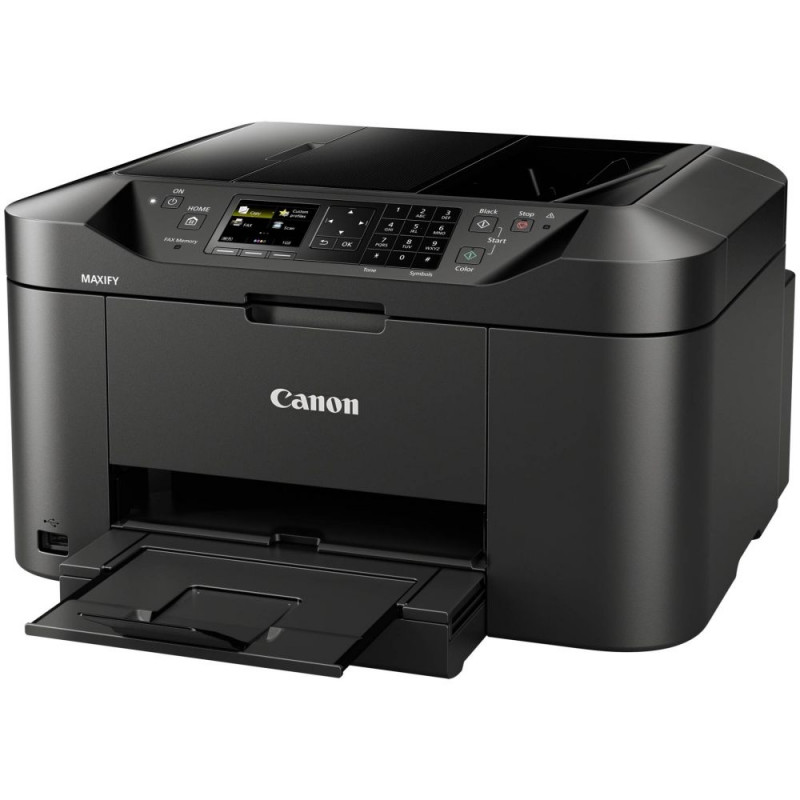
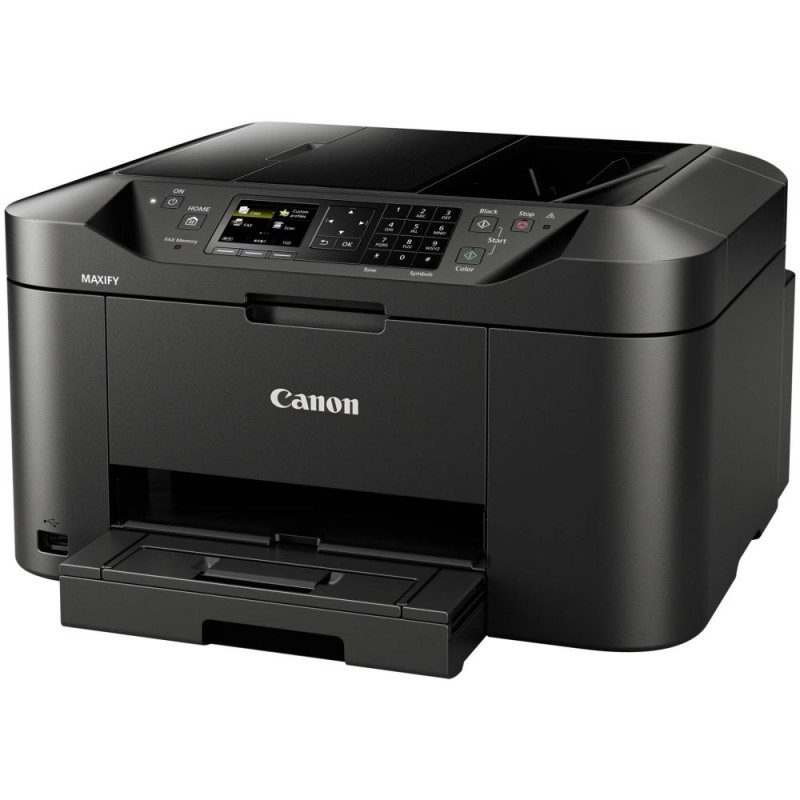
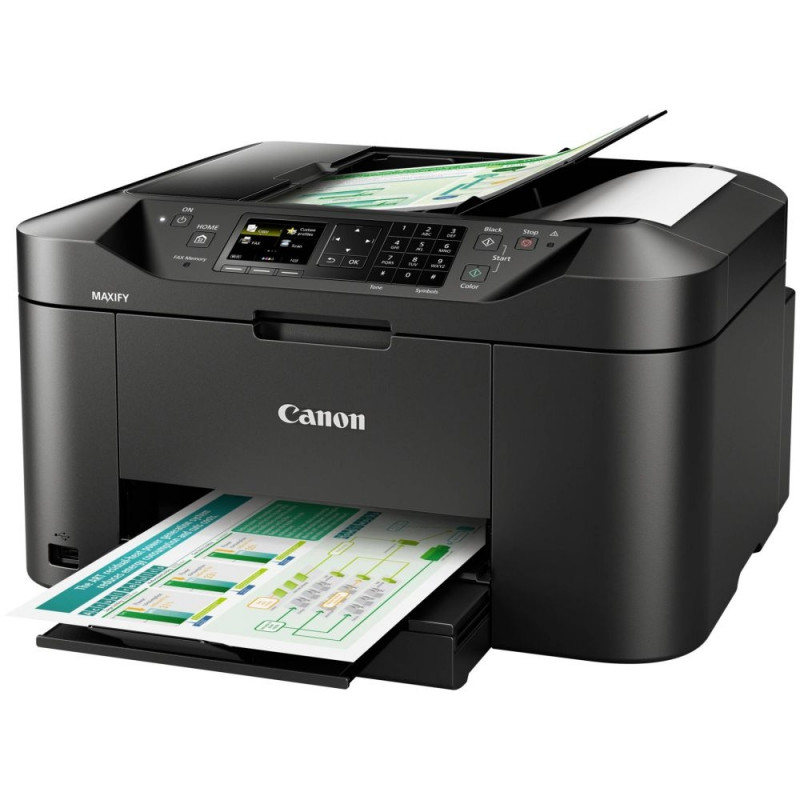
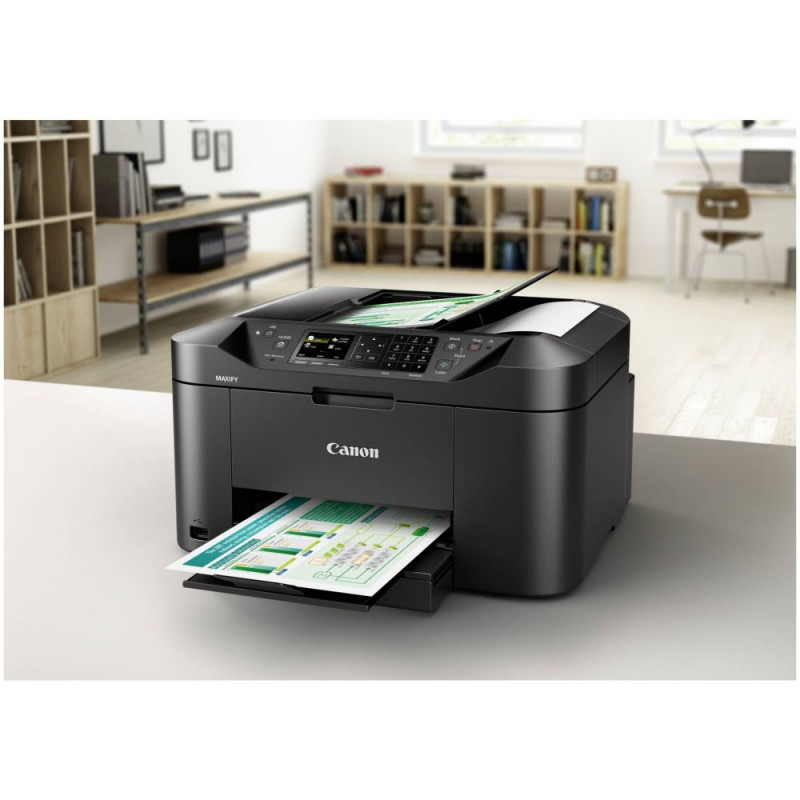
Canon MAXIFY MB2150 - multifunktionspr

Main info

Warranty 24 (F) Bundled software Quick Utility Toolbox, IJ Network Device Setup Utility, E

Product has been archived


Warranty 24 (F)
Bundled software Quick Utility Toolbox, IJ Network Device Setup Utility, Easy-WebPrint EX
Total input capacity 250 sheets
Paper tray media weight 64 - 105 g/m²
Auto document feeder (ADF) Yes
Cartridge type PGI-1500XL BK, PGI-1500XL C, PGI-1500XL M, PGI-1500XL Y
Colour display Yes
Power consumption (copying) 27 W
Total number of input trays 1
Power consumption (off) 0.2 W
AC input frequency 50 - 60 Hz
Operating relative humidity (H-H) 10 - 80%
Operating temperature (T-T) 15 - 30 °C
Noise level 56 dB
Product colour Black
Display diagonal 6.35 cm (2.5")
Security algorithms SNMP
Weight 10.6 kg
Built-in display Yes
Drivers included Yes
Display TFT
USB 2.0 ports quantity 1
AC input voltage 100 - 240 V
Print speed (black, normal quality, A4/US Letter) 19 ppm
ISO B-series sizes (B0...B9) B5
Ethernet LAN No
Scanning Colour scanning
Optical scanning resolution 1200 x 1200 DPI
Custom media length 127 - 355.6 mm
Maximum resolution 600 x 1200 DPI
Standard interfaces USB 2.0, Wireless LAN
ISO A-series sizes (A0...A9) A5
Maximum scan area 216 x 297 mm
Copying Colour copying
Modem speed 33.6 Kbit/s
Width 463 mm
Copy speed (black, normal quality, A4) 18 cpm
Maximum duty cycle 20000 pages per month
Copier resize 25 - 400%
Fax memory 250 pages
Fax resolution (black) 300 x 300 DPI
Fax transmission speed 3 sec/page
Print speed (colour, normal quality, A4/US Letter) 13 ppm
Fax speed dialing (max numbers) 100
Printing Colour printing
Number of print cartridges 4
Scanner type Flatbed & ADF scanner
Depth 389 mm
USB port Yes
Auto document feeder (ADF) input capacity 50 sheets
Recommended duty cycle 200 - 1000 pages per month
Duplex printing mode Auto
Copy speed (colour, normal quality, A4) 10 cpm
Faxing Colour faxing
Time to first page (colour, normal) 7 s
Duplex printing Yes
Output colour depth 24 bit
Scan technology CIS
Print technology Inkjet
Custom media width 89 - 215.9 mm
Input colour depth 48 bit
Wi-Fi Yes
Paper input type Cassette
Time to first page (black, normal) 6 s
Printing colours Black, Cyan, Magenta, Yellow
Height 260 mm
Maximum ISO A-series paper size A4
Maximum number of copies 99 copies
Paper tray media types Matte paper
Wi-Fi standards 802.11g
Windows operating systems supported Windows 7 Starter
Mobile operating systems supported iOS
Server operating systems supported Windows Server 2012 R2
N-in-1 copy function (N=) 2
Mobile printing technologies Mopria Print Service
Scan to Cloud
Envelopes sizes 10
Photo paper sizes 20x25

Dimensions and weights

Package width
415 cm
Package height
550 cm
Package length
470 cm

Product codes

EAN
4549292051254
Manufacturer code
0959C009AA

Photopoint offers free shipping for orders over 99 € delivered to Estonia. Take a look in the tab "Delivery" for a more precise delivery estimate.

For this product you can select the desired delivery method at the shopping cart:

Photopoint store Pick-up


Place your order from Photopoint web store and pick your goods up from one of Photopoint`s brick and mortar stores. The delivery to Photopoint store is free even for orders less than 99 €. You will be noticed by e-mail when your order is ready for pick-up.

The Photopoint stores are located in Tallinn and Tartu. See the exact locations from here.

Omniva parcel terminal 

You can order the goods to one of the Omniva Parcel terminals. Choose the desired terminal at the shopping cart. As the shipment arrives to the selected terminal, you will be sent an SMS-notification with an unique code. Go to the terminal within a week, enter the code and take your package. It is as simple as that.

See Omniva Parcel terminal locations here.

SmartPOST parcel terminal

Did not find an Omniva terminal at suitable location? Try SmartPost. Choose the desired terminal at the shopping cart. As the shipment arrives to the selected terminal, you will be sent an SMS-notification with an unique code. Go to the terminal within a week, enter the code and take your package. This method actually works for all parcel terminals.

See SmartPOST parcel terminal locations here.

DPD parcel locker

Make sure you check out also the locations of DPD parcel lockers. These are located all over Estonia. The delivery is the same. As the shipment arrives to the selected locker, you will be sent an SMS with a unique code. Go to the locker, enter the code and take your package.

See DPD parcel locker locations here.

Smartpost Finland parcel terminal

SmartPOST Finland is the best way to order goods to Finland. These terminals work the same way as in Estonia. As the shipment arrives to the selected terminal in Finland, you will be sent an SMS-notification with an unique code. Go to the terminal, enter the code and take your package.

See SmartPOST Finland parcel terminal locations here.

Matkahuolto parcel service

Matkahuolto is easy way to order goods to Finland. These are located also in smaller Finnish towns. As the shipment arrives to the selected Matkahuolto outlet, you will be sent an SMS-notification or an e-mail. Go to the outlet, show your ID and take your package.

See Matkahuolto outlet locations here.

Omniva courier delivery

The courier will transport your goods from Photopoint straight to the provided address. The delivery will take place at workdays from 08:00 to 17:00. Hold your phone near you as the courier will call you prior to its arrival. Please make sure there is someone at the destination, eligible to receive the shipment. 

The product is out of stock. For additional availability and preorder information please contact us here.

Product comparison

Close