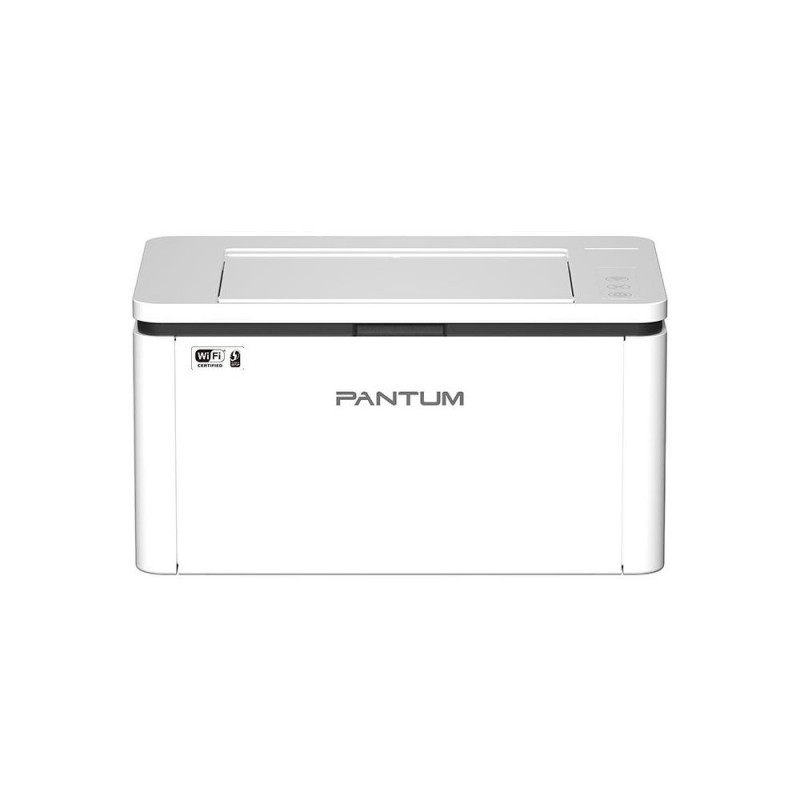
Laser Printer|PANTUM|BP2300NW|Duplex|BP2300NW

Addional discount of 2%
will be applied in shopping cart
(min. 8€ purchase)
95,99 €

Monthly payment starting from 2,87 €

Open installments calculator

Photopoint hire purchase calculator

Please add some items to your shopping cart and choose "hire purchase" for the payment type

Main info

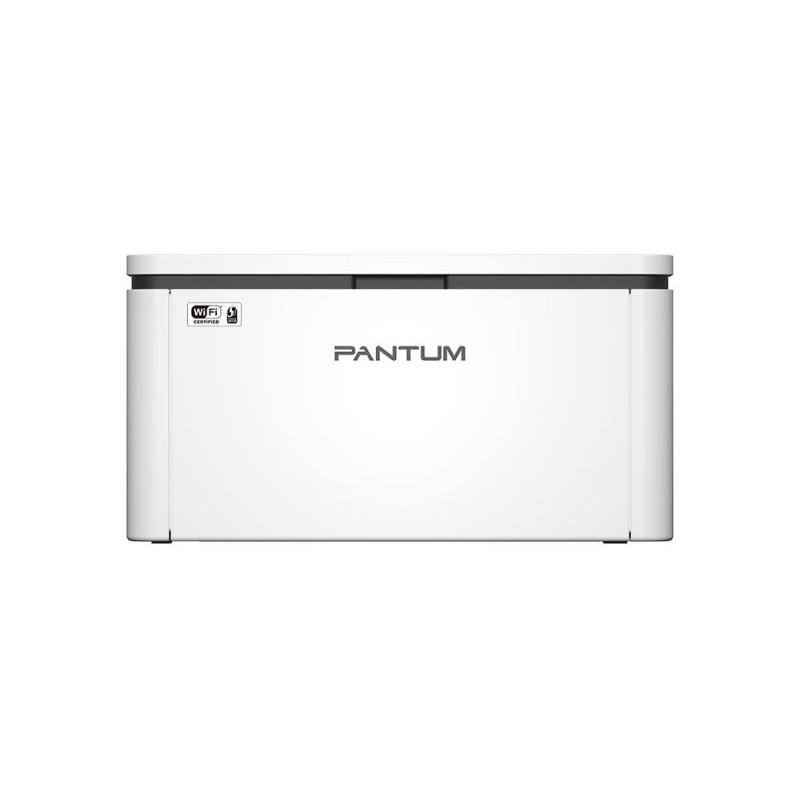
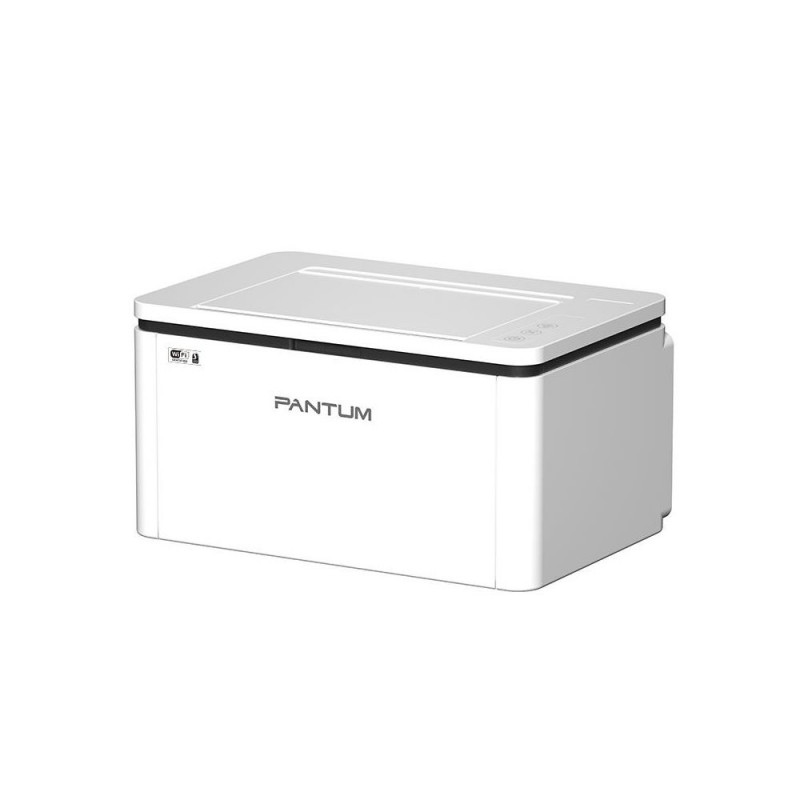
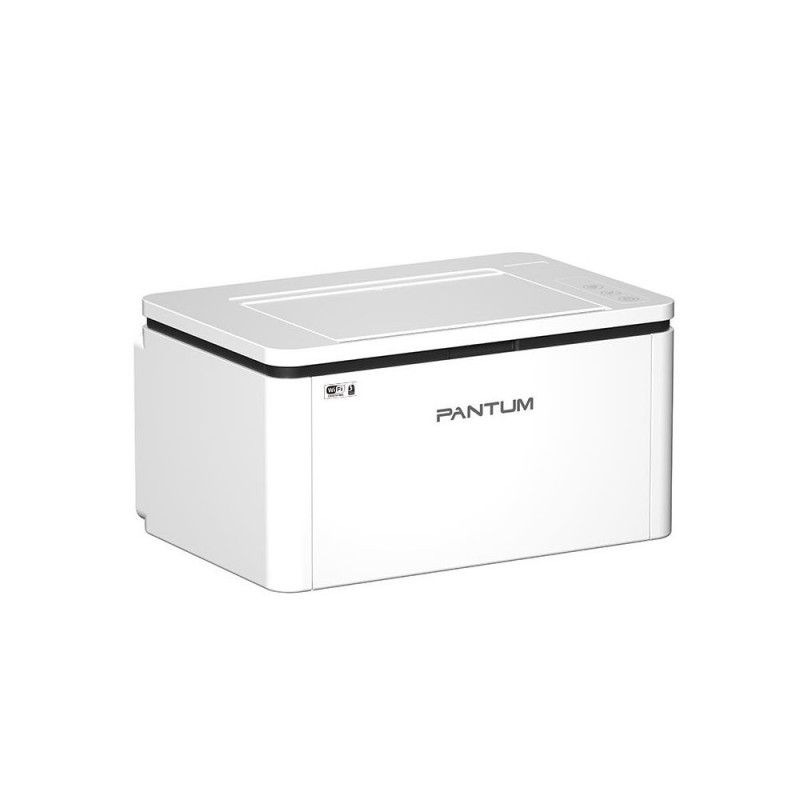
Compact and Cost-effective, Help You Print with Ease and Convenience

Small Size, High Speed
With compact form, can be placed in any place freely A4 printing speed up to 22 pages per minute, easily improve work efficiency

Driverless Installation, Easy to Use
Win8.1/Win10/Win11 systems support driverless installation. The driver will be installed automatically when the printer is connected for the first time

Convenient Mobile Printing with Bluetooth and Pantum App
Support AirPrint, Mopria, Wi-Fi direct connection, Bluetooth configuration (iOS 11.0~16.0/Android 6.0~12.0), and Pantum App, enabling users to enjoy wireless printing from various mobile devices

Excellent Compatibility with 2.4G/5G Dual-band Wi-Fi
Support 2.4G/5G dual-band Wi-Fi, compatible with 5G version routers, and have better applicability, which can provide a flexible and convenient mobile printing experience

Performance and Configuration Upgrade
The memory of this series is upgraded to 256MB and equipped with an 800MHz high-speed processor, which can smoothly handle large file printing and avoid freezing

Equipped with Robust Metal Frame inside
Stronger and durable support to ensure the stability of the printer

  • Printing speed: 22ppm
  • Connection method: USB+NET+WiFi
  • Basic function: Print
  • Special function:
  • Driver-free installation for Win8.1/Win10/Win11 systems
  • 2.4Ghz/5Ghz Dual-band Wi-Fi support
  • Support bluetooth to quickly configure wireless network
  • Connect to printer hotspot directly
  • Convenient mobile printing
  • Pantum app supports the direct printing of office documents


Infot ka tootja kodulehelt.
Units per Shipping Box 1
Unit Calculated Volume 0.025116 cubm
Unit Calculated Weight 5.95 kg
Features Maximum duty cycle - 10000 pages per month, Number of print cartridges - 1, Page description languages - GDI, Printing colours - Black
Input & output capacity Maximum input capacity - 150 sheets, Maximum number of input trays - 1, Maximum output capacity - 100 sheets, Total input capacity - 150 sheets, Total number of input trays - 1, Total output capacity - 100 sheets
Paper handling ISO A-series sizes (A0...A9) - A4, Maximum ISO A-series paper size - A4, Paper tray media types - Card stock/Envelopes/Labels/Plain paper/Thick paper/Thin paper/Transparencies, Paper tray media weight - 60 - 163 g/m²
Power Power consumption (printing) - 370 W, Power consumption (ready) - 38 W, Power consumption (standby) - 2 W
Weight & dimensions Weight - 4800 g
Printing Colour - No, Duplex printing - Yes, Duplex printing mode - Manual, Print speed (black, normal quality, A4/US Letter) - 23 ppm, Print technology - Laser, Time to first page (black, normal) - 7.8 s
Ports & interfaces Direct printing - Yes, USB 2.0 ports quantity - 1, USB port - Yes
Network Bluetooth - Yes, Cabling technology - 10/100Base-T(X), Ethernet LAN - Yes, Ethernet LAN data rates - 10,100 Mbit/s, Wi-Fi - Yes, Wi-Fi standards - 802.11b/802.11g/Wi-Fi 4 (802.11n)
Performance Built-in processor - Yes, Internal memory - 256 MB, Sound power level (standby) - 30 dB, Sound pressure level (printing) - 52 dB
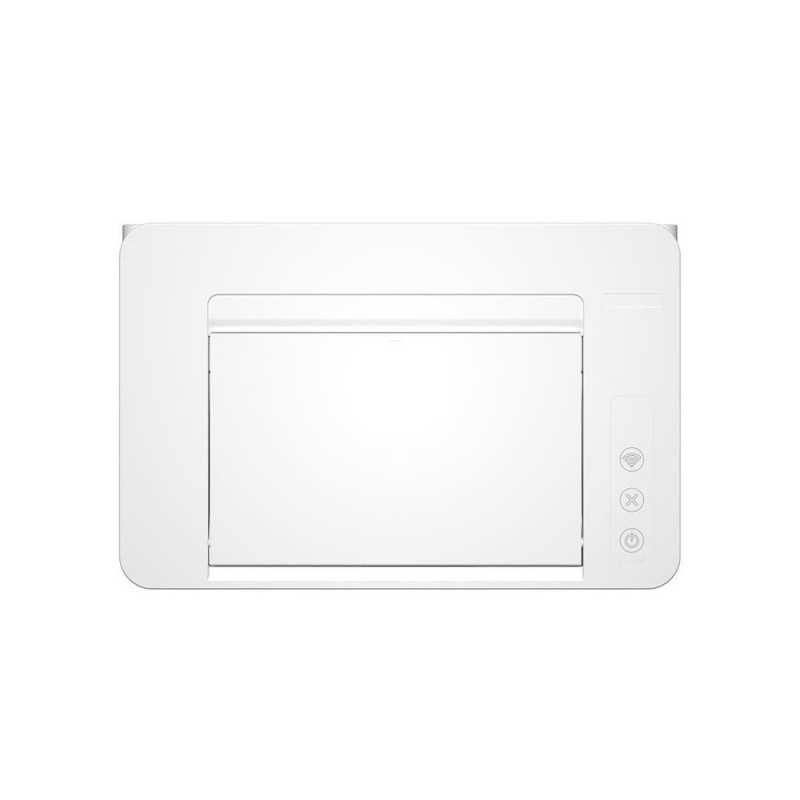
Design Built-in display - No, Control type - Buttons, Market positioning - Home & office, Product colour - White
Summary Pantum BP2300NW. Print technology: Laser. Number of print cartridges: 1, Maximum duty cycle: 10000 pages per month. Maximum ISO A-series paper size: A4. Print speed (black, normal quality, A4/US Letter): 23 ppm, Duplex printing. Wi-Fi. Product colour: Whi
System requirements Linux operating systems supported - Ubuntu 16.04/Ubuntu 18.04 LTS/Ubuntu 20.04 LTS/Ubuntu 22.04, Mac operating systems supported - Mac OS X 10.10 Yosemite/Mac OS X 10.11 El Capitan/Mac OS X 10.12 Sierra/Mac OS X 10.13 High Sierra/Mac OS X 10.15 Catalina/M

Extended warranties and insurance:

  • Additional warranty (2 years) - 19,99 €
  • Additional warranty + insurance (2 + 1 year) - 29,99 €
  • Insurance (1 year) - 19,99 €
  • Insurance (2 years) - 29,99 €

Choose a suitable extended warranty and insurance in checkout..


Memory

RAM capacity
256 MB

Paper support

Maximum paper input
150

Printer specifications

Print speed
33 ppm
First page out
8.2 s
Print technology
Laser
Monochrome

Product codes

EAN
6936358046336
Manufacturer code
BP2300NW

Photopoint offers free shipping for orders over 99 € delivered to Estonia. Take a look in the tab "Delivery" for a more precise delivery estimate.

For this product you can select the desired delivery method at the shopping cart:

Photopoint store Pick-up


Place your order from Photopoint web store and pick your goods up from one of Photopoint`s brick and mortar stores. The delivery to Photopoint store is free even for orders less than 99 €. You will be noticed by e-mail when your order is ready for pick-up.

The Photopoint stores are located in Tallinn and Tartu. See the exact locations from here.

Omniva parcel terminal 

You can order the goods to one of the Omniva Parcel terminals. Choose the desired terminal at the shopping cart. As the shipment arrives to the selected terminal, you will be sent an SMS-notification with an unique code. Go to the terminal within a week, enter the code and take your package. It is as simple as that.

See Omniva Parcel terminal locations here.

SmartPOST parcel terminal

Did not find an Omniva terminal at suitable location? Try SmartPost. Choose the desired terminal at the shopping cart. As the shipment arrives to the selected terminal, you will be sent an SMS-notification with an unique code. Go to the terminal within a week, enter the code and take your package. This method actually works for all parcel terminals.

See SmartPOST parcel terminal locations here.

DPD parcel locker

Make sure you check out also the locations of DPD parcel lockers. These are located all over Estonia. The delivery is the same. As the shipment arrives to the selected locker, you will be sent an SMS with a unique code. Go to the locker, enter the code and take your package.

See DPD parcel locker locations here.

Smartpost Finland parcel terminal

SmartPOST Finland is the best way to order goods to Finland. These terminals work the same way as in Estonia. As the shipment arrives to the selected terminal in Finland, you will be sent an SMS-notification with an unique code. Go to the terminal, enter the code and take your package.

See SmartPOST Finland parcel terminal locations here.

Matkahuolto parcel service

Matkahuolto is easy way to order goods to Finland. These are located also in smaller Finnish towns. As the shipment arrives to the selected Matkahuolto outlet, you will be sent an SMS-notification or an e-mail. Go to the outlet, show your ID and take your package.

See Matkahuolto outlet locations here.

Omniva courier delivery

The courier will transport your goods from Photopoint straight to the provided address. The delivery will take place at workdays from 08:00 to 17:00. Hold your phone near you as the courier will call you prior to its arrival. Please make sure there is someone at the destination, eligible to receive the shipment. 

The product can only be ordered from our online store and it takes from 2-4 working days for delivery within Estonia.

Product comparison

Close