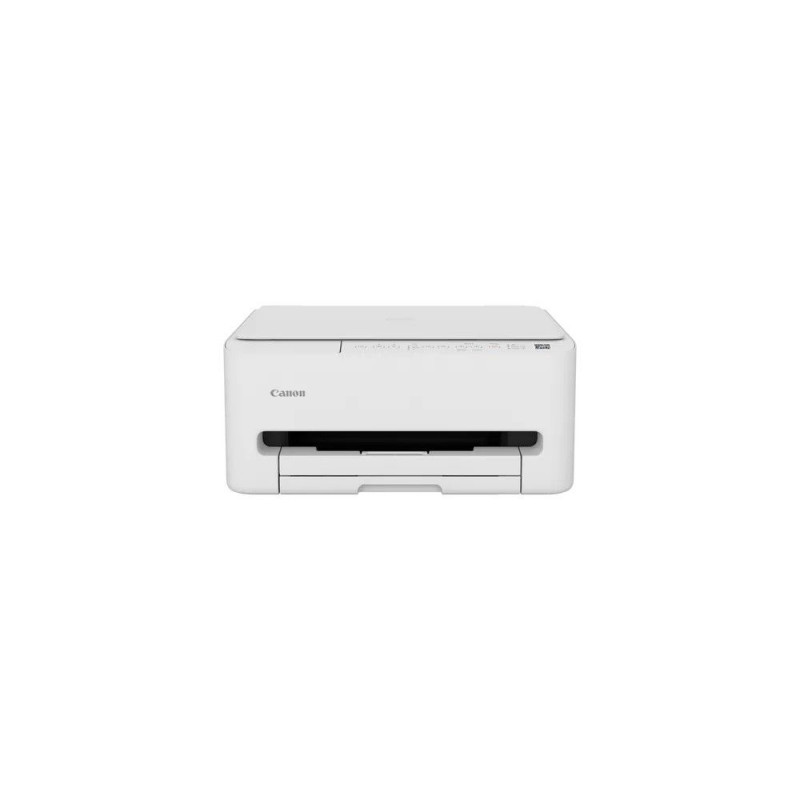
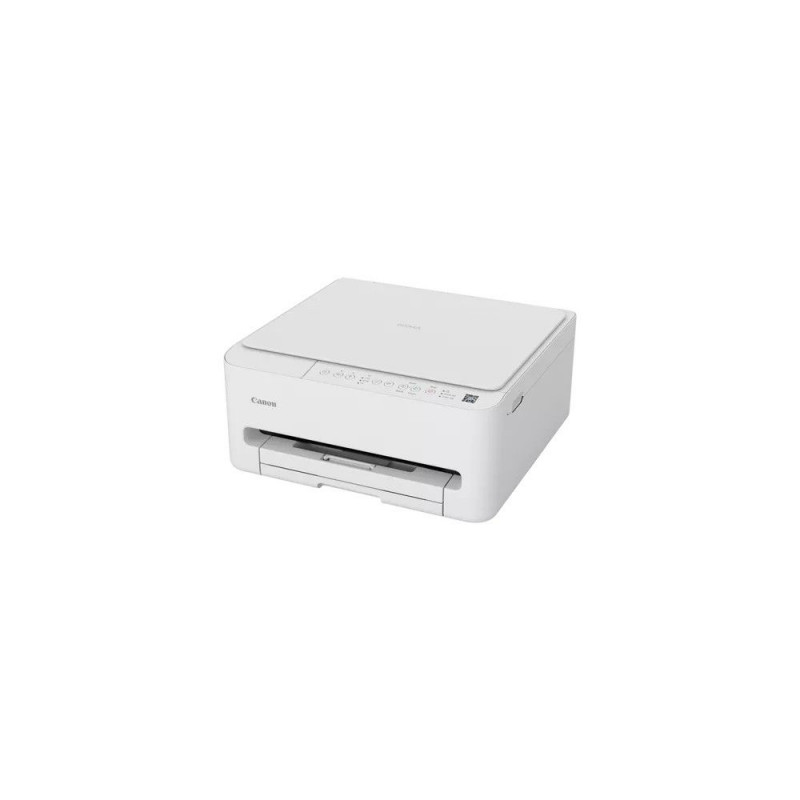
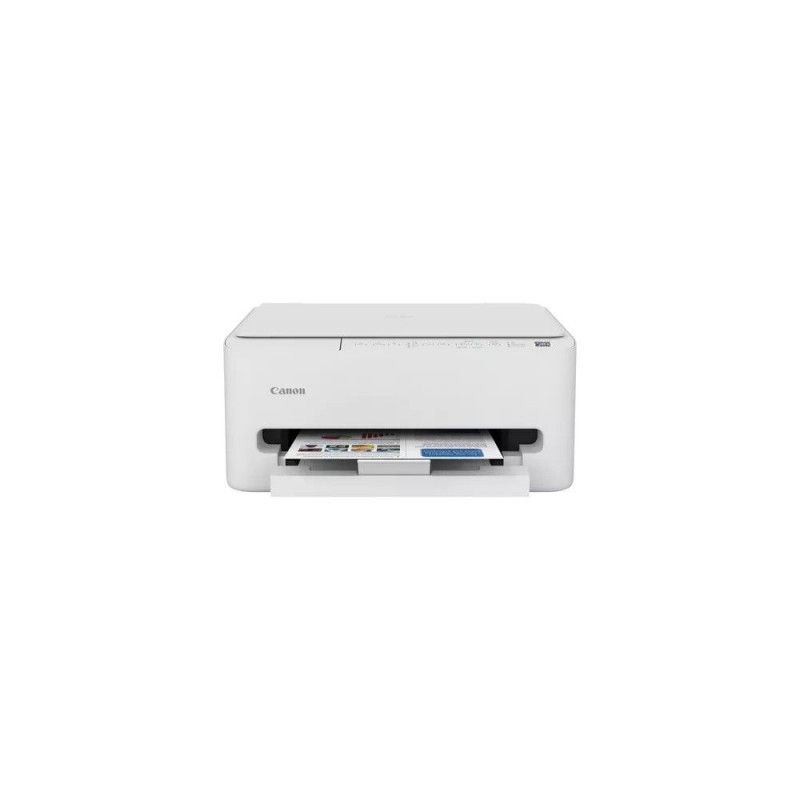
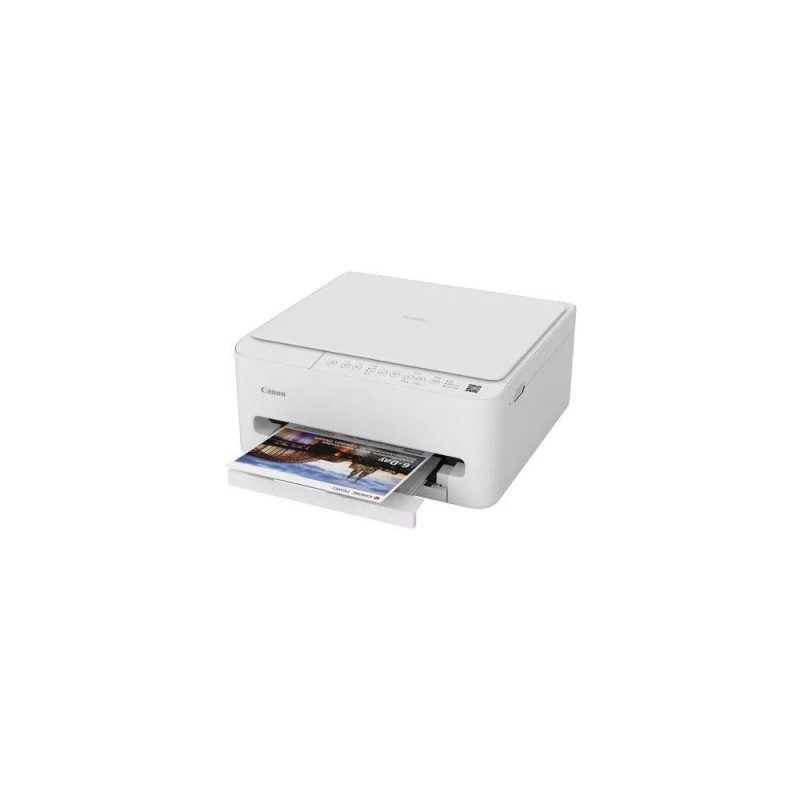
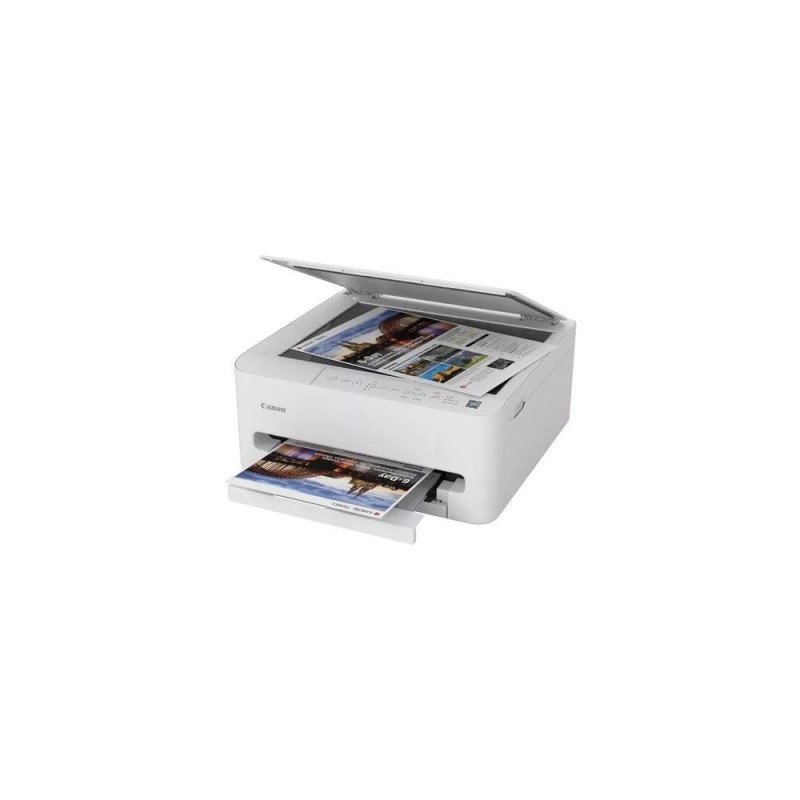
Canon PIXMA TS4150i
Print high-quality documents and stunning photos directly from your smartphone-fast. With its sleek, compact design, the PIXMA TS4150i All-in-One printer fits effortlessly anywhere.
PIXMA - PRINT WHAT YOU WANT, WHEN YOU WANT
Achieve excellent results quickly without taking up too much space. The PIXMA TS4150i delivers high-quality documents and vibrant images with simplified operation and a user-friendly design.
DISCOVER THE PIXMA SERIES
Hover over the active points to see how our wireless All-in-One devices make home printing easier.
Enhanced Print Head
Faster printing thanks to additional nozzles.
Black Pigment Ink
Intelligently improves document print quality for sharp, clear text.
Seamless Connectivity
Easy operation with mobile devices, apps, and Wi-Fi networks.
FAST PRINTING FOR BUSY LIVES
Print everything from important work documents to concert tickets anytime. The enhanced print head and increased number of nozzles provide higher efficiency and very fast First Print Out Time (FPOT): 7.5 seconds for monochrome or just 9.5 seconds for color.
Daily printing tasks are handled quickly without sacrificing quality, with print speeds of 14.0 ipm (black) and 9.0 ipm (color).
Black Pigment Ink for High-Quality Output
Optimized ink placement and enhanced black pigment ink deliver sharper, more readable text.
Improved, Hassle-Free Connectivity
Secure and stable wireless performance with dual-band Wi-Fi (2.4 GHz / 5 GHz).
Mobile Printing from Smart Devices
Printing from smartphones is easier than ever with the Canon PRINT app, which adds extra functionality and cloud support.
Compact Design for Convenient Placement
Optimized footprint and front-facing controls allow placement on shelves or desks without needing rear access.
Efficient Printing for Everyday Life
Print important documents, tickets, or photos at any time thanks to the improved print head and increased nozzle count, delivering fast, reliable printing.
High-Quality Black Pigment Ink
FINE cartridge system and enhanced black pigment ink provide clearer, more legible text and sharp documents.
Enhanced Connectivity for Easy Operation
Stable dual-band Wi-Fi (2.4 GHz / 5 GHz) ensures smooth operation for any printing task.
Mobile Printing Made Simple
Print, scan, and copy from smartphones or tablets with the Canon PRINT app, compatible with Apple, Android, and cloud services.
User-Friendly Operation
Intuitive settings and a 10° tilt control panel make the printer easy to use.
Compact and Handy Design
Space-saving design fits neatly on shelves or desks without requiring rear access.
Wi-Fi
Wireless printing from smart devices.
High Print Speeds
14 ipm (monochrome) / 9 ipm (color).
Black Pigment Ink
Provides sharper, longer-lasting text.
Automatic Duplex Printing
Easily print on both sides of the page.
Mobile Device Printing
Print, scan, copy, and access cloud services from smart devices.
Borderless Photo Printing
Print borderless photos up to A4 size.
| Designation |
|
| Application |
Home |
| Functions |
Printer |
| Printing type |
Inkjet |
| PictBridge |
No |
| Ethernet |
No |
| Model |
PIXMA TS4150i |
| Functions |
Copier |
| Functions |
Scanner |
| Format |
216 x 279 mm |
| Format |
A4 |
| Format |
A5 |
| Format |
No. 10 104 x 239,4 mm |
| Format |
DL 110 x 220 mm |
| Format |
102 x 152 mm (4" x 6") |
| Format |
B5 |
| Format |
127 x 127 mm |
| Format |
127 x 178 mm |
| Format |
178 x 254 mm |
| Format |
203 x 254 mm |
| Color printing |
Yes |
| Max. printing speed (mono) |
14 |
| Max. printing speed (color) |
9 |
| Photo printing |
Yes |
| Duplex printing |
Automatic |
| Media kind |
Photo paper |
| Media kind |
Matt paper |
| Media kind |
Paper |
| Media kind |
Glossy paper |
| Media kind |
High resolution paper |
| Paper weight (min) |
64 |
| Supported operating systems |
Windows Server 2019 |
| Supported operating systems |
iPadOS |
| Supported operating systems |
Mac OS |
| Supported operating systems |
Windows 7 |
| Supported operating systems |
Windows Server 2012 |
| Supported operating systems |
Windows 11 |
| Supported operating systems |
Android |
| Supported operating systems |
Windows Server 2022 |
| Supported operating systems |
Chrome OS |
| Supported operating systems |
iOS |
| Supported operating systems |
Windows Server 2025 |
| Supported operating systems |
Windows 10 |
| Supported operating systems |
Windows Server 2016 |
| Supported operating systems |
Windows 8.1 |
| Wireless communication |
WiFi |
| Connectors |
1 x USB (Typ B) |
| Color |
white |
| Height |
168 |
| Width |
374 |
| Depth |
355 |
| Weight |
5.2 |
| Data Act |
Link |
| Printing supplies performance |
Wydajność kaset (zwykły papier)- Kolorowe dokumenty A4: Czarny: 180 stron Kolorowy: 180 stron Wydajność kaset XL (zwykły papier) - Kolorowe dokumenty A4: Czarny: 300 stron Kolorowy: 300 stron |
| Copier specifications |
Copying Speed: sFCOT / single-sided: approx. 18 s sESAT / single-sided: approx. 2.0 ipm Multiple Copies: Up to 99 copies Copying Functions: Standard copying, photo copying, borderless copying Resize Copying: Fit-to-page |
| Paper input tray |
100 sheets |
| Original consumables |
Standard Ink Cartridges: PG-595 (Black) CL-586 (Color) Optional XL Ink Cartridges: PG-595XL (Black) CL-586XL (Color) |
| Accessories included |
Canon PIXMA TS4150i Printer FINE Ink Cartridges Power Cord User Manual and Other Documentation |
| Print resolution |
1200 x 1200 dpi |
| Paper weight (max) |
265 |
| Scanner specifications |
Scanner Type: FlatbedScanner Resolution (Optical): 1200 × 2400 dpiLinear Scanning Speed: Grayscale: approx. 6.05 s (A4), approx. 5.69 s (LTR), approx. 1.8 ms/line (300 dpi) Color: approx. 12.10 s (A4), approx. 11.39 s (LTR), approx. 3.5 ms/line (300 dp |