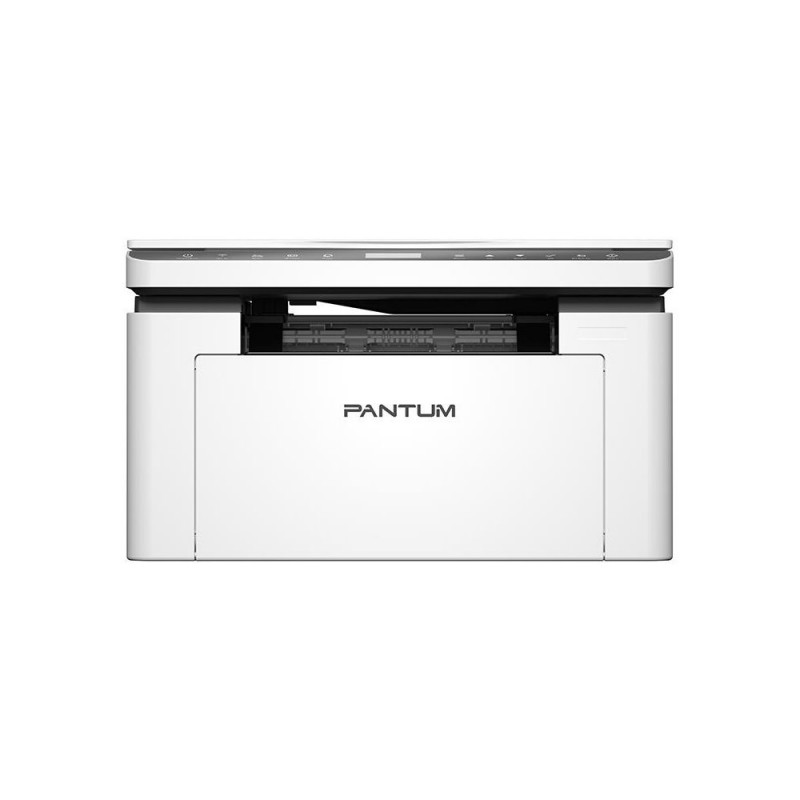
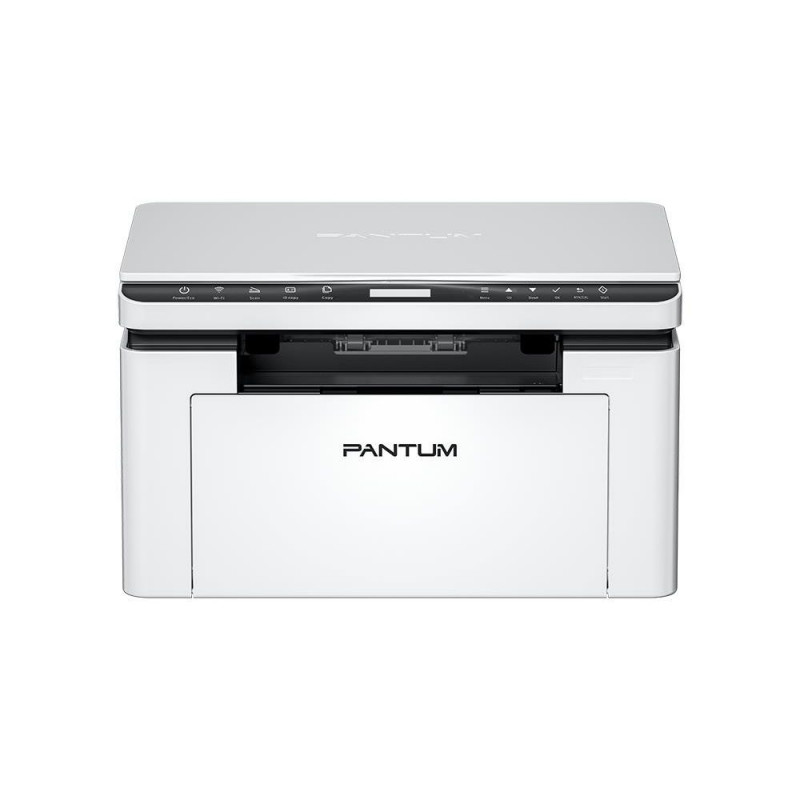
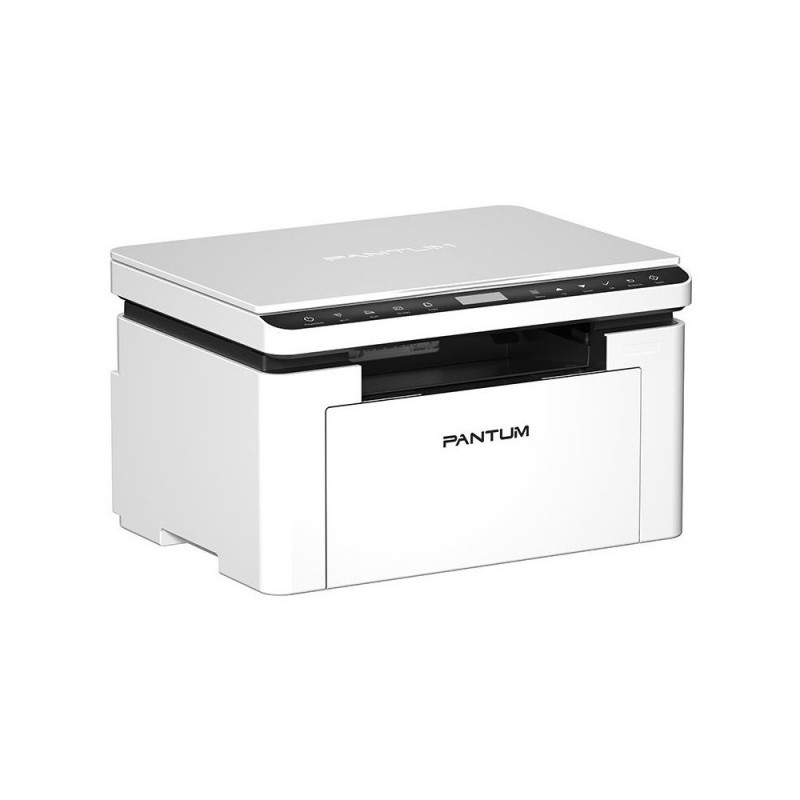
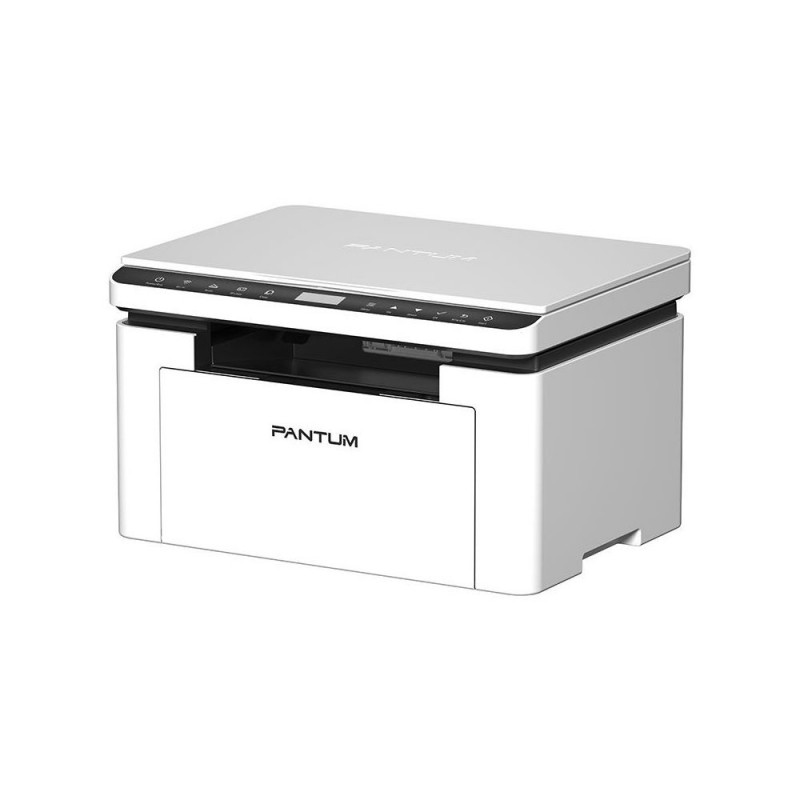
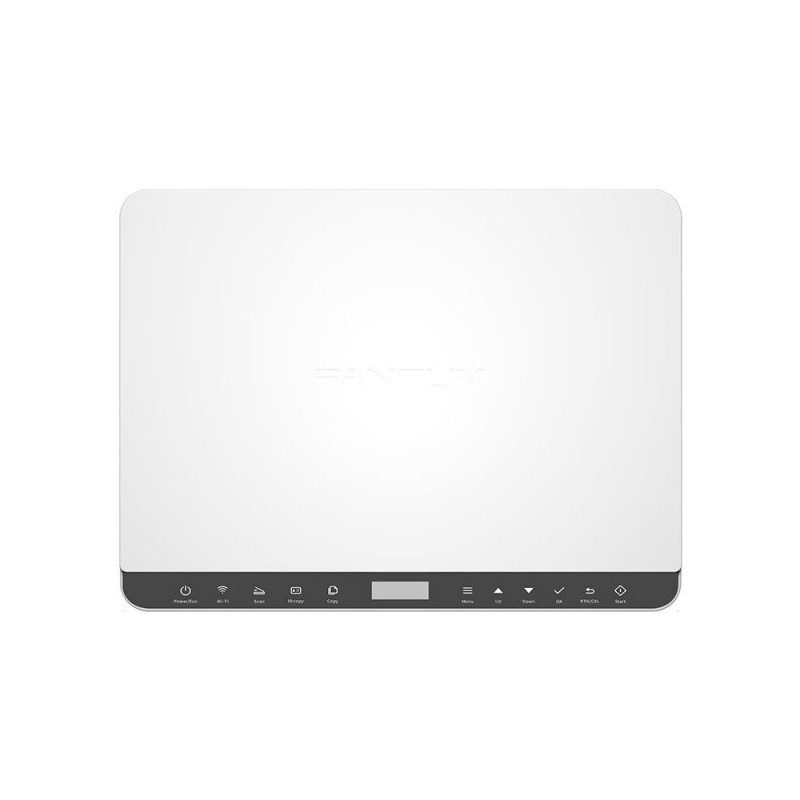
PRINTER/COP/SCAN/BM2300NW PANTUM

Addional discount of 2%
will be applied in shopping cart
(min. 10€ purchase)
143,99 €

Monthly payment starting from 4,91 €

Open installments calculator

Photopoint hire purchase calculator

Please add some items to your shopping cart and choose "hire purchase" for the payment type

Main info

Effortlessly Streamline Your Printing Superior and High-efficiency Output A4 printing speed up to 22 pages per minute, together with 3-in-1 print, copy, scan function, which easily meet office working requirements One-step Driver Installation,Easy

Effortlessly Streamline Your Printing

Superior and High-efficiency Output
A4 printing speed up to 22 pages per minute, together with 3-in-1 print, copy, scan function, which easily meet office working requirements

One-step Driver Installation,Easy to Use
The driver can be installed in one step without complex procedure,helping user enjoy worry-free operations

Convenient Mobile Printing with Pantum App
Support AirPrint, Mopria™ Print Service, Mopria Scan,Wi-Fi direct connection,and Pantum App, enabling users to enjoy wireless printing from various mobile devices

Excellent Compatibility with 2.4G/5G Dual-band Wi-Fi
Support 2.4G/5G dual-band Wi-Fi, compatible with 5G version routers, and have better applicability, which can provide a flexible and convenient mobile printing experience

Performance and Configuration Upgrade
The memory of this series is upgraded to 256MB and equipped with an 800MHz high-speed processor, which can smoothly handle large file printing and avoid freezing

Equipped with Robust Metal Frame inside
Strong and durable support to ensure the stability of the printer

  • One step driver installation , new product comes with a USB cable
  • 2.4Ghz/5Ghz Dual-band Wi-Fi support
  • Bluetooth to identify and connect closest printer with the common wifi
  • Connect to printer hotspot directly
  • Convenient mobile printing
  • Pantum app supports the direct printing of office documents


Infot ka tootja kodulehelt.
Model BM2300NW
Unit Calculated Volume 0.064923 cubm
Unit Calculated Weight 9.3 kg
Printing Duplex printing - Yes, Duplex printing mode - Manual, Print speed (black, normal quality, A4/US Letter) - 22 ppm, Print technology - Laser, Printing - Mono printing
Copying Copier resize - 20 - 400 %, Copy speed (black, normal quality, A4) - 22 cpm, Copying - Mono copying, Maximum copy resolution - 600 x 600 DPI, Maximum number of copies - 99 copies, Time to first copy (black, normal) - 10 s
Scanning Maximum scan area - 216 x 297 mm, Optical scanning resolution - 1200 x 1200 DPI, Scan to - E-mail/FTP/PC/SMB, Scanner type - Flatbed scanner, Scanning - Colour scanning
Fax Faxing - No
Features Duplex functions - Copy/Print/Scan, Maximum duty cycle - 10000 pages per month, Number of print cartridges - 1, Page description languages - GDI, Printing colours - Black, Recommended duty cycle - 250 - 2000 pages per month
Input & output capacity Total input capacity - 150 sheets, Total output capacity - 100 sheets
Ports & interfaces Direct printing - Yes, USB port - Yes
Network Bluetooth - Yes, Ethernet LAN - Yes, Wi-Fi - Yes
Performance Built-in processor - Yes, Internal memory - 256 MB, Processor frequency - 800 MHz, Sound pressure level (copying) - 54 dB, Sound pressure level (printing) - 52 dB, Sound pressure level (scanning) - 54 dB, Sound pressure level (standby) - 30 dB
Design Market positioning - Business, Product colour - White
Power AC input frequency - 50/60 Hz, AC input voltage - 220 - 240 V, Power consumption (printing) - 370 W, Power consumption (ready) - 45 W, Power consumption (sleep) - 2.5 W
Operational conditions Operating relative humidity (H-H) - 20 - 80 %, Operating temperature (T-T) - 10 - 32 °C
Weight & dimensions Weight - 7500 g
Packaging data Package depth - 512 mm, Package height - 331 mm, Package weight - 9200 g, Package width - 377 mm
Summary Pantum BM2300NW. Print technology: Laser, Printing: Mono printing. Copying: Mono copying, Maximum copy resolution: 600 x 600 DPI. Scanning: Colour scanning, Optical scanning resolution: 1200 x 1200 DPI. Duplex functions: Copy, Print, Scan. Maximum ISO A-s
Paper handling ISO A-series sizes (A0...A9) - A4/A5/A6, ISO B-series sizes (B0...B9) - B5/B6, ISO C-series sizes (C0...C9) - C5/C6, Maximum ISO A-series paper size - A4, Paper tray media types - Card stock/Envelopes/Labels/Plain paper/Thick paper, Paper tray media weigh
System requirements Linux operating systems supported - Ubuntu 16.04/Ubuntu 18.04 LTS/Ubuntu 20.04 LTS/Ubuntu 22.04, Mac operating systems supported - Mac OS X 10.10 Yosemite/Mac OS X 10.11 El Capitan/Mac OS X 10.12 Sierra/Mac OS X 10.13 High Sierra/Mac OS X 10.15 Catalina/M

Extended warranties and insurance:

  • Additional warranty (2 years) - 29,99 €
  • Additional warranty + insurance (2 + 1 year) - 39,99 €
  • Insurance (1 year) - 29,99 €
  • Insurance (2 years) - 49,99 €

Choose a suitable extended warranty and insurance in checkout..


Product codes

EAN
6936358046299
Manufacturer code
BM2300NW

Photopoint offers free shipping for orders over 99 € delivered to Estonia. Take a look in the tab "Delivery" for a more precise delivery estimate.

For this product you can select the desired delivery method at the shopping cart:

Photopoint store Pick-up


Place your order from Photopoint web store and pick your goods up from one of Photopoint`s brick and mortar stores. The delivery to Photopoint store is free even for orders less than 99 €. You will be noticed by e-mail when your order is ready for pick-up.

The Photopoint stores are located in Tallinn and Tartu. See the exact locations from here.

Omniva parcel terminal 

You can order the goods to one of the Omniva Parcel terminals. Choose the desired terminal at the shopping cart. As the shipment arrives to the selected terminal, you will be sent an SMS-notification with an unique code. Go to the terminal within a week, enter the code and take your package. It is as simple as that.

See Omniva Parcel terminal locations here.

SmartPOST parcel terminal

Did not find an Omniva terminal at suitable location? Try SmartPost. Choose the desired terminal at the shopping cart. As the shipment arrives to the selected terminal, you will be sent an SMS-notification with an unique code. Go to the terminal within a week, enter the code and take your package. This method actually works for all parcel terminals.

See SmartPOST parcel terminal locations here.

DPD parcel locker

Make sure you check out also the locations of DPD parcel lockers. These are located all over Estonia. The delivery is the same. As the shipment arrives to the selected locker, you will be sent an SMS with a unique code. Go to the locker, enter the code and take your package.

See DPD parcel locker locations here.

Smartpost Finland parcel terminal

SmartPOST Finland is the best way to order goods to Finland. These terminals work the same way as in Estonia. As the shipment arrives to the selected terminal in Finland, you will be sent an SMS-notification with an unique code. Go to the terminal, enter the code and take your package.

See SmartPOST Finland parcel terminal locations here.

Matkahuolto parcel service

Matkahuolto is easy way to order goods to Finland. These are located also in smaller Finnish towns. As the shipment arrives to the selected Matkahuolto outlet, you will be sent an SMS-notification or an e-mail. Go to the outlet, show your ID and take your package.

See Matkahuolto outlet locations here.

Omniva courier delivery

The courier will transport your goods from Photopoint straight to the provided address. The delivery will take place at workdays from 08:00 to 17:00. Hold your phone near you as the courier will call you prior to its arrival. Please make sure there is someone at the destination, eligible to receive the shipment. 

The product can only be ordered from our online store and it takes from 2-4 working days for delivery within Estonia.

Product comparison

Close