External SSD|KINGSTON|IronKey Vault Privacy 80|960GB|USB 3.2|Write speed 250 MBytes/sec|Read speed 2

339 €

Monthly payment starting from 11,55 €

Open installments calculator

Photopoint hire purchase calculator

Please add some items to your shopping cart and choose "hire purchase" for the payment type

Main info

Warning: Last items in stock!

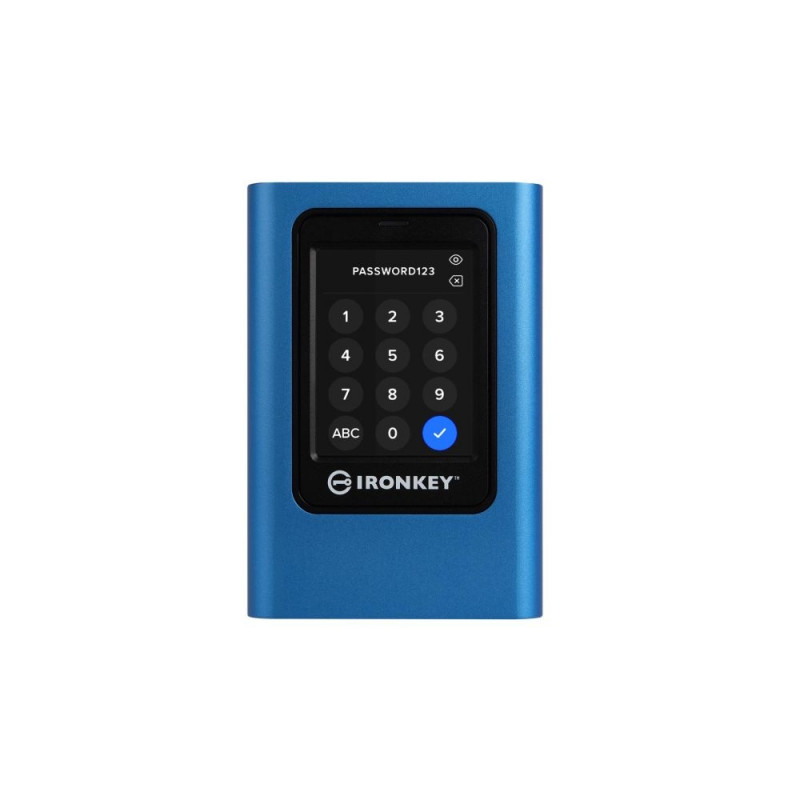
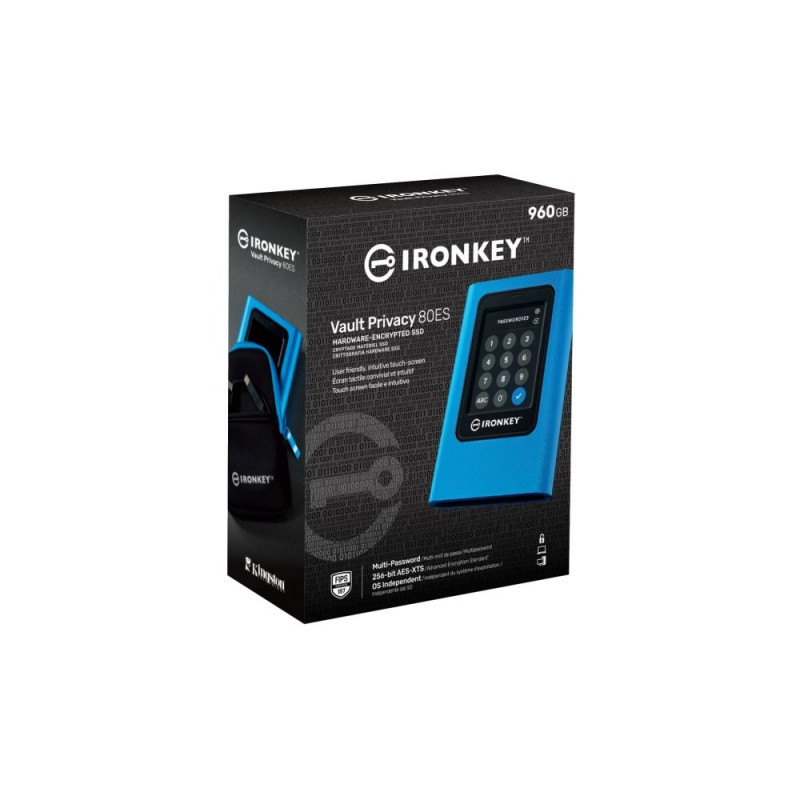
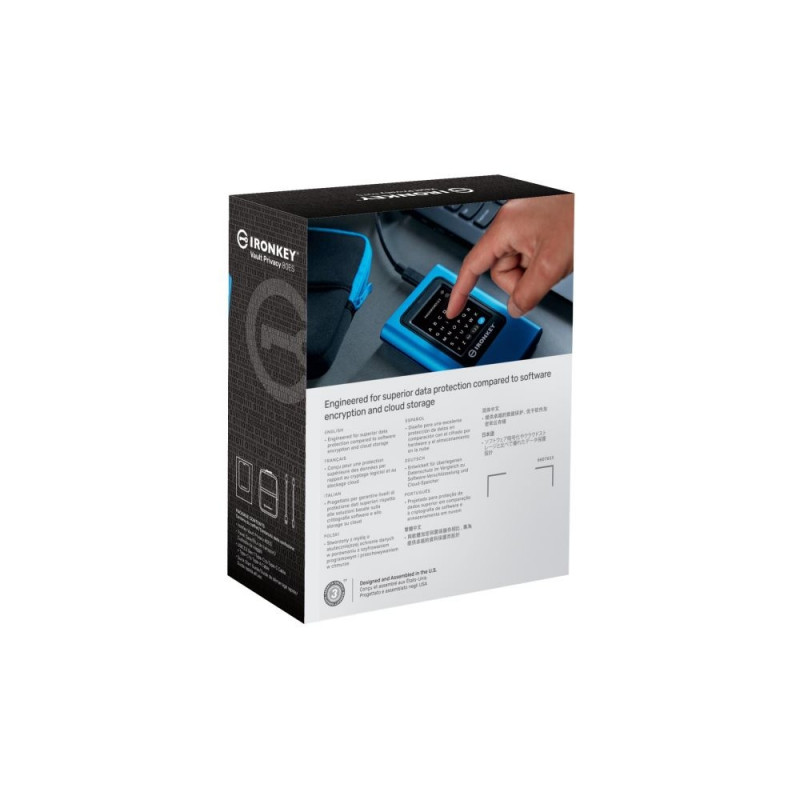
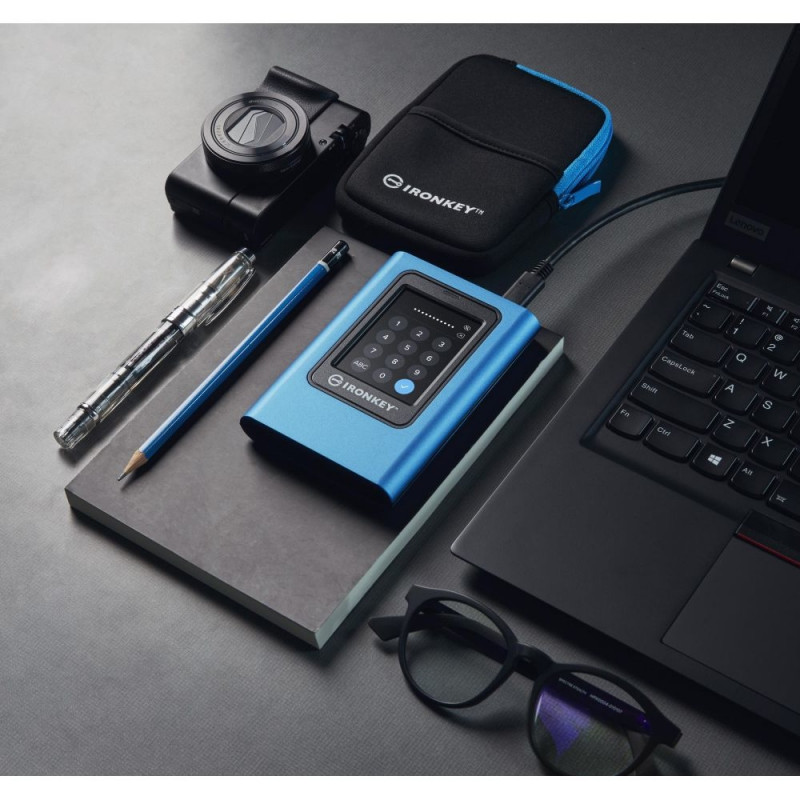
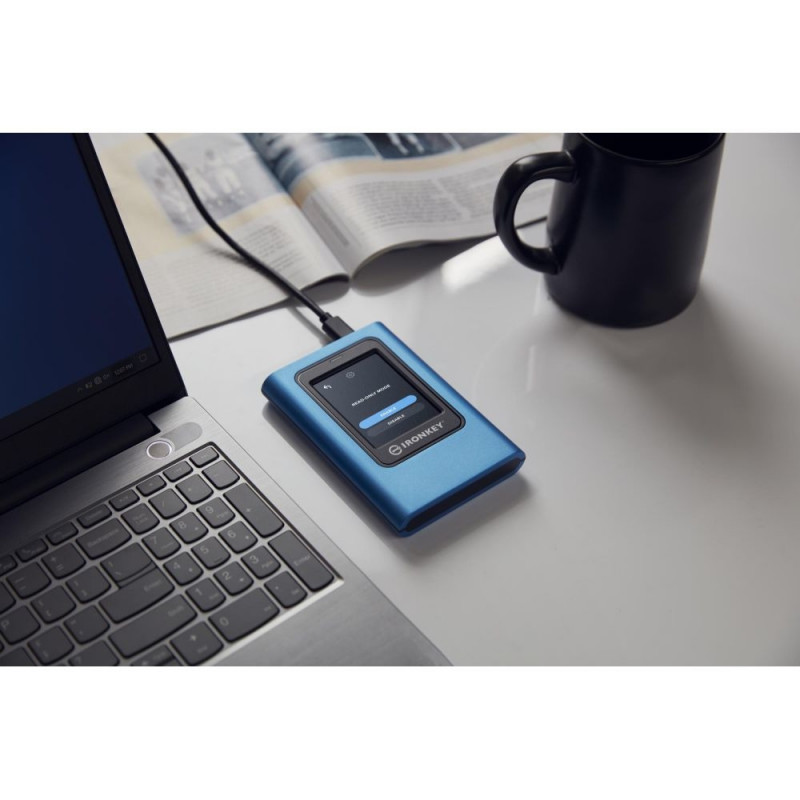
Kingston IronKey Vault Privacy 80 External SSD is Kingston’s first innovative OS-independent hardware-encrypted external SSD with touch-screen for data protection. VP80ES safeguards against Brute Force attacks and BadUSB with digitally-signed firmware. Brute Force attack protection crypto-erases the drive if the Admin and User passwords are entered incorrectly 15 times* in a row by default. The drive is FIPS 197 certified with XTS-AES 256-bit encryption using a Common Criteria EAL5+ (CC EAL5+) certified secure microprocessor, and is TAA compliant.

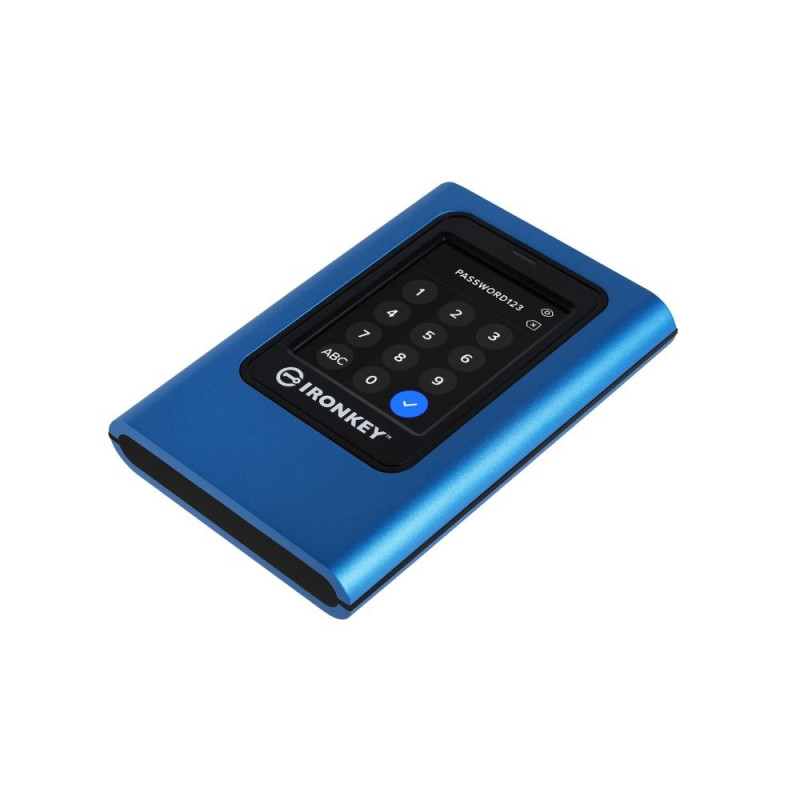
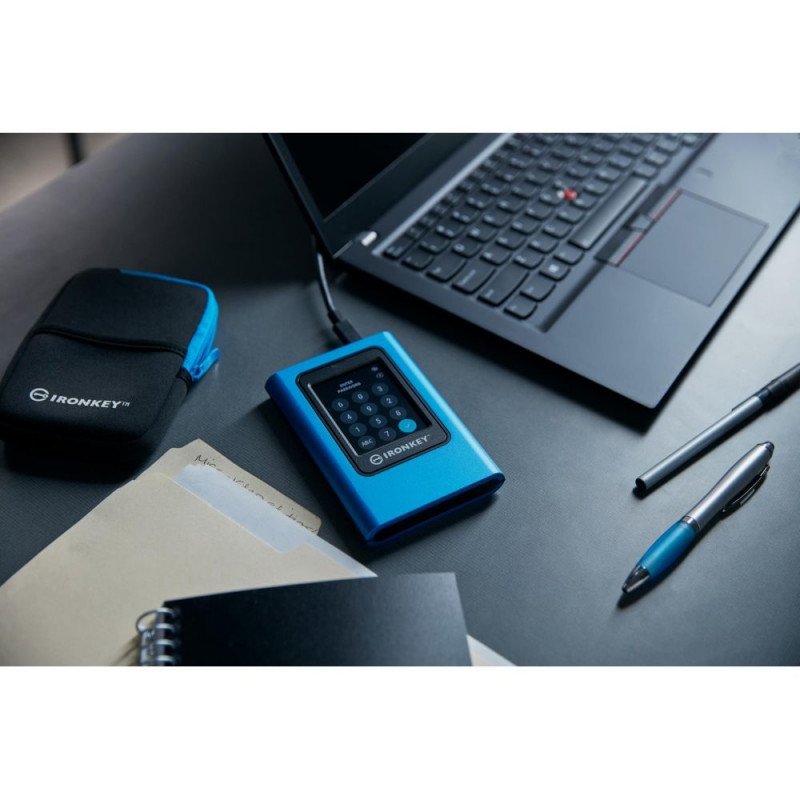
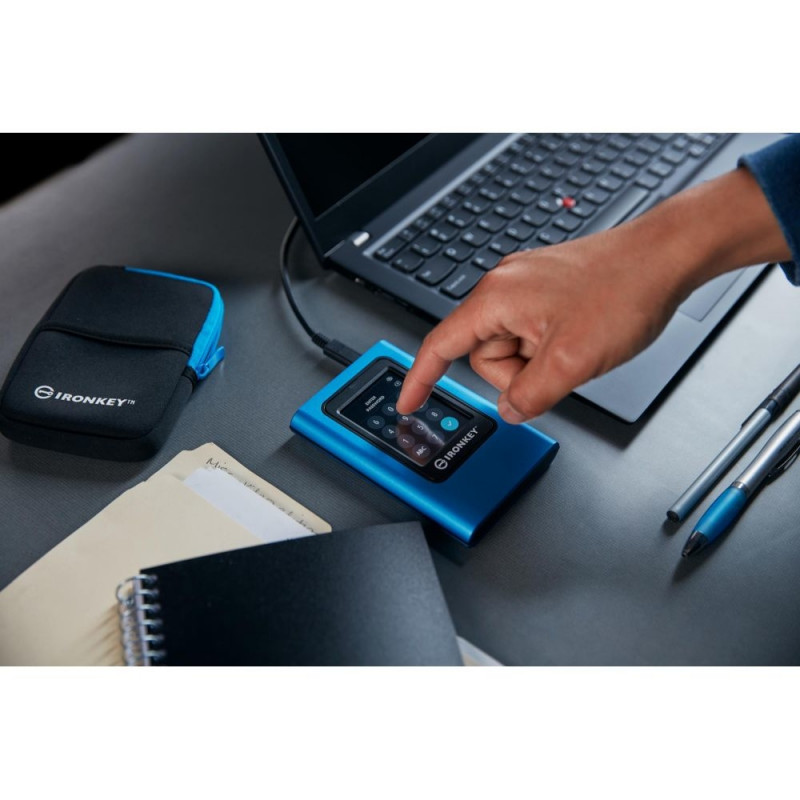
As innate as unlocking a smartphone and simple drag & drop file transfers, VP80ES is designed to protect data while being user-friendly. Featuring an intuitive colour touch-screen and multi-password (Admin and User) option with numeric PIN or passphrase modes, Vault Privacy 80ES is superior to using the internet and Cloud services to safeguard data.

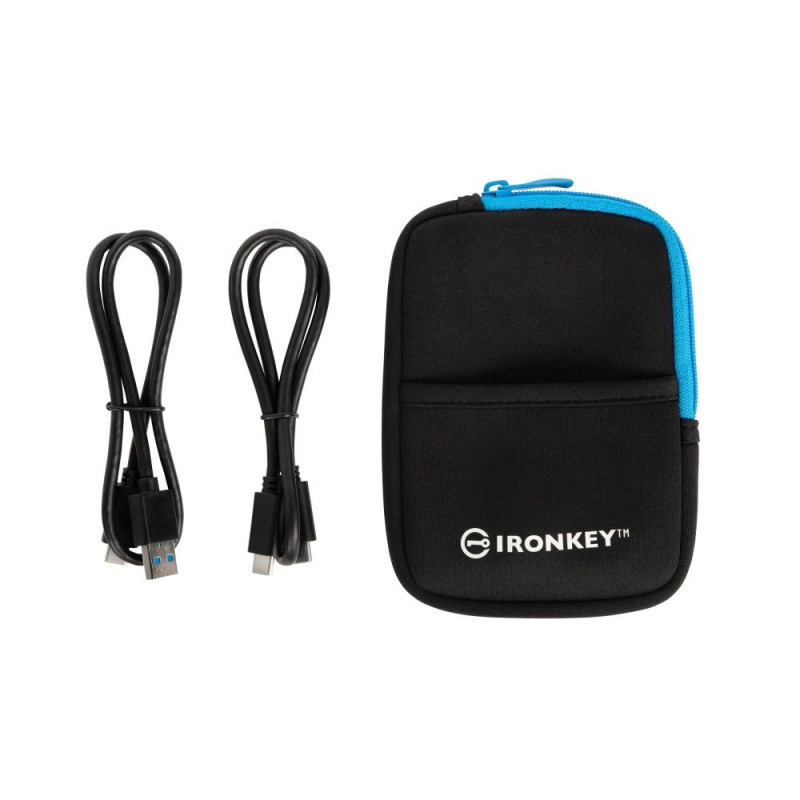
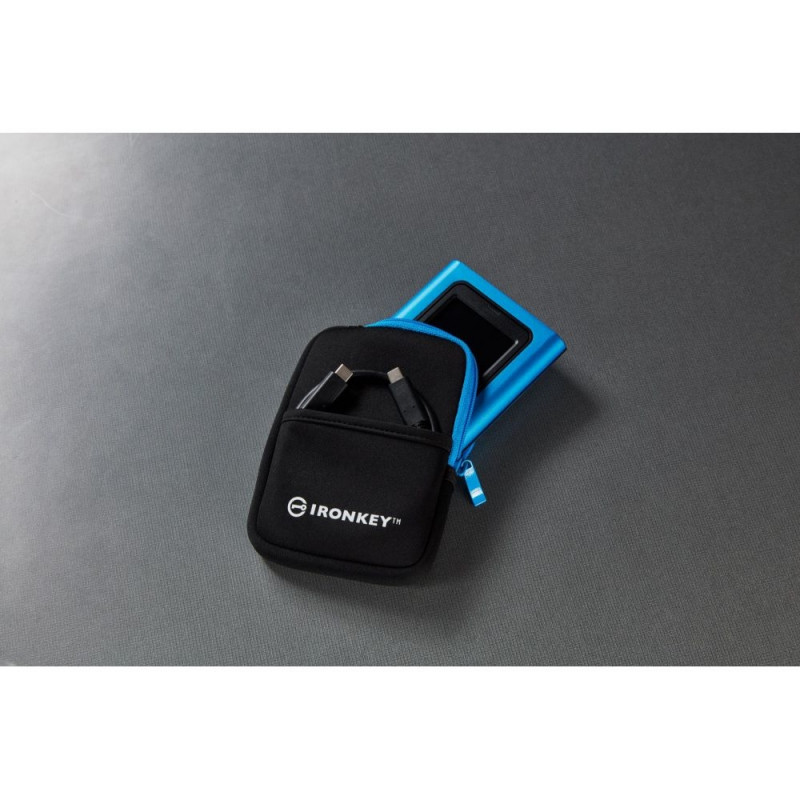
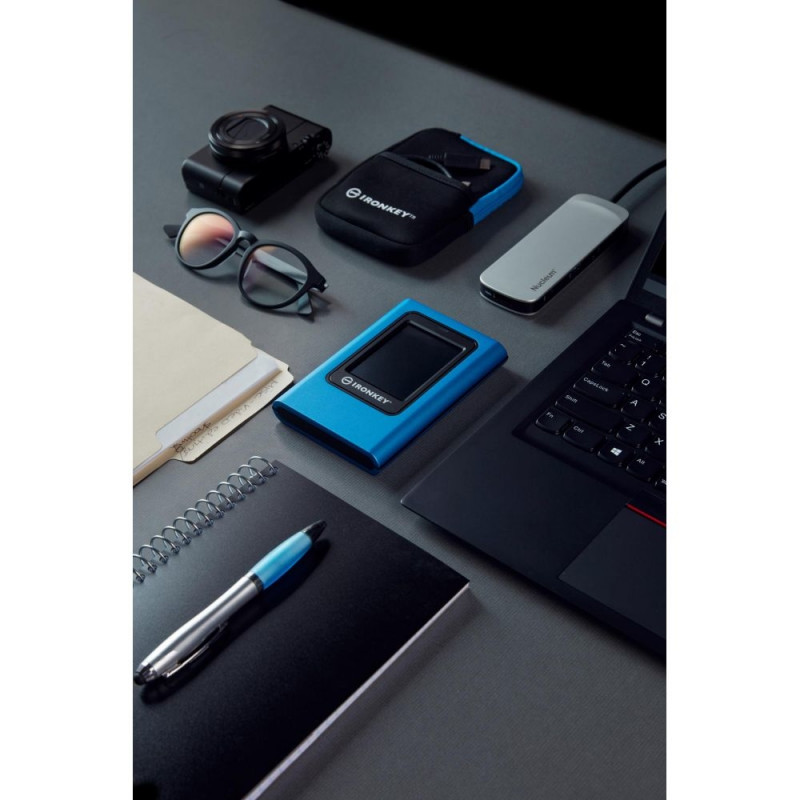
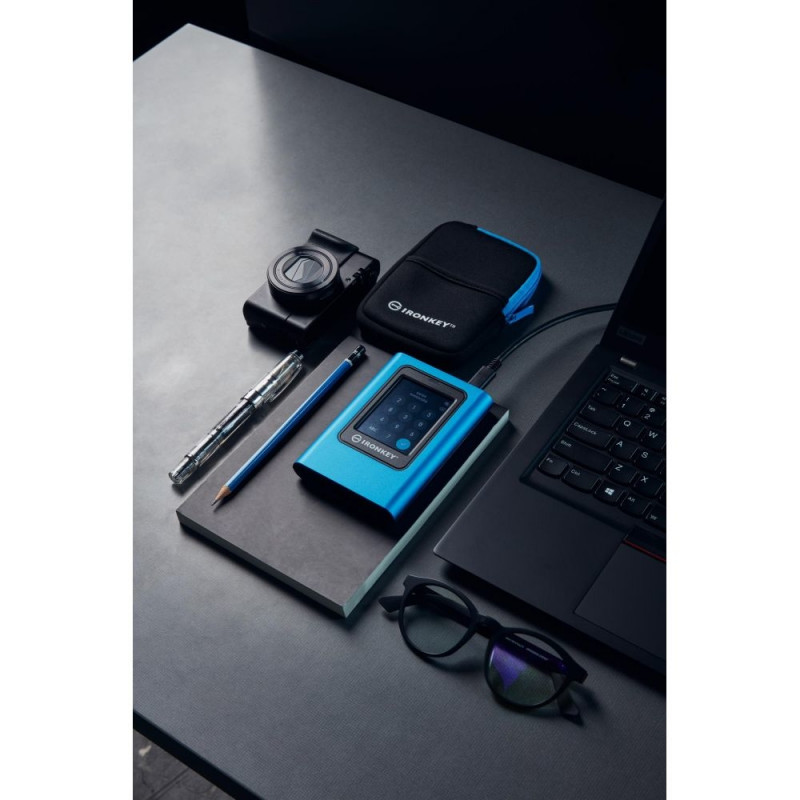
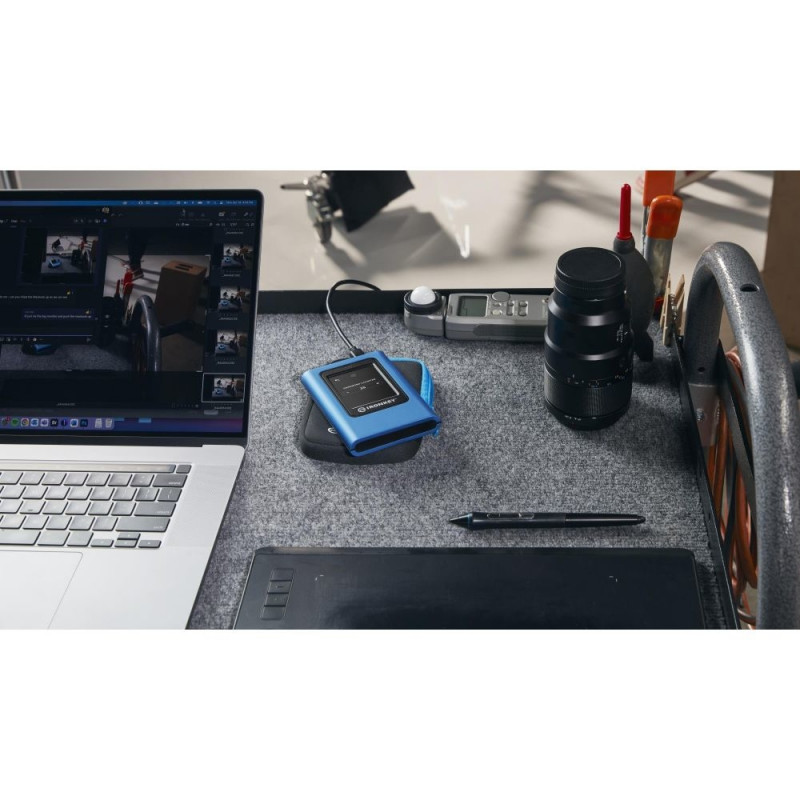
Whether it’s important company information, client documents or high-res images and videos, the drive is ideal for small-to-medium businesses (SMB) to content creators. It comes bundled with two USB 3.2 Gen 1 adapter cables, USB Type-C®** to Type-A and Type-C to Type-C, to allow for easy connection to computers and other devices. VP80ES makes for the perfect companion when you need secured data and content out in the field or on the go to enable portable productivity and convenience, all in the palm of your hand. It is ideal for regular data backup and protection against ransomware.

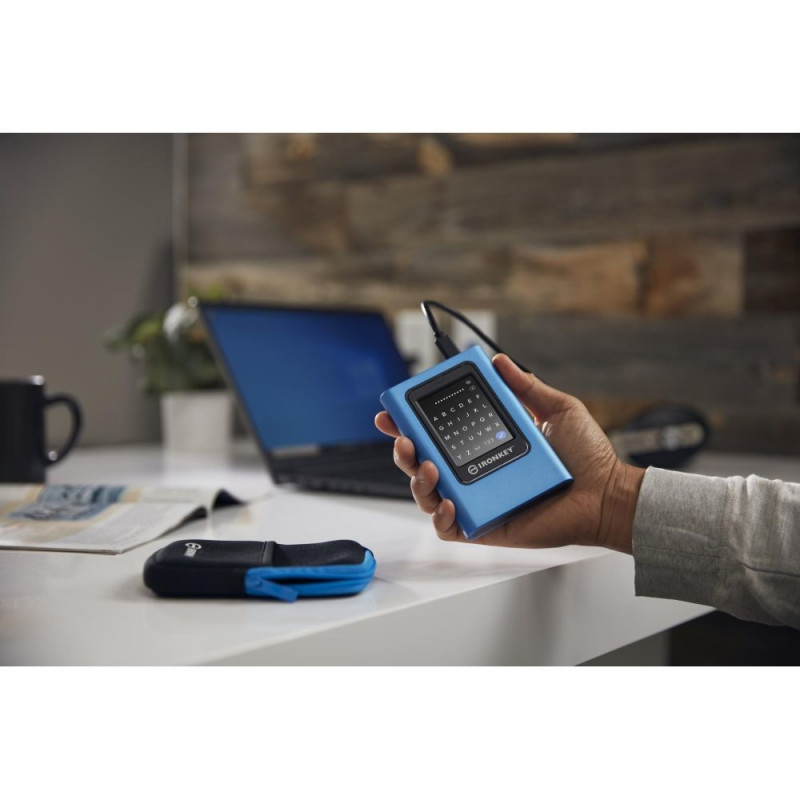
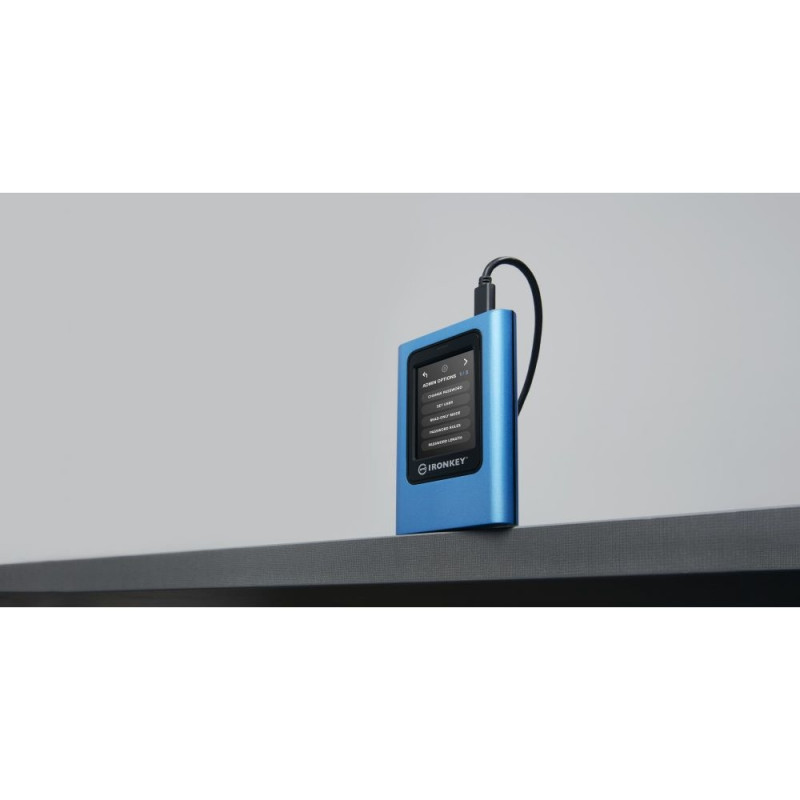
Admin can enable a User password and set up security options, such as configuring password requirements by setting the maximum number of shared attempts, minimum password length of 6-64 characters and alphanumeric password rules. Additionally, you can utilise the ‘space’ character, making it easier to remember a passphrase as a list of words, a memorable quote or lyrics from a favourite song. Otherwise, use the PIN pad to unlock just as you would on a mobile device, and reduce failed login attempts and frustration by tapping the “eye” button to view the password as entered.

As an added feature, when a User password is forgotten, the Admin password can be used to access data and restore User access.

Safeguard with FIPS 197 certified XTS-AES 256-bit encryption
Built-in protections against BadUSB, Brute Force attacks and Common Criteria EAL5+ certified secure microprocessor*

Unique Intuitive Touch-screen
Protecting your data is easy with the intuitive, user-friendly colour touch-screen.

Multi-Password (Admin/User) Option with PIN/Passphrase modes
Multi-Password Option for Data Recovery with Admin access

Configurable Password Rules
Manage the number of password attempts, minimum password length of 6-64 characters, and numeric or alphabet password rules.

Extended Security Options
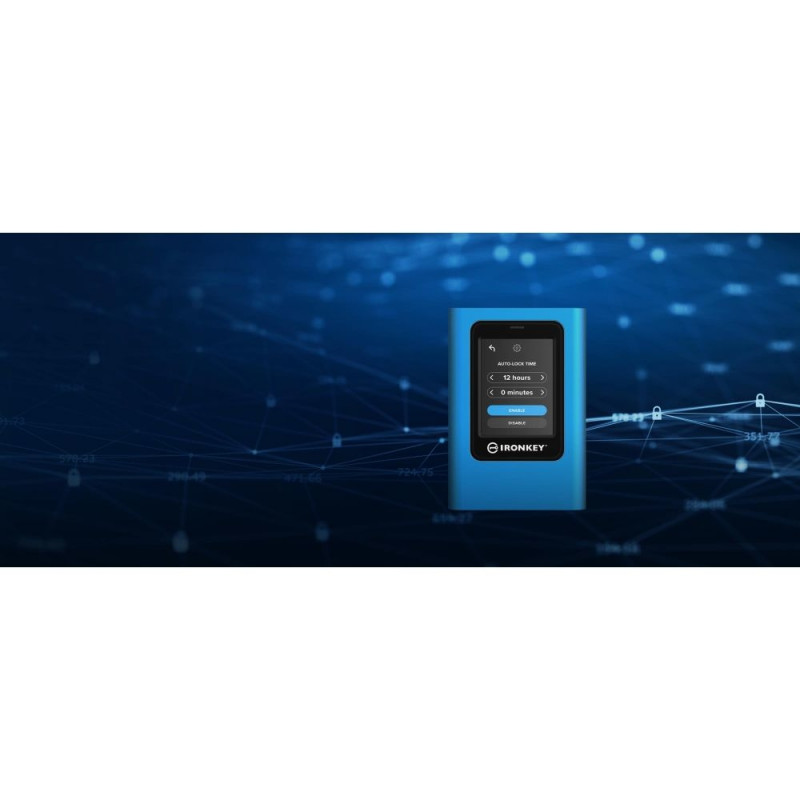
Adjustable auto-timeout to lock drive, randomise touch-screen layout and Secure-Erase the drive to wipe out all passwords and encryption key.

Dual Read-Only (Write-Protect) Mode Settings
Defend against cybersecurity threats from compromised systems using two levels of Read-only protection.

Ideal for regular backups and protection against ransomware
Regular backups are the best practice to safeguard critical data against malware or ransomware.

  • FIPS 197 Certified with XTS-AES 256-bit Encryption
  • Unique Intuitive Touch-screen
  • Multi-Password (Admin/User) Option with PIN/Passphrase modes
  • Configurable Password Rules
  • Dual Read-Only (Write Protect) Modes for Malware Protection
  • Ideal for regular backups and protection against ransomware

* Brute Force attack protection crypto-erase adjustable from 10-30 password attempts

** USB Type-C® and USB-C® are registered trademarks of USB Implementers Forum.

*** Some of the listed capacity on a flash storage device is used for formatting and other functions and thus is not available for data storage. As such, the actual available capacity for data storage is less than what is listed on the products. For more information, go to Kingston's Flash Memory Guide.


Infot ka tootja kodulehelt.
Summary Kingston Technology IronKey 960GB Vault Privacy 80 XTS-AES 256-bit Encrypted External SSD. SSD capacity: 960 GB. USB connector: USB Type-C, USB version: 3.2 Gen 1 (3.1 Gen 1). Read speed: 250 MB/s, Write speed: 250 MB/s. Password protection. Product colou
SSD External | Solid state drive Interface - USB 3.2 Gen 1 (3.1 Gen 1), Read speed - 250 MB/s, SSD capacity - 960 GB, Write speed - 250 MB/s
SSD External | Ports & interfaces Thunderbolt technology - N, USB connector - USB Type-C, USB version - 3.2 Gen 1 (3.1 Gen 1), Wi-Fi - N
SSD External | Features Compliance certificates - Trade Agreements Act (TAA), Country of origin - United States, Housing material - Plastic,Zinc, Linux operating systems supported - Y, Mac operating systems supported - Y, Product colour - Blue, Windows operating systems supporte
SSD External | Security Hardware encryption - Y, Password protection - Y, PIN-secured access - Y, Security algorithms - 256-bit AES-XTS/FIPS 197, Time-out function - Y, Write protection switch - Y
SSD External | Operational conditions Operating temperature (T-T) - 0 - 60 °C, Storage temperature (T-T) - -20 - 60 °C
SSD External | Weight & dimensions Weight - 246.1 g
SSD External | Packaging data Package depth - 58.42 mm, Package height - 170.18 mm, Package type - Box, Package weight - 449.7 g, Package width - 142.24 mm
SSD External | Packaging content Cables included - USB Type-C to USB Type-A,USB Type-C to USB Type-C, Detachable protection cover - Y
SSD External | Sustainability Sustainability compliance - Y
SSD External | Other features Touchscreen - Y
SSD External | Logistics data Harmonized System (HS) code - 84717070, Master (outer) case gross weight - 2952.21 g, Master (outer) case height - 158.75 mm, Master (outer) case length - 361.95 mm, Master (outer) case width - 215.9 mm, Products per master (outer) case - 6 pc(s)
Model IKVP80ES/960G
Units per Shipping Box 1
Unit Calculated Volume 0.001428 cubm
Unit Calculated Weight 0.46 kg

Extended warranties and insurance:

  • Additional warranty + insurance (2 + 1 year) - 69,99 €
  • Additional warranty (2 years) - 49,99 €
  • Insurance (1 year) - 59,99 €
  • Insurance (2 years) - 99,99 €

Choose a suitable extended warranty and insurance in checkout..


HDD

Capacity
960 GB

Dimensions and weights

Gross weight
0.46 kg
Package width
14 cm
Package height
6 cm
Package length
17 cm

Product codes

EAN
740617328431
Manufacturer code
IKVP80ES/960G

Photopoint offers free shipping for orders over 99 € delivered to Estonia. Take a look in the tab "Delivery" for a more precise delivery estimate.

For this product you can select the desired delivery method at the shopping cart:

Photopoint store Pick-up


Place your order from Photopoint web store and pick your goods up from one of Photopoint`s brick and mortar stores. The delivery to Photopoint store is free even for orders less than 99 €. You will be noticed by e-mail when your order is ready for pick-up.

The Photopoint stores are located in Tallinn and Tartu. See the exact locations from here.

Omniva parcel terminal 

You can order the goods to one of the Omniva Parcel terminals. Choose the desired terminal at the shopping cart. As the shipment arrives to the selected terminal, you will be sent an SMS-notification with an unique code. Go to the terminal within a week, enter the code and take your package. It is as simple as that.

See Omniva Parcel terminal locations here.

SmartPOST parcel terminal

Did not find an Omniva terminal at suitable location? Try SmartPost. Choose the desired terminal at the shopping cart. As the shipment arrives to the selected terminal, you will be sent an SMS-notification with an unique code. Go to the terminal within a week, enter the code and take your package. This method actually works for all parcel terminals.

See SmartPOST parcel terminal locations here.

DPD parcel locker

Make sure you check out also the locations of DPD parcel lockers. These are located all over Estonia. The delivery is the same. As the shipment arrives to the selected locker, you will be sent an SMS with a unique code. Go to the locker, enter the code and take your package.

See DPD parcel locker locations here.

Smartpost Finland parcel terminal

SmartPOST Finland is the best way to order goods to Finland. These terminals work the same way as in Estonia. As the shipment arrives to the selected terminal in Finland, you will be sent an SMS-notification with an unique code. Go to the terminal, enter the code and take your package.

See SmartPOST Finland parcel terminal locations here.

Matkahuolto parcel service

Matkahuolto is easy way to order goods to Finland. These are located also in smaller Finnish towns. As the shipment arrives to the selected Matkahuolto outlet, you will be sent an SMS-notification or an e-mail. Go to the outlet, show your ID and take your package.

See Matkahuolto outlet locations here.

Omniva courier delivery

The courier will transport your goods from Photopoint straight to the provided address. The delivery will take place at workdays from 08:00 to 17:00. Hold your phone near you as the courier will call you prior to its arrival. Please make sure there is someone at the destination, eligible to receive the shipment. 

The product can only be ordered from our online store and it takes from 2-4 working days for delivery within Estonia.

Product comparison

Close