Lisagarantiid ja kindlustused:
- Lisagarantii + kindlustus (2 + 1 aastat) - 59,99 €
- Lisagarantii (2 aastat) - 39,99 €
- Kindlustus (1 aasta) - 39,99 €
- Kindlustus (2 aastat) - 69,99 €
Sobiva lisagarantii ja kindlustuse saad valida ostukorvis.

Fotokaamerad
Videokaamerad
Analoogkaamerad
Top peegelkaamerad
Top kiirpildikaamerad
Top kaameradroonid
Top hübriidkaamerad
Top täiskaader hübriidkaamerad
Hinnaklass
Bränd
Objektiivid ja tarvikud
Välgud ja videovalgustid
Statiivid
Kaamera lisatarvikud
Salvestusmeedia
Fotokotid ja tarvikud
Arhiveerimistarvikud
Puhastus ja kaitse
Labor
Autosse
Elutuppa
Õue
Naiste lõhnad
Meeste lõhnad
Unisex-lõhnad
Päevitus
Hügieen
Keha- ja nahahooldus
Näohooldus
Suuhooldus
Habemehooldus
Maniküür ja pediküür
Aksessuaarid
Spordikellad
Spordikaubad
Terviseseadmed
Tee seda ise
Autokaubad
Kaugjuhitavad mänguasjad
Aktiivne tegevus
Beebid ja väikelapsed
Mängusõidukid ja mudelid
Lauamängud ja pusled
Kaardimängud
Muud mänguasjad
Toode on lisatud ostukorvi
Sinu ostukorvis on 0 toodet. Sinu ostukorvis on 1 toode.
Kuumakse al. 5 €
Soovi korral taotle järelmaksu ostukorvis
Lisades tellimusse veel 99 € eest tooteid saad tasuta transpordi pakiautomaati või kulleriga koju.
Oled uus klient?
Loo kontoToode on lisatud ostukorvi
Sinu ostukorvis on 0 toodet. Sinu ostukorvis on 1 toode.
Kuumakse al. 5 €
Soovi korral taotle järelmaksu ostukorvis
Lisades tellimusse veel 99 € eest tooteid saad tasuta transpordi pakiautomaati või kulleriga koju.
Fotokaamerad
Videokaamerad
Analoogkaamerad
Top peegelkaamerad
Top kiirpildikaamerad
Top kaameradroonid
Top hübriidkaamerad
Top täiskaader hübriidkaamerad
Hinnaklass
Bränd
Objektiivid ja tarvikud
Välgud ja videovalgustid
Statiivid
Kaamera lisatarvikud
Salvestusmeedia
Fotokotid ja tarvikud
Arhiveerimistarvikud
Puhastus ja kaitse
Labor
Autosse
Elutuppa
Õue
Naiste lõhnad
Meeste lõhnad
Unisex-lõhnad
Päevitus
Hügieen
Keha- ja nahahooldus
Näohooldus
Suuhooldus
Habemehooldus
Maniküür ja pediküür
Aksessuaarid
Spordikellad
Spordikaubad
Terviseseadmed
Tee seda ise
Autokaubad
Kaugjuhitavad mänguasjad
Aktiivne tegevus
Beebid ja väikelapsed
Mängusõidukid ja mudelid
Lauamängud ja pusled
Kaardimängud
Muud mänguasjad
118-M5711783890607

Põhiinfo
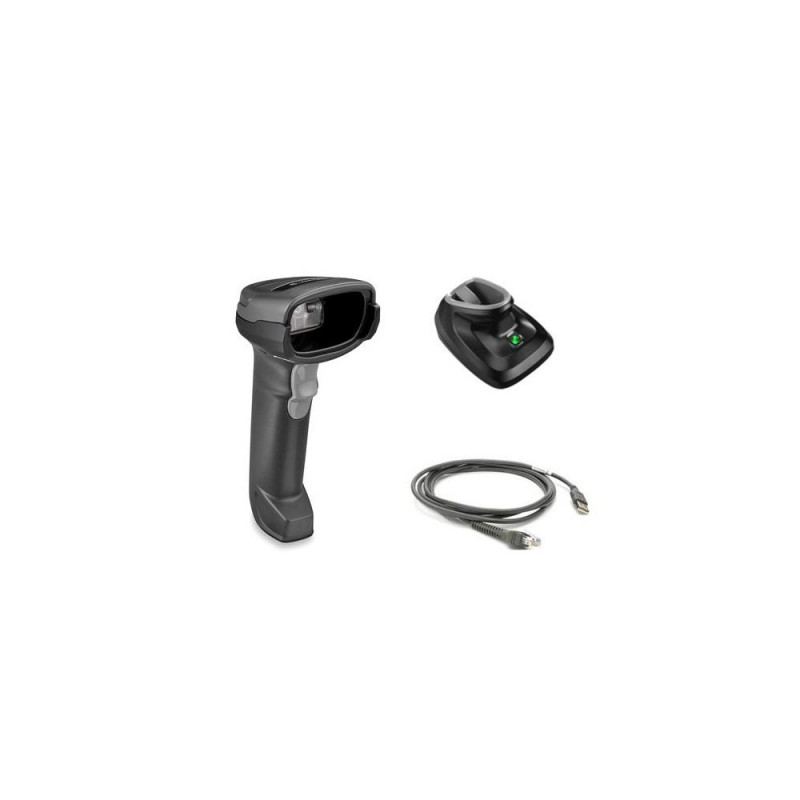
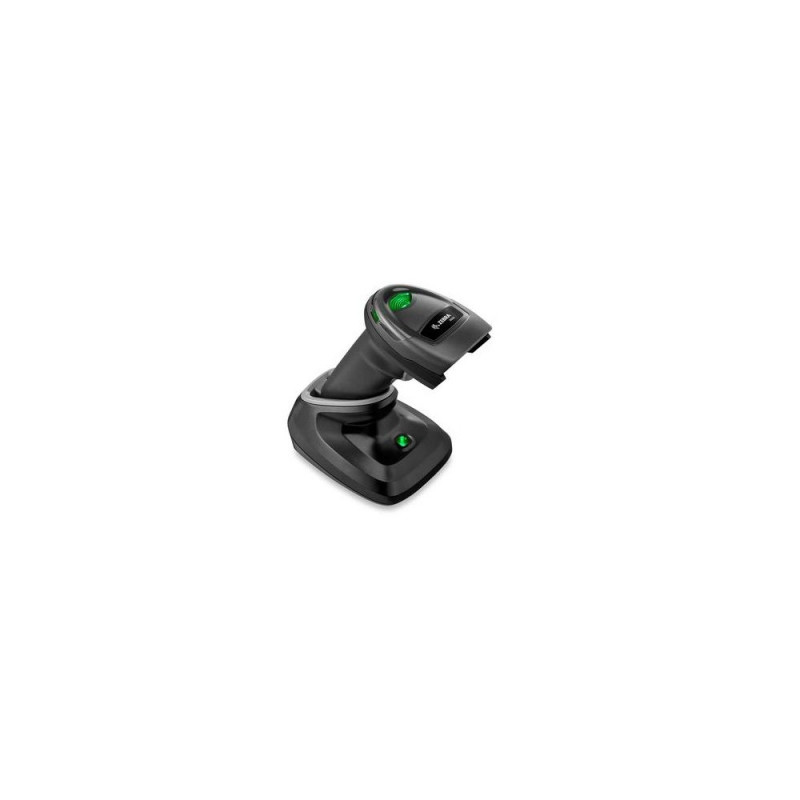
<b>Affordability and Simplicity Delivered</b><br>2D barcodes have made their way to your Point of Sale, appearing on everything from the items your customers are purchasing to printed and electronic coupons and loyalty cards. Your 1Osta kohe, viimased eksemplarid laos!
Vabandage, tooteandmed on tõlkimisel. Kui vajate toote võõrkeelse teksti mõistmisel abi, andke sellest palun teada e-posti teel info@photopoint.ee. Saadame teile kiirelt soovitud tõlke.
Lisagarantiid ja kindlustused:
Sobiva lisagarantii ja kindlustuse saad valida ostukorvis.
Alates 99 € tellimuste transport on Eesti-siseselt tasuta. Toote täpsemat tarneaega vaata vahelehelt "Saadavus".
Selle toote puhul saad valida ühe järgmistest tarneviisidest:
Photopointi kauplusesse
Väiksemate toodete puhul on mugav minna kaubale järele Photopointi esinduskauplusesse. Nii on kauba kättesaamine Sinu jaoks täiesti tasuta, sest kauplusesse tellides ei lisandu postikulu ka siis, kui tellimus jääb alla 99 €. Kauba kauplusesse jõudmisest antakse Sulle teada e-kirja teel.
Photopointi kauplused asuvad Tallinnas ja Tartus. Täpsemalt saad poodide asukohti ja kontaktandmeid vaadata siit.
Omniva pakiautomaati
Vali kättesaamise kohaks endale sobivaim Omniva pakiautomaat. Kui pakk automaati jõuab, saadetakse Sulle SMS koos unikaalse koodiga. Mine kohale, sisesta kood automaati ja võta pakk. Nii lihtne ongi. Omniva pakiautomaadid asuvad hoonetest väljas – nii saad pakile järele minna olenemata kellaajast ja kuupäevast.
Lähima pakiautomaadi saad Photopointi veebipoes valida ostukorvis, tarneviisi juures olevast nimekirjast. Omniva kõikide pakiautomaatide asukohti saad vaadata siit.
SmartPOST pakiautomaati
Ehk on Sinule sobivaimas kohas hoopis SmartPOST pakiautomaat? Kui nii, siis vali Photopointi veebipoes ostukorvis tarneviisiks see sobivaim. Kui pakk automaati jõuab, saadetakse Sulle SMS koos unikaalse koodiga. Mine kohale, sisesta kood automaati ja võta pakk. Kiire ja lihtne.
Kõikide SmartPOST pakiautomaatide asukohti saad vaadata siit.
DPD pakiautomaati
Vaata kindlasti üle ka DPD pakiautomaatide asukohad. Neid on tänaseks juba üle Eesti. Vali Photopointi veebipoes ostukorvis sobiv DPD pakiautomaat ning kui pakk kohale jõuab, saadetakse Sulle SMSiga kood.
DPD pakiautomaatide asukohti saad vaadata siit.
SmartPOST Finland pakiautomaati
Telli kaup endale Soome või saada see enda Soomes elavale sõbrale. SmartPOST Finland pakiautomaadid toimivad sama lihtsalt nagu Eestisisesed automaadid. Vali Photopointi veebipoes ostukorvis sobiv SmartPOST Finland automaat. Kui pakk kohale jõuab, saadetakse saajale SMS koos unikaalse koodiga. Mine kohale, sisesta kood automaati ja võta pakk.
SmartPOST Finland automaatide asukohti saad vaadata siit.
Matkahuolto väljastuspunkti Soomes
Telli kaup Soome või saada see enda Soomes elavale sõbrale. Vali Photopointi veebipoes ostukorvis sobiv Matkahuolto väljastuspunkt ning kui pakk kohale jõuab, saadetakse Sulle SMS või e-mail teavitusega. Mine kohale, näita isikut tõendavat dokumenti ja võta pakk.
Matkahuolto teeninduspunkte saad vaadata siit.
Kulleriga koju või kontorisse
Kulleriga saad kauba tellida koju, kontorisse või mujale, kus kauba kätte toimetamise ajal viibid. Kaup toimetatakse aadressile tööpäevadel kella 08:00-17:00.
Enne kauba kohale jõudmist helistab kuller kontaktile. Kaupa "koju" tellides hoolitse, et telefon oleks käepärast ning volitatud isik kauba kohale jõudmise ajal sihtkohas seda vastu võtmas. Eriti just suuremate esemete tellimisel palume arvestada, et kuller toimetab kauba vaid välisukseni.
Toode on saadaval Photopointi veebipoes 7-14 tööpäevase tarneajaga. Esinduskauplustes kohapeal seda toodet müügil ei ole.
Tootevõrdlus
Sulge